
flexible two-way sync
Salesforce ServiceNow Integration
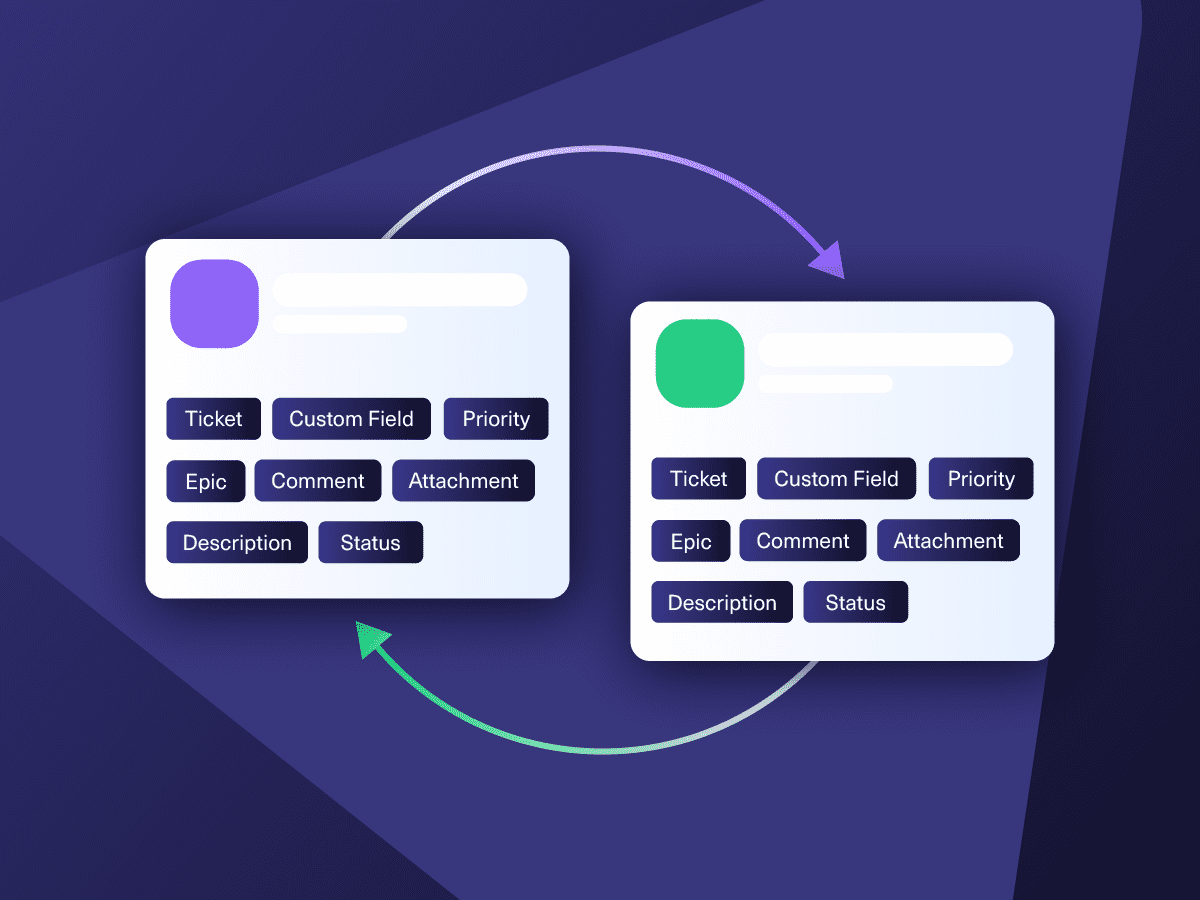
Map Salesforce objects to any ServiceNow entity. Get your teams to collaborate internally and externally to share data.
Keep the necessary fields synced with the help of AI scripting and automated triggers.
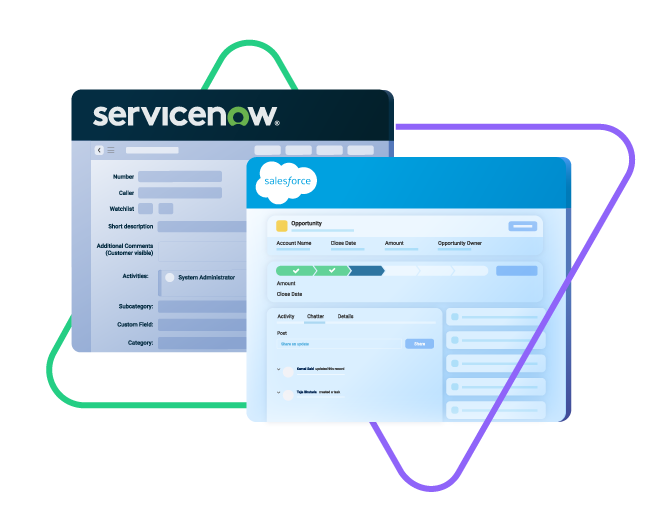
Sync urgency, state, sys id, caller, category...
sync summery, description,
comments...
sync attachments
and any custom fields
Sync opportunity, case, task, account, product...
Sync owner, status, number, priority...
Sync contact details, internal comments...










ServiceNow Salesforce Integration for Scalable Growth
Adopt a ServiceNow to Salesforce integration that can handle any use case or transaction volume with ease.
No context-switching between systems
Real-time status updates on critical incidents and sales progress
AI-powered connection scripting and trigger configuration
Automatic syncs to eliminate manual configuration errors
Accurate and consistent reporting for the right stakeholders
Automatic sync restarts after network downtimes
Unlimited Syncing Possibilities Between Salesforce and ServiceNow
Explore bidirectional and unidirectional ServiceNow entity sync.
Map the correct Salesforce object fields precisely to meet your use case requirements. Your sync, your choice, your rules.

ServiceNow
Incidents
All fields are supported, including:
- Custom fields
- Short description
- Description
- Assigned to
- Assignment group
- Priority
- Urgency
- State
- Work notes
Problems
All fields are supported, including:
- Problem statement
- Description
- Assigned to
- Priority
- Urgency
- Impact
- State
Change Requests
All fields are supported, incuding:
- Short description
- Description
- Assigned to
- State
- Type
- Impact
- Risk
- Requested by
Sync any Servicenow Entity
Sync all ServiceNow entities available via REST APIs.
Simply look for the field names in ServiceNow tables, choose what you want to sync, and add it to your script.

Salesforce
Case
All fields are supported, including:
- Custom fields
- Account Name
- Asset
- Business Hours
- Case Owner
- Contact Email
- Escalated
- Priority
- Product
- SLA Violantion
- Type
Problems
All fields are supported, including:
- Close Date
- Contract
- Delivery/Installation Status
- Description
- Lead Source
- Order Number
- Opportunity Score
- Price Book
- Probability
- Tracking Number
Change Requests
All fields are supported, incuding:
- Account Owner
- Annual Revenue
- Billing Address
- Customer Priority
- Parent Account
- SIC Code
- Tradestyle
- Upsell
- Year Started
Sync any Salesforce entity
Exalate for Salesforce allows syncing all the available objects and their fields within the Script connection. This page only shows the most popular and widely used objects and their fields.
Check the full list of supported fields for Salesforce and ServiceNow
Get the Most Out of Your Integration
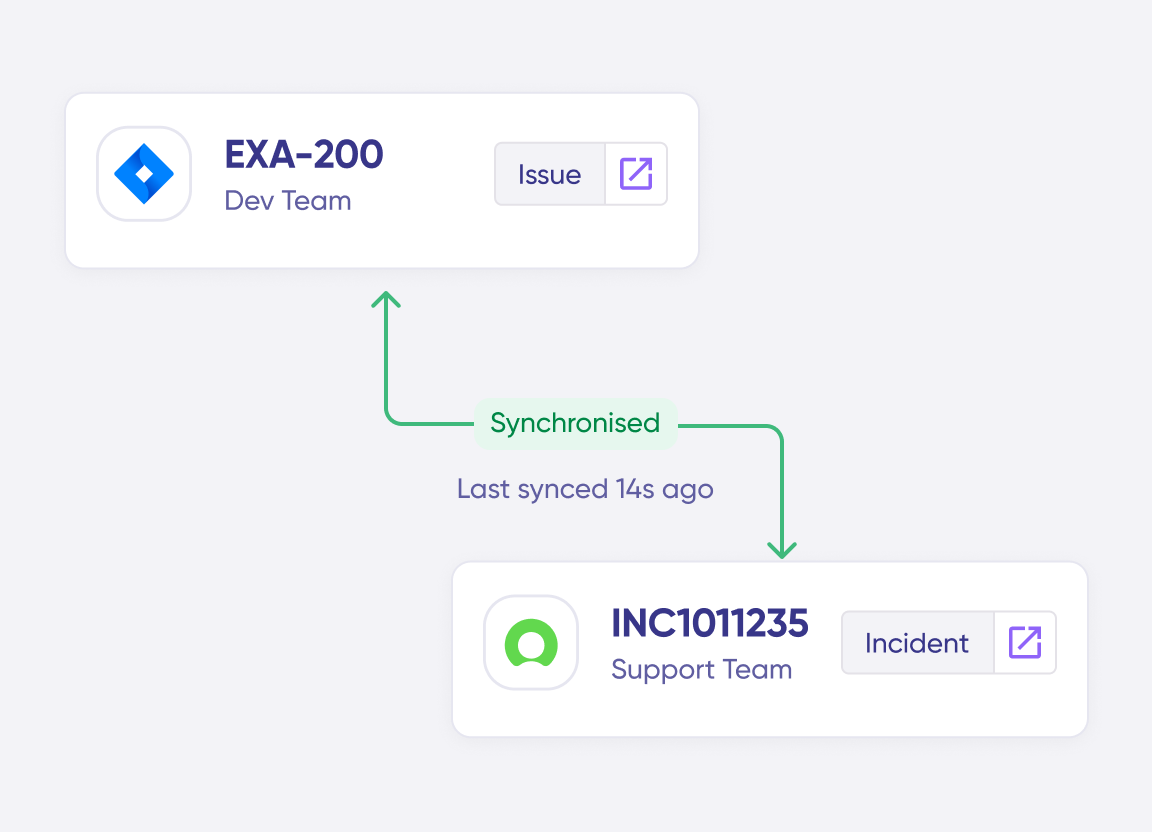
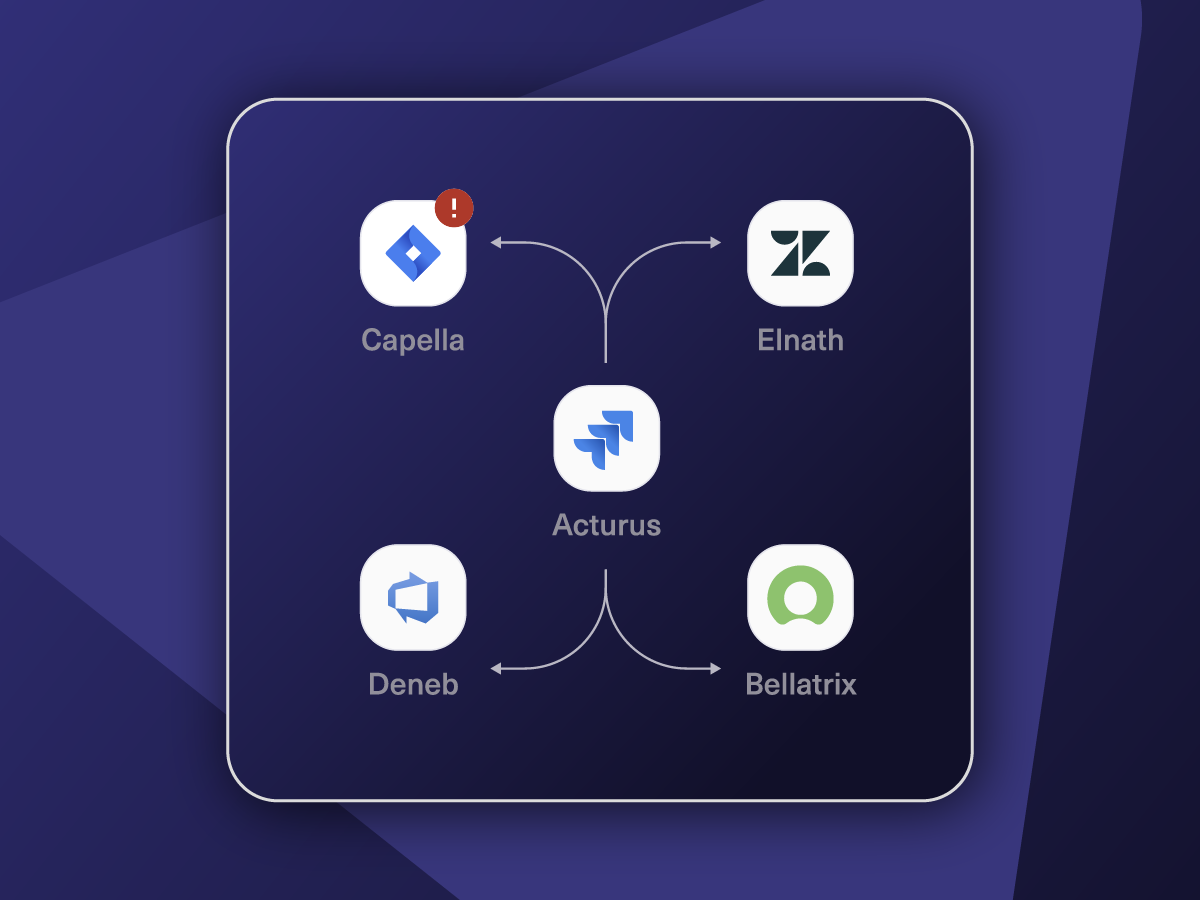
Connect multiple projects, instances, and platforms. Use different rules for each connection.
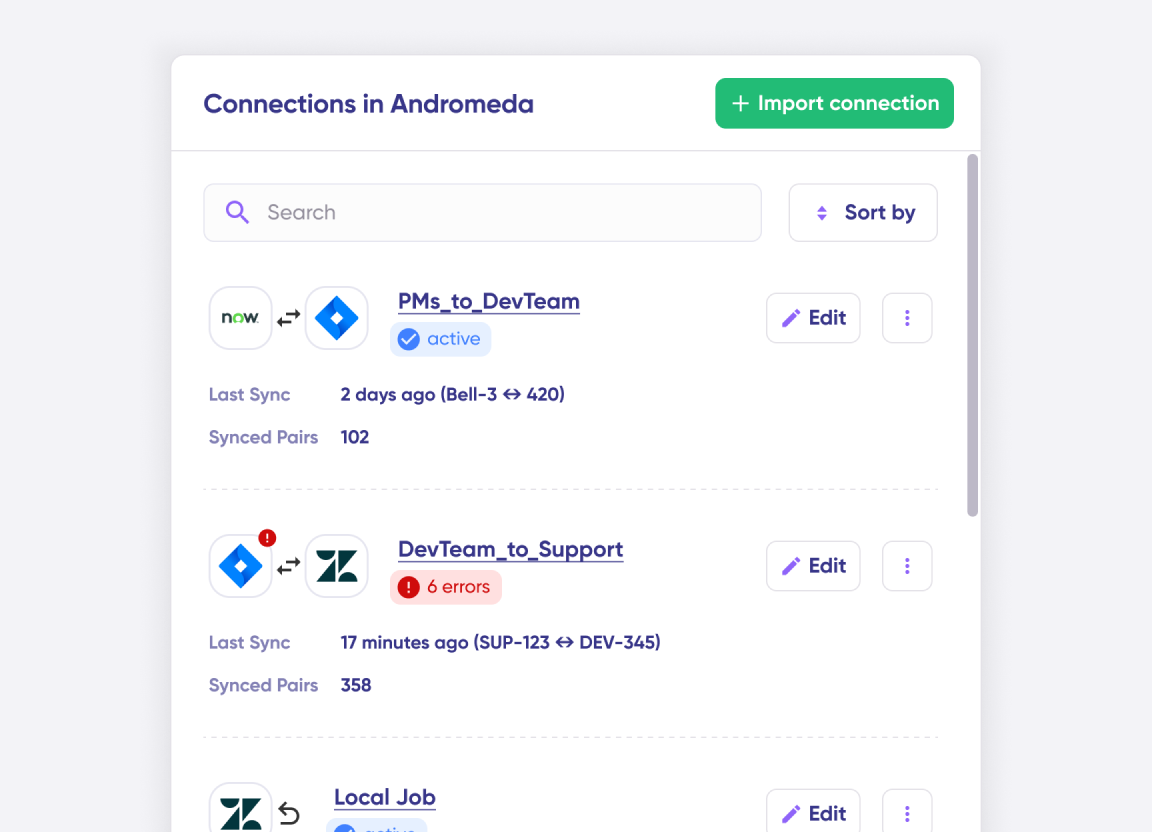
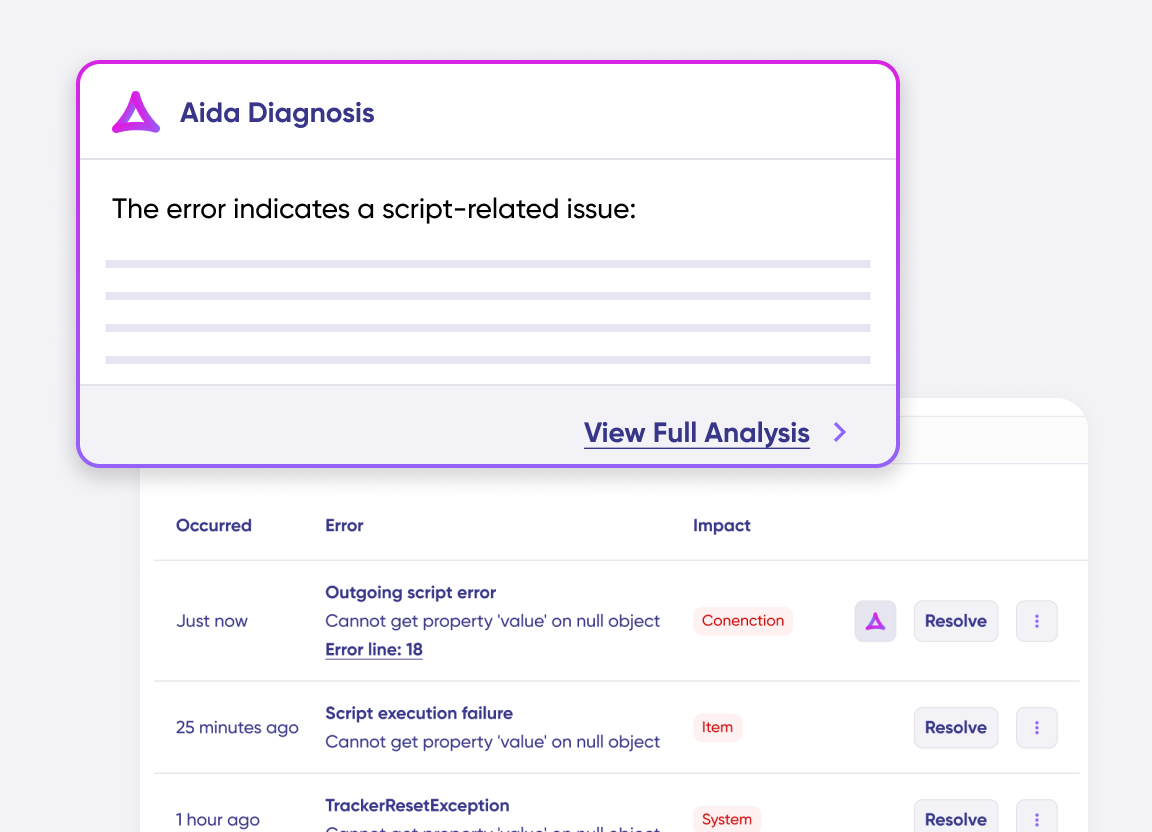
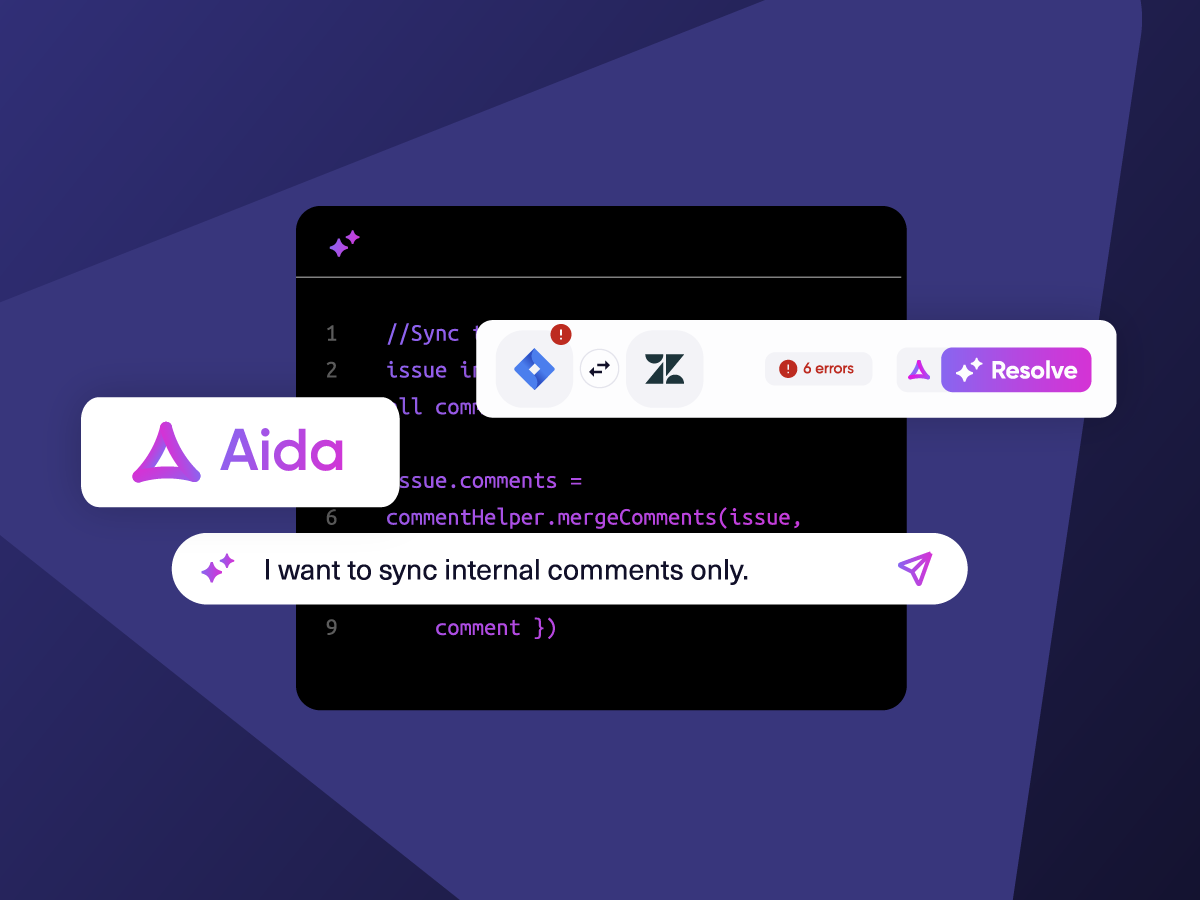
Get AI-powered recommendations for resolving the issue, including possible fixes and next steps.
“
Exalate is stable, flexible, customizable, and pretty easy to set up and use.
ALEXANDER SINNO

How it Works
Connect
Easily connect multiple projects, instances, and platforms. With local, or external partners.
Customize
Set your sync rules to make sure the right data is shared.
Prompt Exalate’s AI to generate rules, or fine-tune with Groovy-based custom mappings and logic for complete control.
Automate
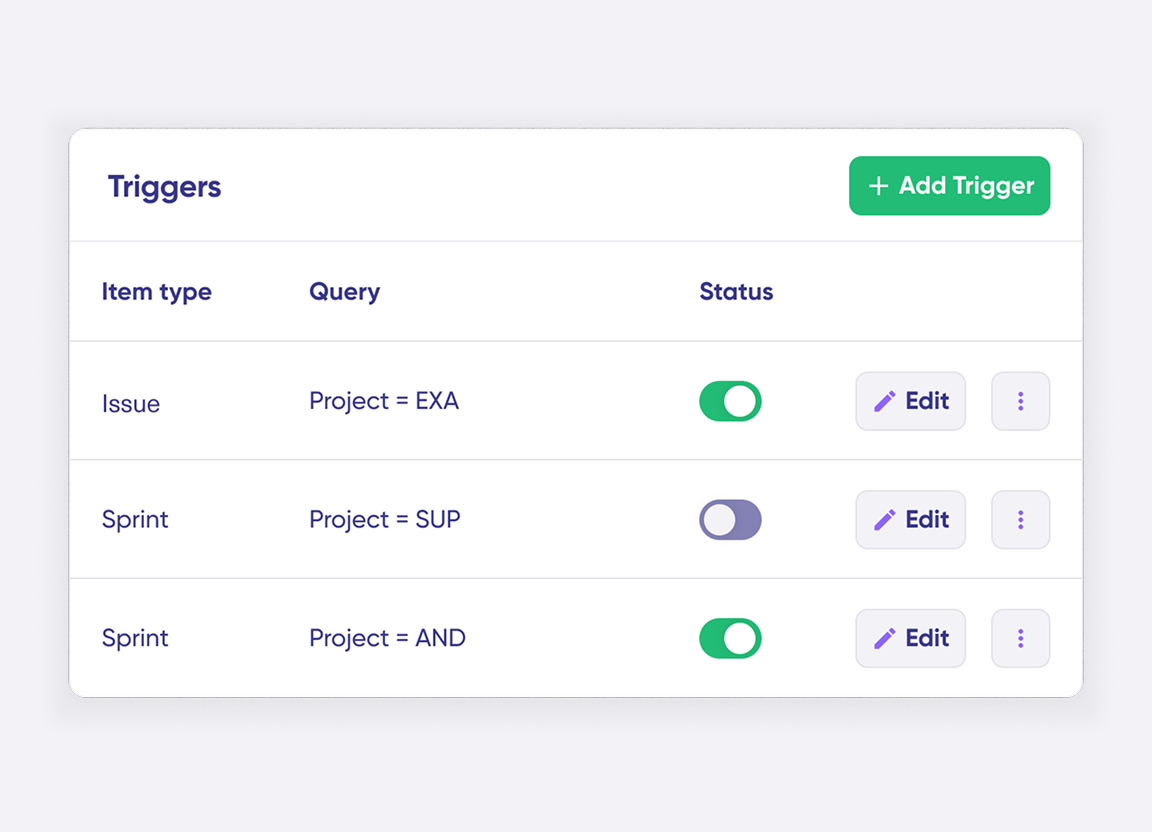
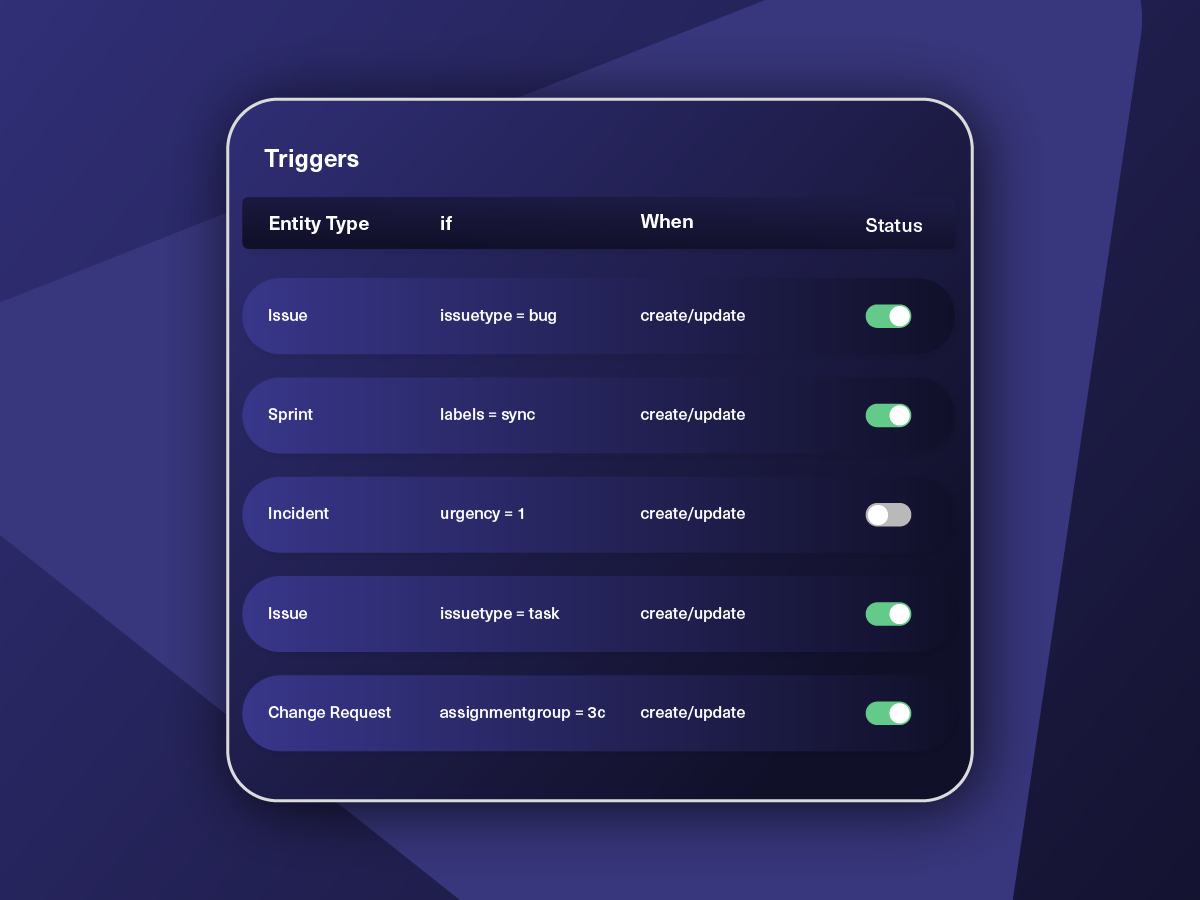
Set triggers to automate your sync based on specific conditions.
Synchronize
Now your connected instances will exchange information automatically. Happy syncing!
“
We can now handle around 500 customer incidents per week, thanks to Exalate, which is a very good result regarding the number of products we’re dealing with. It synchronizes 45x faster than our previous solution.
Christof Cuyper |

Start Simple, Scale As You Go
Unlock limitless Salesforce ServiceNow integration use cases. With a simple prompt, or small code snippets.
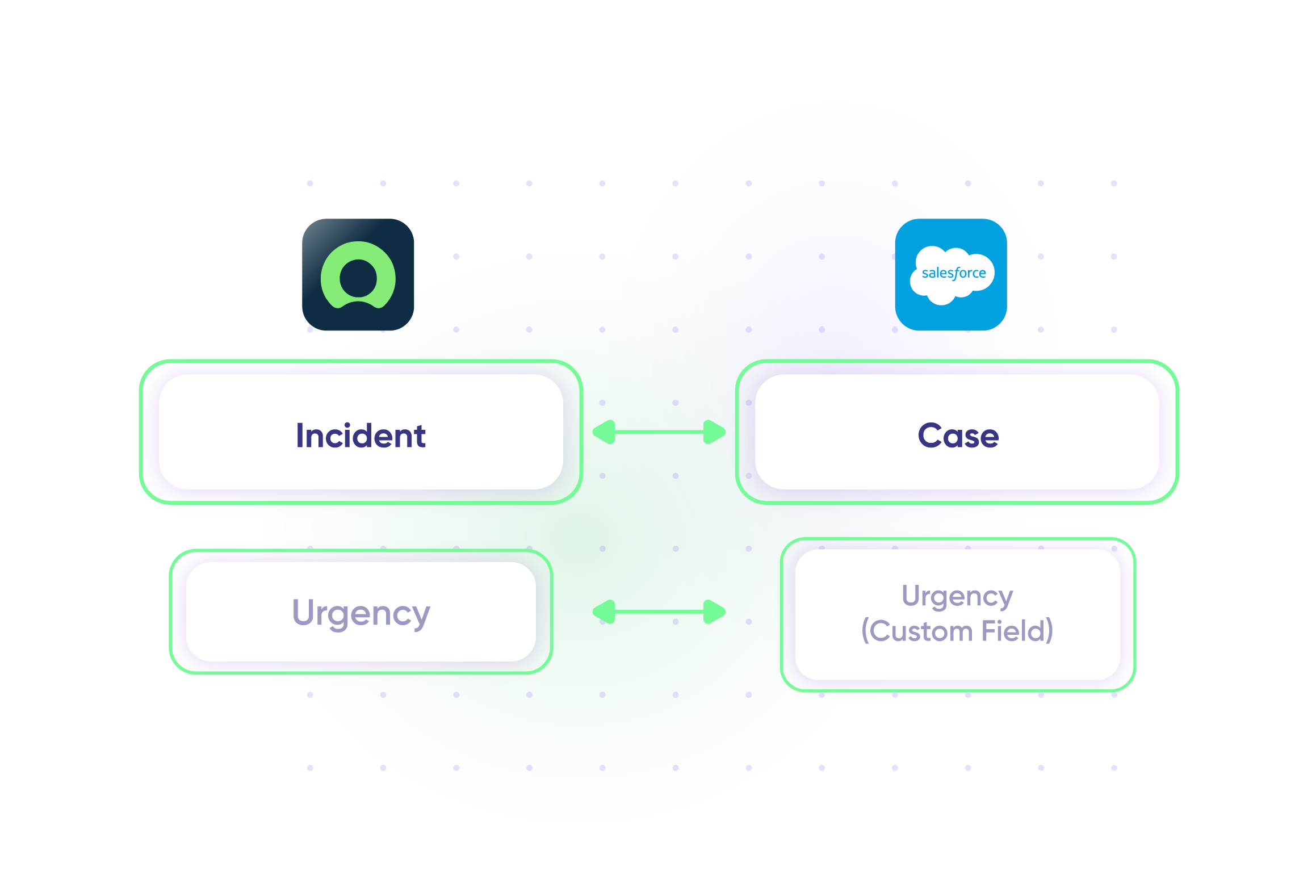
Sync Salesforce case as a ServiceNow incident
Maintain the same level of urgency across systems and teams. Give your ServiceNow entity the same level of priority as the Azure DevOps work item.
In practice:

...Or simply write a few lines of code
if(entity.entityType == “Case”) {
replica.key = entity.Id
replica.summary = entity.Subject
replica.description = entity.Description
replica.comments = entity.comments
replica.attachments = entity.attachments
replica.Status = entity.Status
}
Sync Change Requests
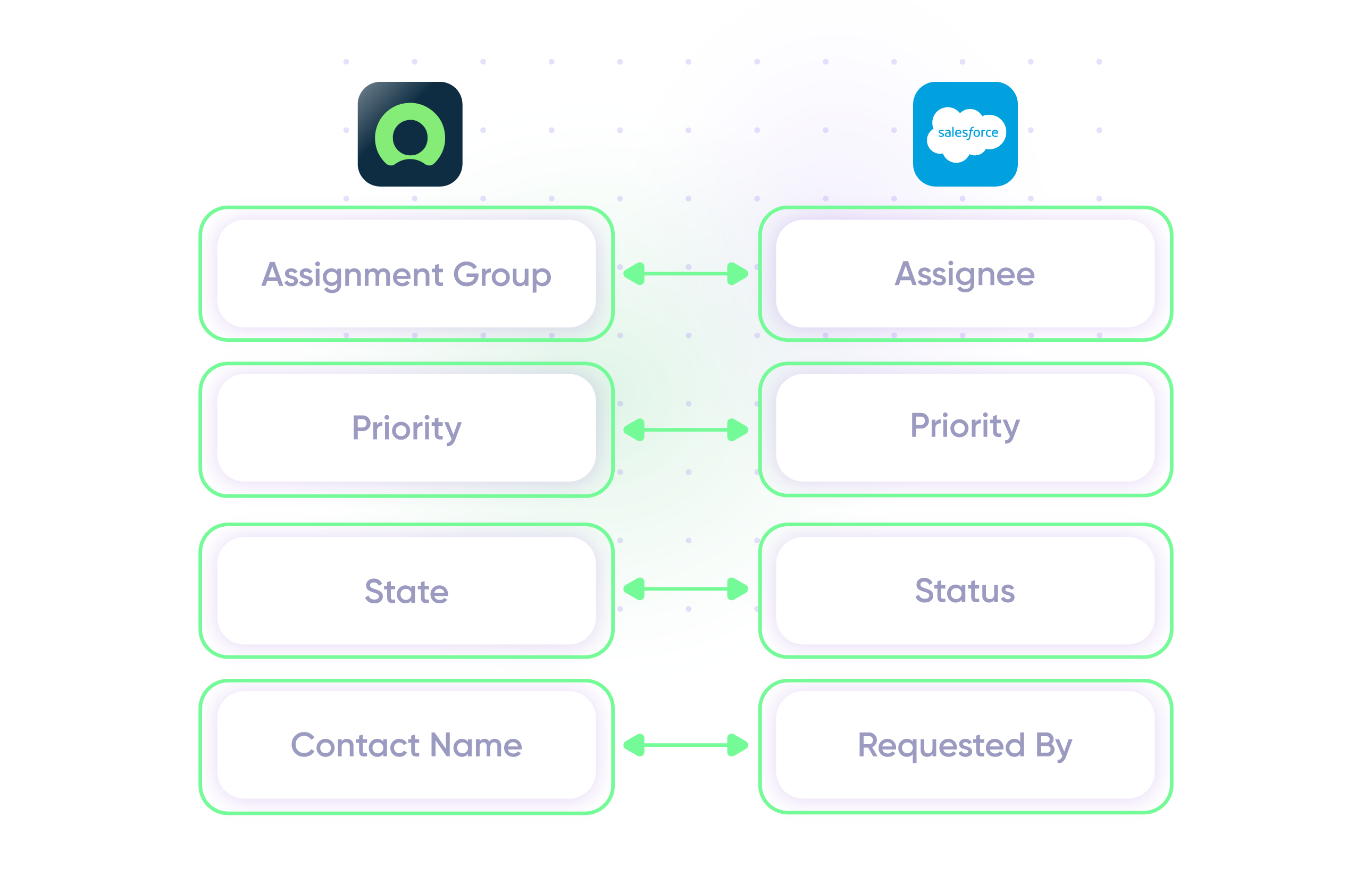
Keep customers informed about product changes in real time. Create Salesforce cases from ServiceNow change requests.
In practice:
...Or simply write a few lines of code
if(entityType == “changeRequest”) {
replica.summary = changeRequest.short_description replica.description = changeRequest.description replica.comments = changeRequest.comments replica.attachments = changeRequest.attachments
///other fields supported by the Change request entity
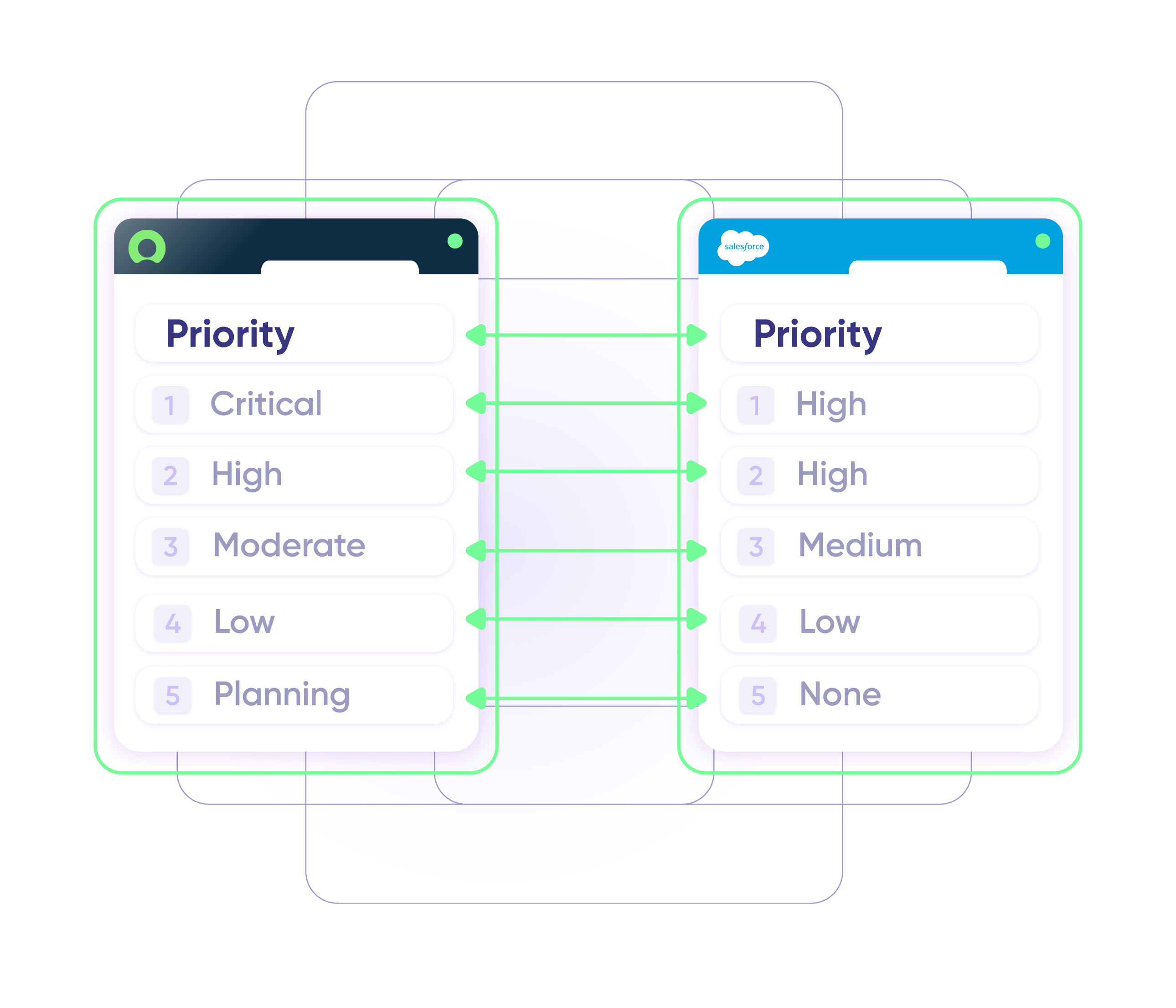
Sync Priority between ServiceNow and Salesforce
Assign the same level of priority to incidents and change requests when they go over to Salesforce as objects (cases, tests, etc.).
In practice:
...Or simply write a few lines of code
. . .
def priorityMapping = [
“1 – Critical”: “High”,
“2 – High”: “High”,
“3 – Moderate”: “Medium”,
“4 – Low”: “Low”,
“5 – Planning”: “None” ]
. . .
issue.priority = nodeHelper.getPriority(priorityName)
Sync Custom Fields Between ServiceNow and Salesforce
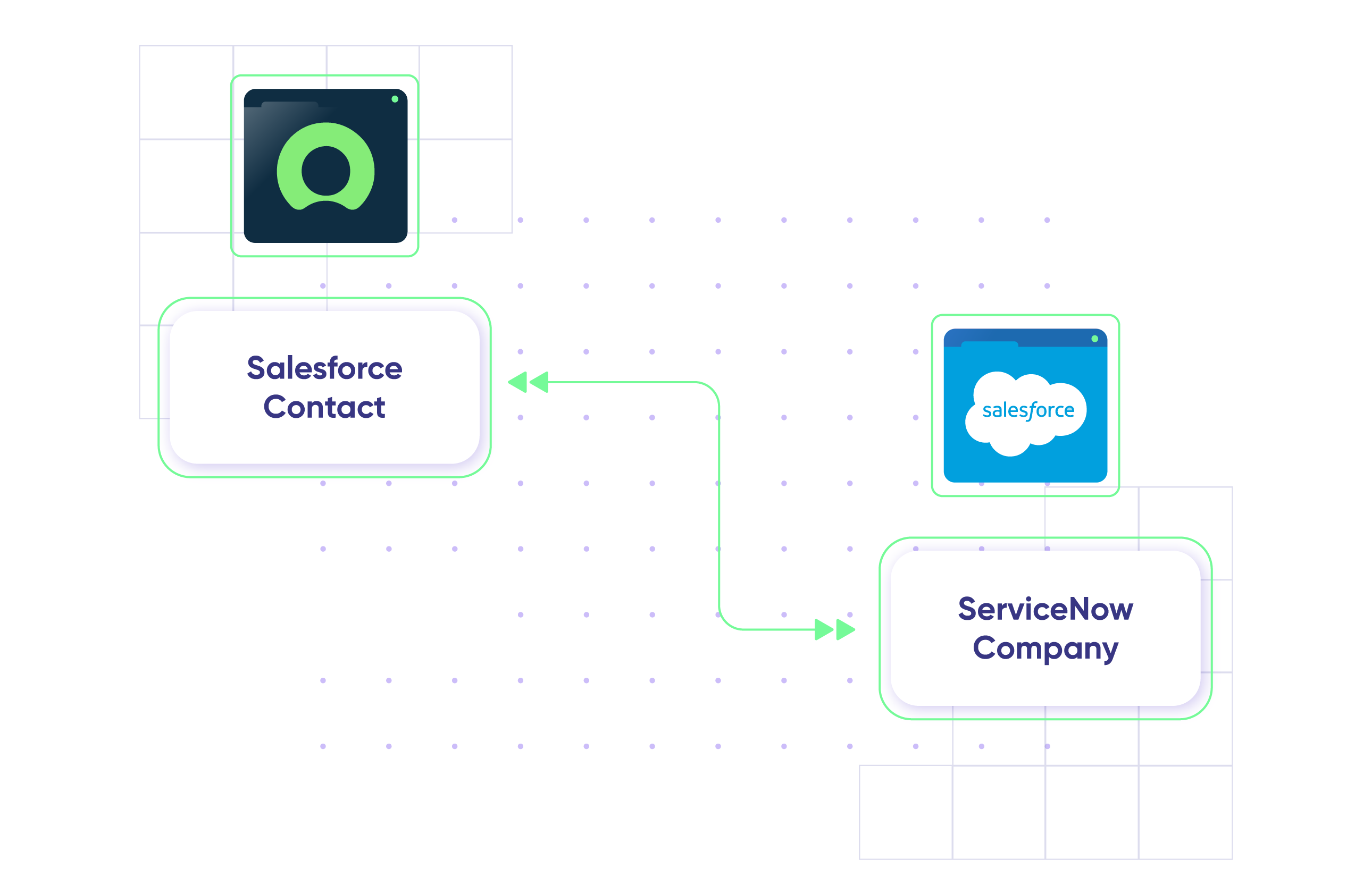
Fetch custom Salesforce object data from the API and make sure the response is transformed and reflected in the corresponding entity field in ServiceNow.
In practice:
...Or simply write a few lines of code
replica.customFields.”SF Contact” = entity.”SNOW Company”;
Send outage alerts to Salesforce users
Keep Salesforce customers updated about outages by triggering alerts whenever an incident or problem is reported in ServiceNow.
In practice:
No need to code, simply add a trigger.
Always Ready to Help
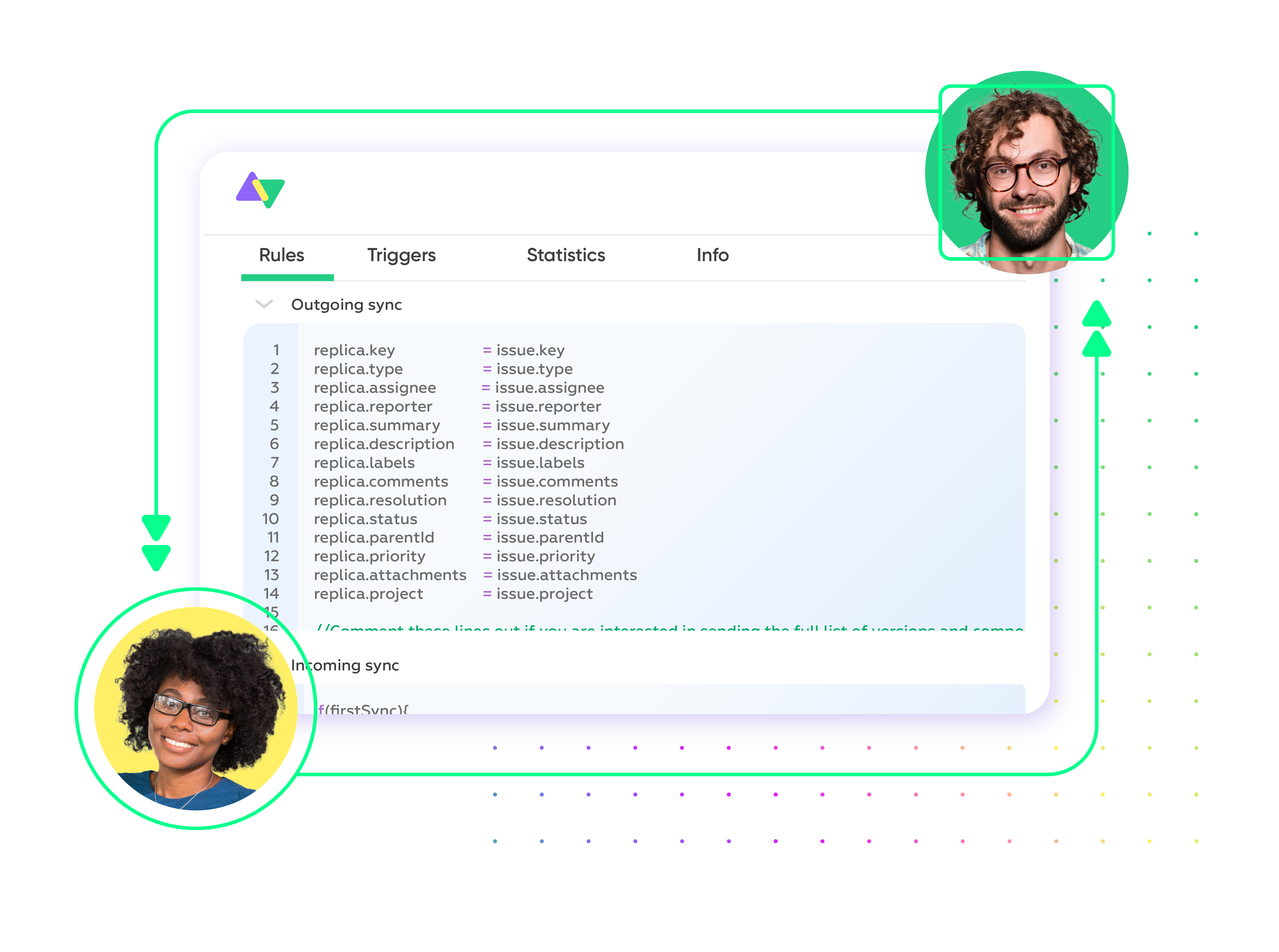
Get timely assistance from the best support technicians in the business. Relax as we help you solve every sync-related issue and more.
FAQ
Answers to the most frequent questions.
Didn't find what you were looking for? Ask Aida
Exalate is a flexible, AI-powered integration platform that enables bidirectional sync between Salesforce and ServiceNow. It lets your sales and IT teams collaborate in their preferred tools while automatically sharing incidents, cases, opportunities, comments, and custom fields in real time. With Exalate, you control exactly what data syncs and how, using Groovy-based scripts or AI-assisted configuration through Aida.
You can sync any Salesforce object with any ServiceNow entity available via REST APIs. Common sync scenarios include Salesforce cases to ServiceNow incidents, accounts to companies, contacts to users, and opportunities to custom records. Supported fields include custom fields, descriptions, comments, attachments, priorities, states, and any other data your workflow requires.
Setting up takes the following steps: Register your account on exalate.app, connect your instances, configure your sync rules with a side-by-side view (what data flows in each direction), and set up triggers to automate synchronization. You can directly configure sync rules by writing scripts yourself or use Aida’s AI assistance to make your task simpler.
Yes, Exalate supports both unidirectional and bidirectional synchronization. You can configure one-way sync where data flows only from Salesforce to ServiceNow (or vice versa), or set up true two-way sync where changes on either side automatically update the other. Each direction is controlled independently, so you decide exactly what information flows where.
Yes, you can set up custom triggers using native query languages from each platform. Use Salesforce Object Query Language (SOQL) or ServiceNow’s advanced search syntax. For example, sync only high-priority incidents, cases from specific accounts, or records matching custom criteria. Triggers automate your workflow so syncs happen instantly when conditions are met, eliminating manual intervention and ensuring real-time updates.
Exalate uses outcome-based pricing, where you pay for active items currently in sync between your systems. Plans start with a free trial, then scale based on your sync volume and feature requirements. Each integration (e.g., Salesforce to ServiceNow) requires its own plan. Check out Exalate’s pricing here or estimate your costs here.
Exalate protects your data using JWT access tokens, HTTPS with TLS 1.2 and 1.3 encryption, role-based access controls, and multi-factor authentication. The platform is ISO 27001 certified. Each side of your integration maintains independent control over what data is shared, so you never need to expose admin credentials or confidential information to external parties.
Learn more about Exalate’s security posture at the Trust Center.
Yes, Exalate supports multi-node setups where you can connect one Salesforce org to multiple ServiceNow instances, or vice versa. This is useful for organizations with regional ServiceNow deployments, separate environments for different business units, or cross-company integrations with partners who use ServiceNow.
ServiceNow Integration Hub offers native spokes and pre-built templates, but requires advanced coding for customization and only pulls data into ServiceNow. Exalate provides true bidirectional sync with script-based flexibility, works from either system’s interface, and offers AI assistance through Aida. ServiceNow IntegrationHub also works well for systems already in the ServiceNow ecosystem, so you cannot go beyond that. Pricing for IntegrationHub is also a concern, because you end up paying for spokes you might not even use.
Template-based tools like Unito offer a simpler setup but lock you into predefined field mappings and basic logic. Exalate’s script-based approach handles any custom workflow. With Aida’s AI assistance and the unified console, you get comparable operational simplicity while retaining full flexibility for complex requirements that template tools can’t handle.
Yes, Exalate offers a free 30-day trial with full access to Script Mode features. You can test your specific Salesforce ServiceNow sync scenarios, experiment with triggers and field mappings, and validate that Exalate meets your requirements, all before committing to a paid plan.
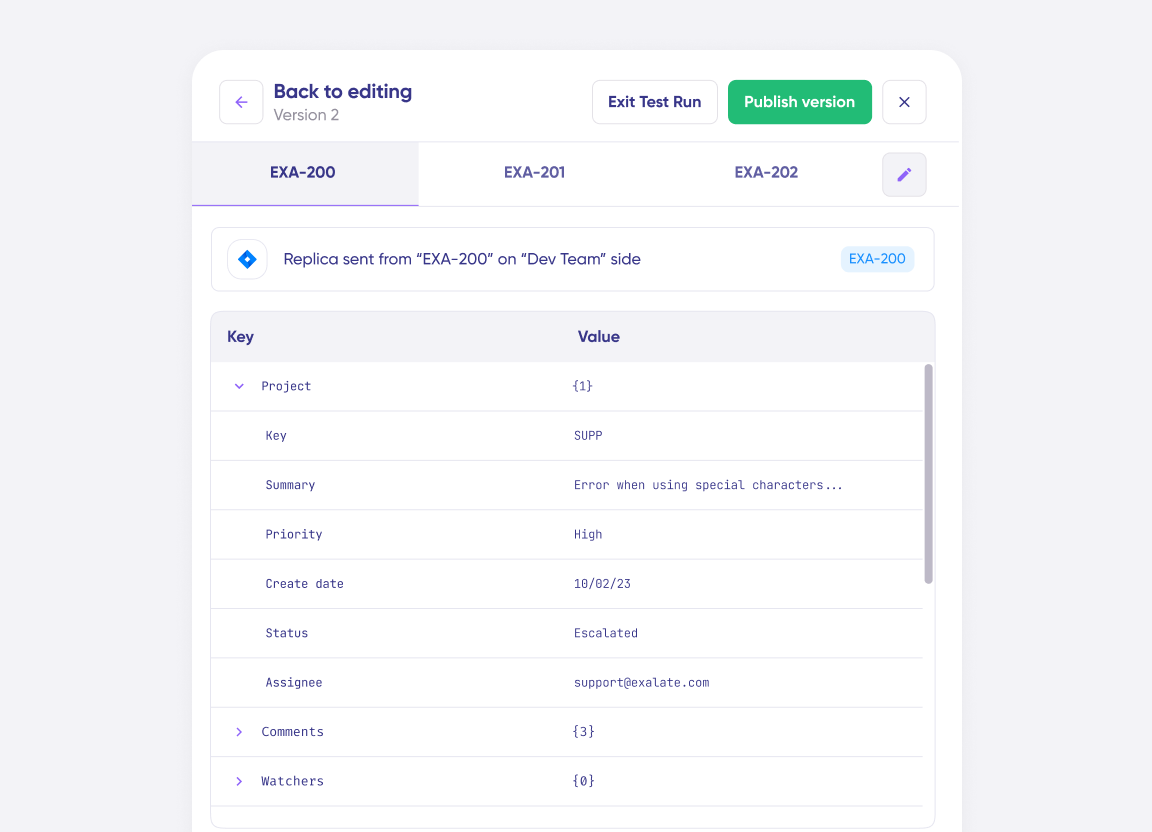
Basic integrations can run within 30 minutes using Exalate’s ramp-up-based flow. For custom sync scenarios with specific field mappings and triggers, expect 1-2 hours with Aida’s AI-assisted scripting. Complex enterprise deployments with multiple connections and advanced logic typically take a few days. The Test Run feature let you iterate quickly without risking production data.
Yes, you can sync Salesforce opportunities to any ServiceNow entity, such as incidents, change requests, or custom records. Common scenarios include syncing opportunity data to track related technical requests, sharing deal information with implementation teams, or creating ServiceNow tasks when opportunities reach specific stages. You control which opportunity fields sync and what triggers the synchronization.
How useful was this content?
Click on a star to rate it!
Average rating 4.7 / 5. Vote count: 26
No votes so far! Be the first to rate this post.
We are sorry that this post was not useful for you!
Let us improve this post!
Tell us how we can improve this post?