
Flexible two-way sync
Freshdesk Integration
Sync Freshdesk tickets with multiple platforms like Jira, Salesforce, Azure DevOps, Zendesk, ServiceNow, and more.
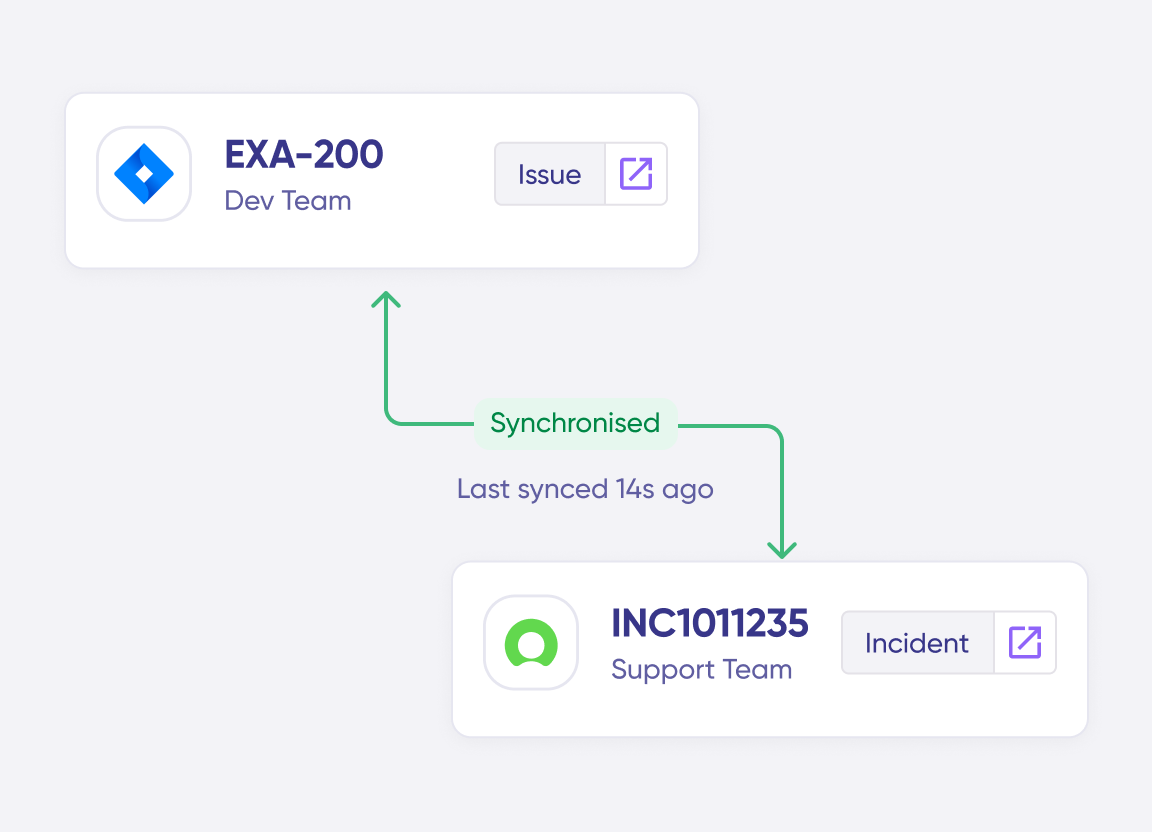
Have your teams collaborate across different systems, departments, and companies in real-time.
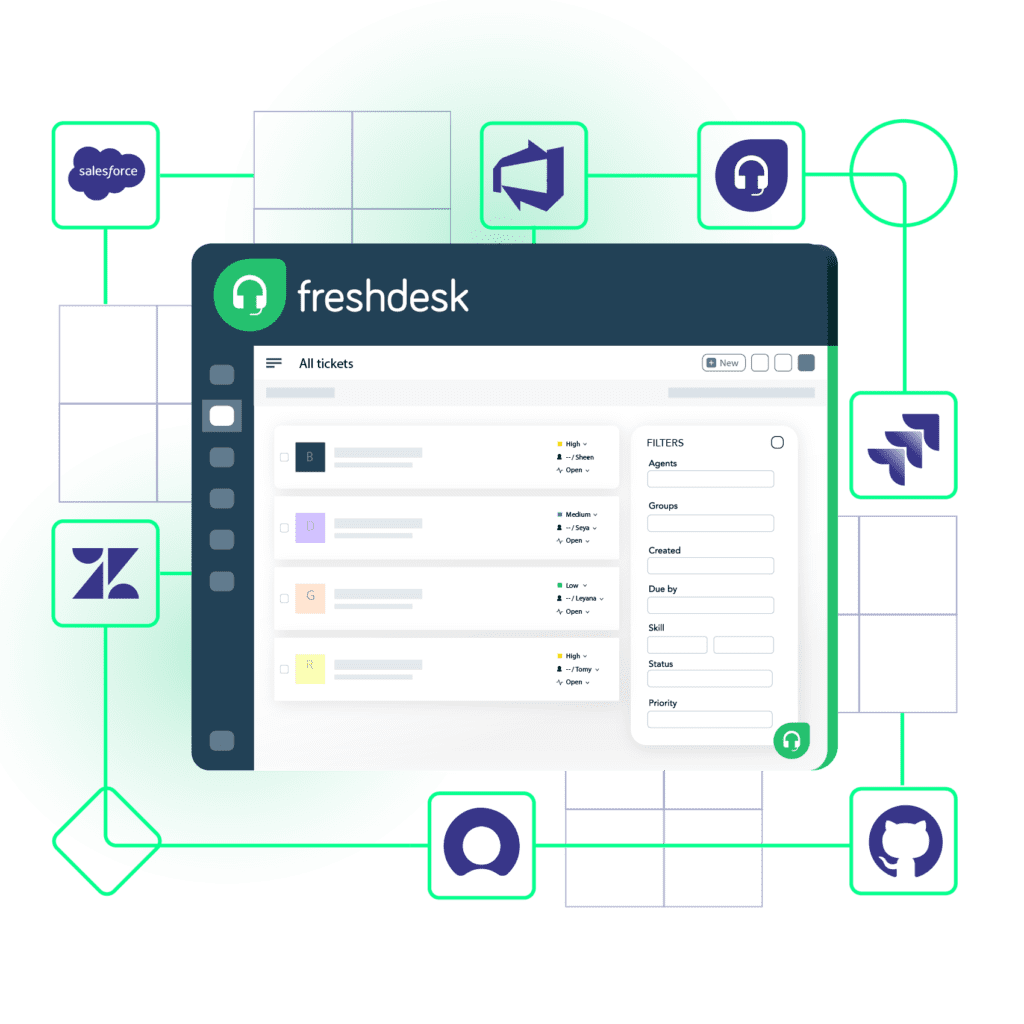





Don’t Switch Between Multiple Apps
Keep your teams, departments, and external partners aligned. Maintain context with every sync.
Keep your service desk data private
Choose what you share with other teams. Remove unwanted access to shared data.
Keep data consistent across platforms
Reduce manual updates between systems. Increase visibility on critical information and keep everyone on the same page.
click on image above to watch full video
Get ahead with real-time updates
Stay up-to-date on workflow statuses and never miss a deadline.
Embrace automation for more control
Save time with automatic exchange. Focus on things that matter.








Sync Anything
You can sync any ticket data with Freshdesk integration. The most common entities and fields are listed below.
Tickets
- Summary
- Description
- Label
- Status
- Priority
- Attachments
- Notes
- Custom fields
- Custom keys


popular integrations with freshdesk



Get the Most Out of Your Integration
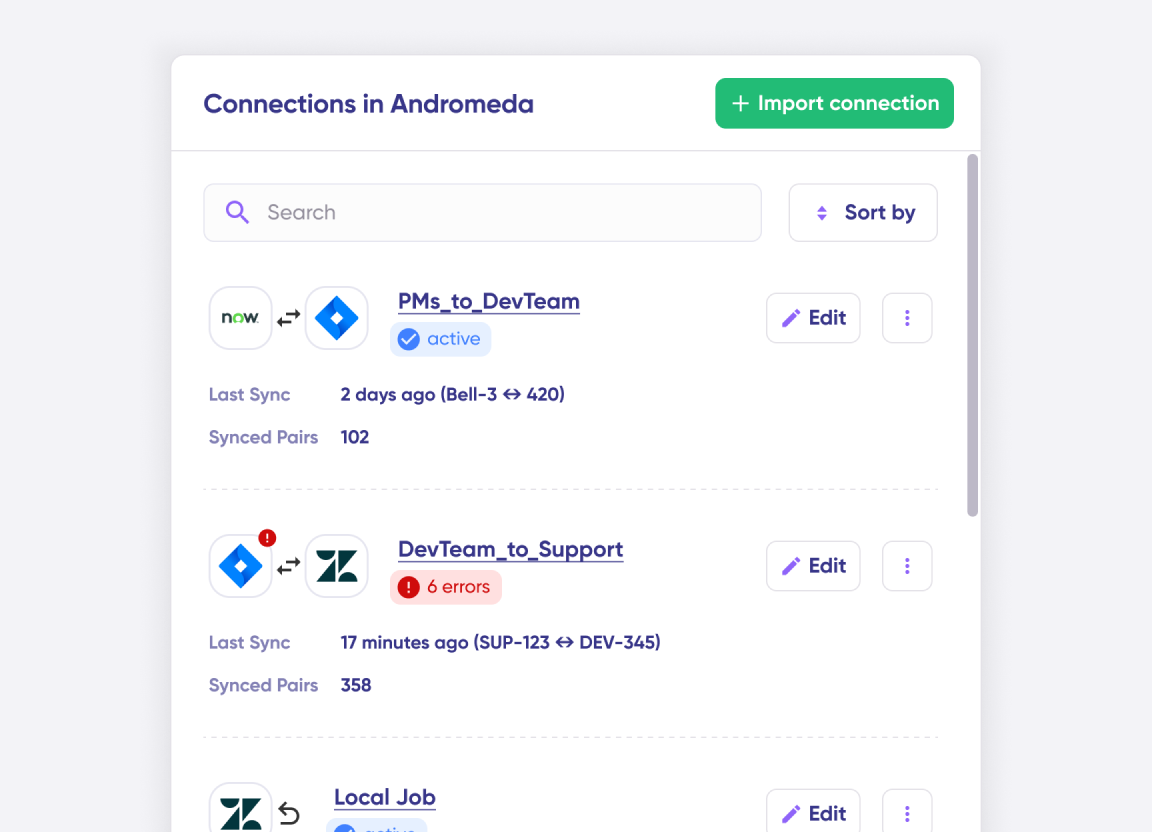
Connect multiple projects, instances, and platforms. Use different rules for each connection.
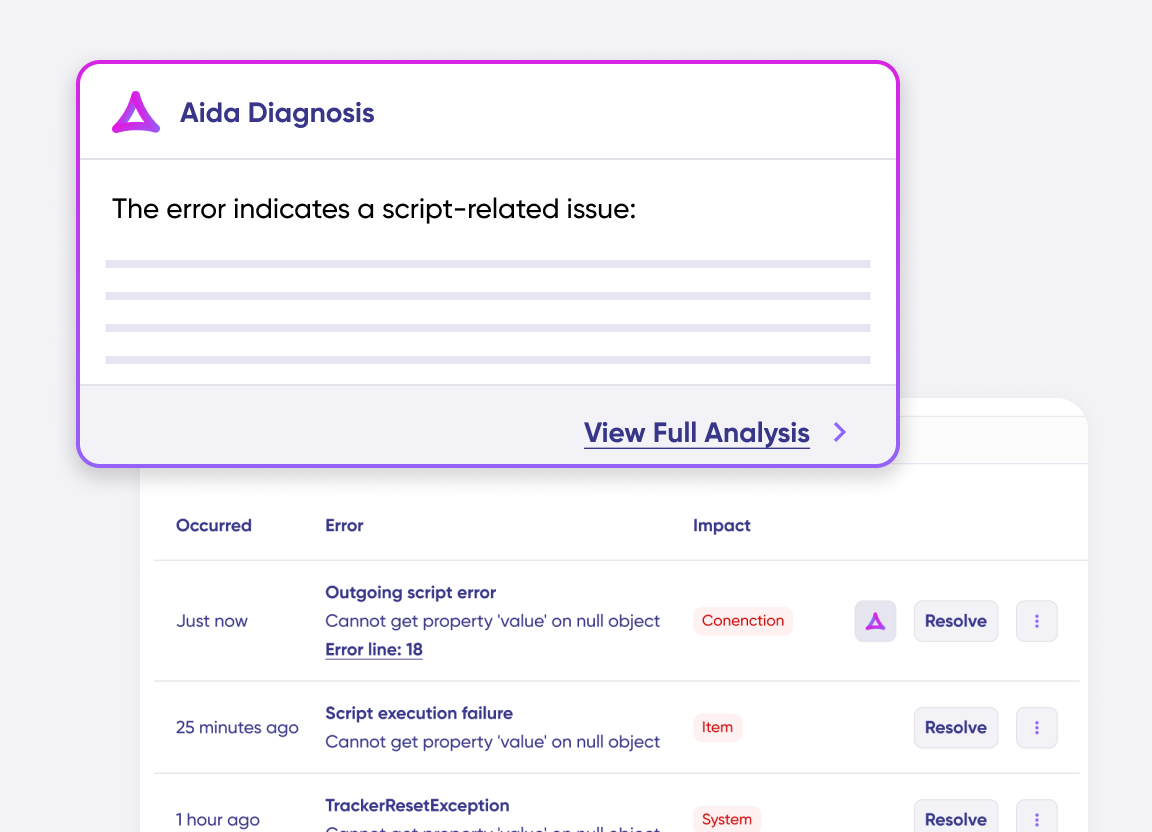
Get AI-powered recommendations for resolving the issue, including possible fixes and next steps.
Granular Control Over Synced Data

- Have independent and full control over synced data
- Use simple code to handle custom mappings and sync rules
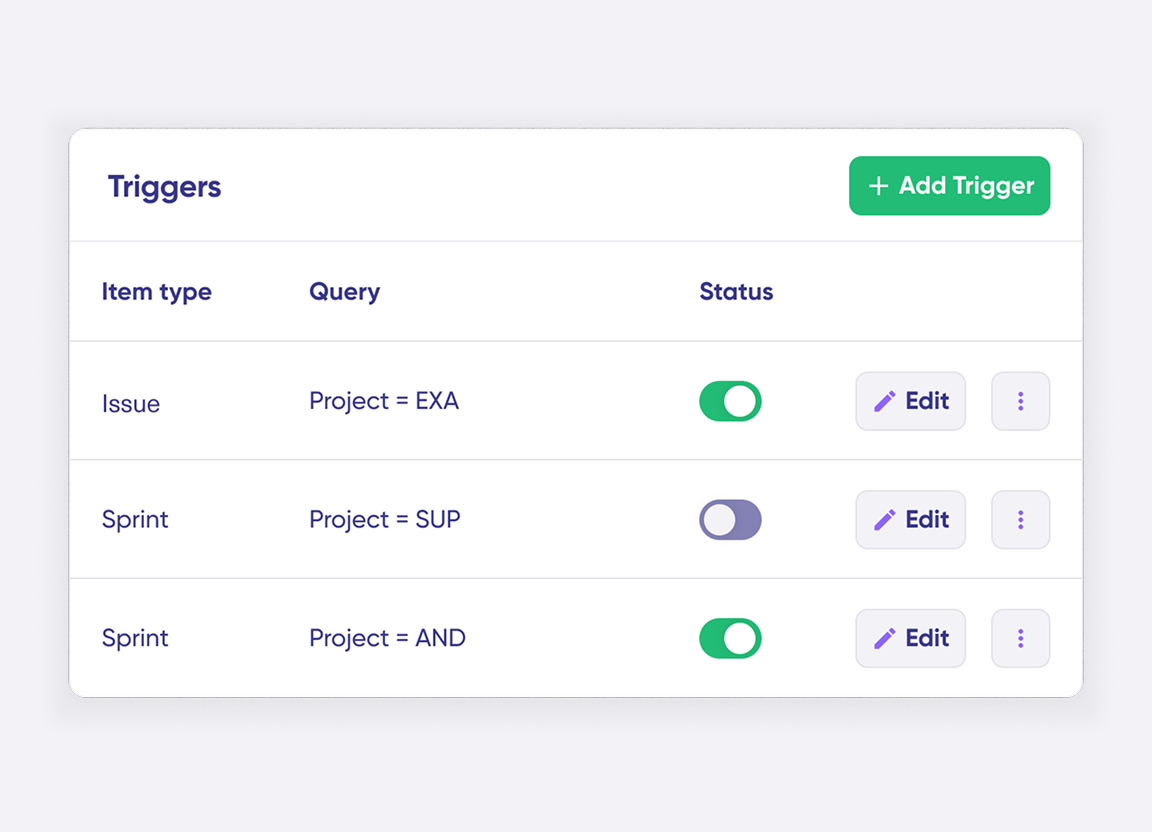
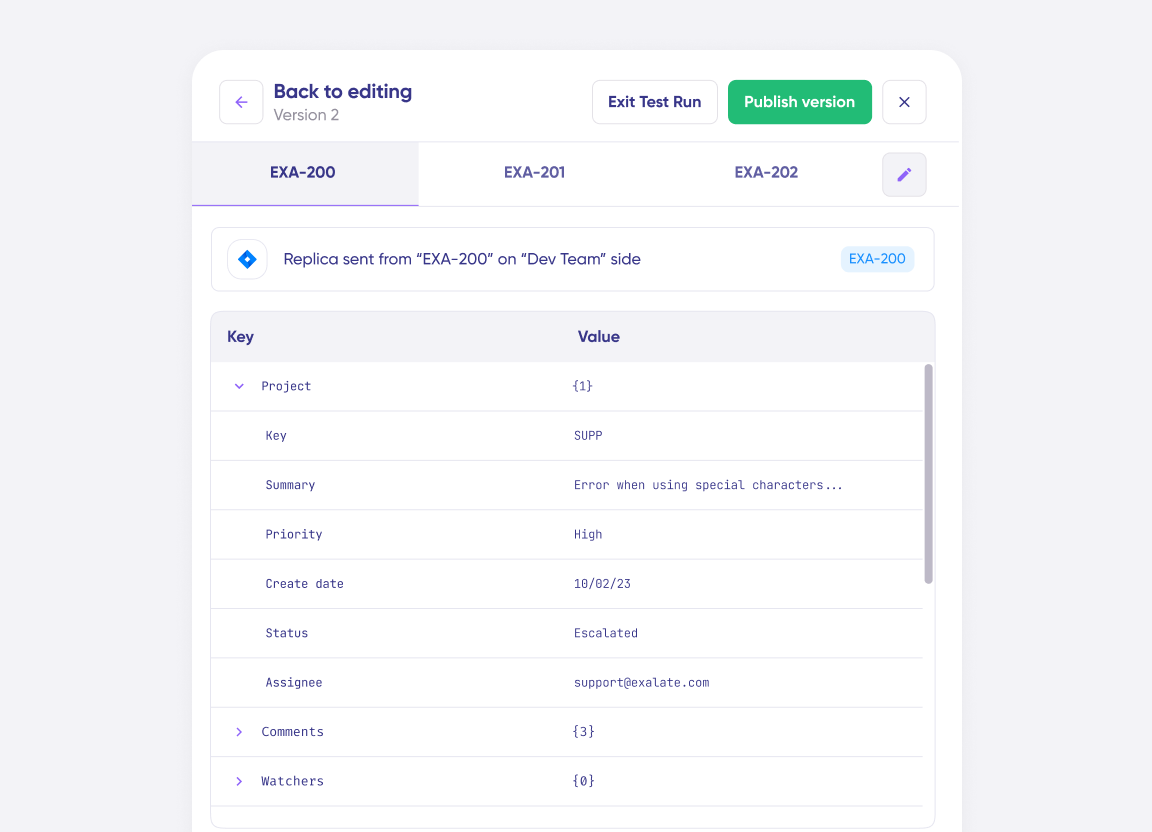
- Establish conditions and event-specific triggers for automated synchronization.
Secure Freshdesk Integration
- Stay protected with airtight security features and infrastructure backed by ISO 27001 certification.
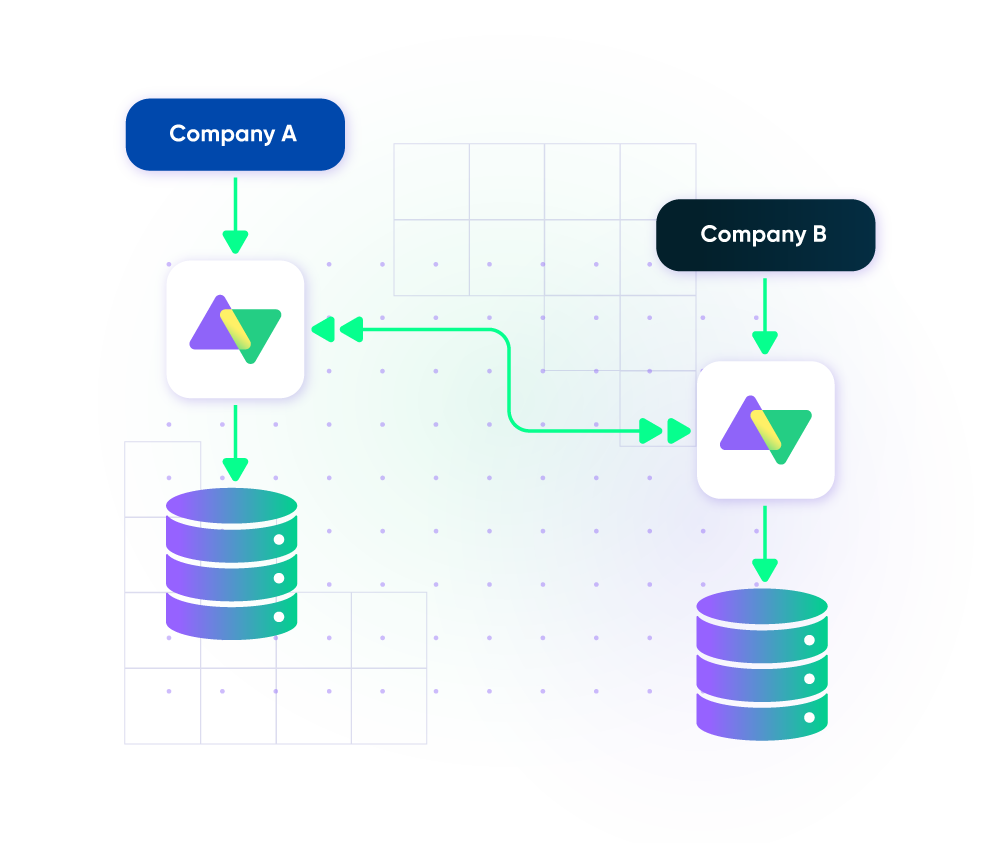
- Safeguard your data under the single-tenant cloud infrastructure and distributed architecture.
- Maintain consistent scalability and flexibility with loosely coupled systems.
Set up, Customize, Sync!
01
connect
Connect the tools you want to integrate. Just add the instance’s URL.
02
customize
Configure your sync rules to make sure the right data is shared. Prompt the sync rules with Aida AI, or write your scripts from scratch.
03
automate
Set conditions with triggers, for an automatic synchronization.
04
synchronize
Now your instances are connected and will automatically exchange information instantly. Happy syncing!
See it in action
FAQ
Answers to the most frequent questions.
Didn't find what you were looking for? Ask Aida
Exalate is an integration platform that enables real-time, bidirectional sync between Freshdesk and other work management systems like Jira, ServiceNow, Azure DevOps, Salesforce, and Zendesk. It uses a scripting engine that lets you customize exactly what data syncs and how, with an AI assistant called Aida to help build and troubleshoot integrations. Each side of the connection maintains independent control over its sync configuration.
Exalate syncs all standard Freshdesk ticket fields including summary, description, status, priority, labels, attachments, and notes. Custom fields are fully supported through Groovy scripting. The AI assistant Aida can help generate sync scripts for complex field mappings. Any field accessible via Freshdesk REST APIs can be synchronized, giving you complete control over what data flows between systems
Yes, Exalate maintains rich text formatting across platforms. Bold, italic, underlined text, text colors, numbered and bulleted lists, internal and external links, and dividers all transfer correctly.
This ensures that important details highlighted in Freshdesk notes or descriptions remain visible when synced to Jira, Azure DevOps, ServiceNow, or other connected platforms.
Yes, Exalate uses customizable triggers to control which tickets sync and when. You can set conditions based on ticket priority, status, tags, assignee group, or custom field values. For example, you might automatically sync only high-priority tickets to ServiceNow, or escalate tickets tagged ‘engineering’ to Jira.
Triggers use Freshdesk’s native query language, giving you precise control over sync automation.
Yes, Exalate supports multi-platform connectivity. You can sync Freshdesk with Jira, Jira Service Management, ServiceNow, Zendesk, Azure DevOps, Salesforce, GitHub, and other systems at the same time. Each integration operates independently with its own sync rules, allowing you to build hub-and-spoke, mesh, or any topology that fits your workflow.
Yes, Exalate is designed for both intra or cross-company integrations. Each organization maintains complete control over what data it shares. Your internal ticket details stay private unless you explicitly include them in the sync rules. This makes Exalate ideal for MSPs managing client tickets, vendors collaborating on support cases, or partners sharing escalation workflows.
Exalate protects your Freshdesk integration data using JWT access tokens, role-based access controls, HTTPS with TLS 1.2 and 1.3 encryption, and multi-factor authentication.
The platform is ISO 27001:2022 certified. Each side of an integration maintains independent control over what data is shared, ensuring your internal ticket information stays private from external partners.
Visit Exalate’s Trust Center here.
Basic Freshdesk integrations can usually be configured in an hour. Enterprise implementations with multiple connections typically take a few days with support from our integration engineers.
Exalate uses outcome-based pricing where you pay for active items in sync, not per user or API call. Self-serve plans start at $100/month per integration (Freshdesk to Jira, for example).
View Exalate’s pricing models or estimate your costs here.