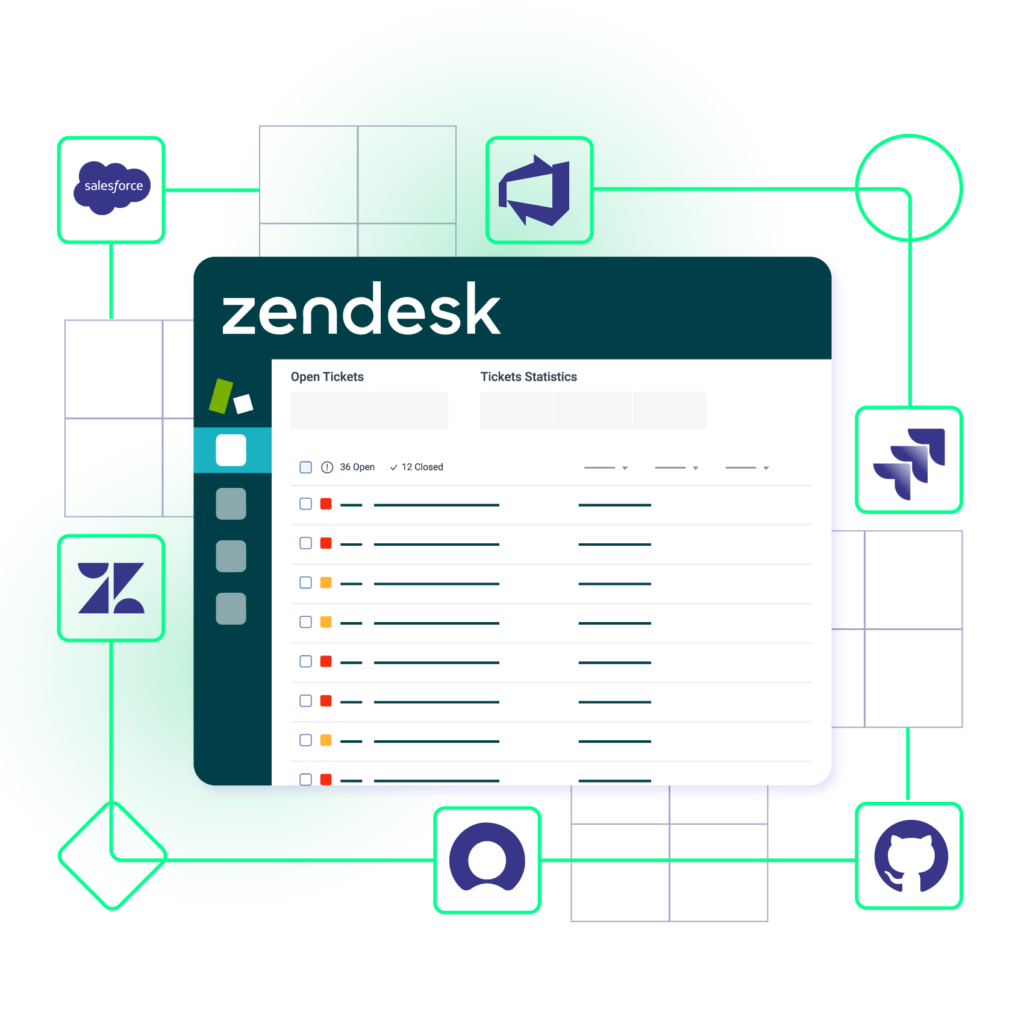
Bi-directional Zendesk Integration
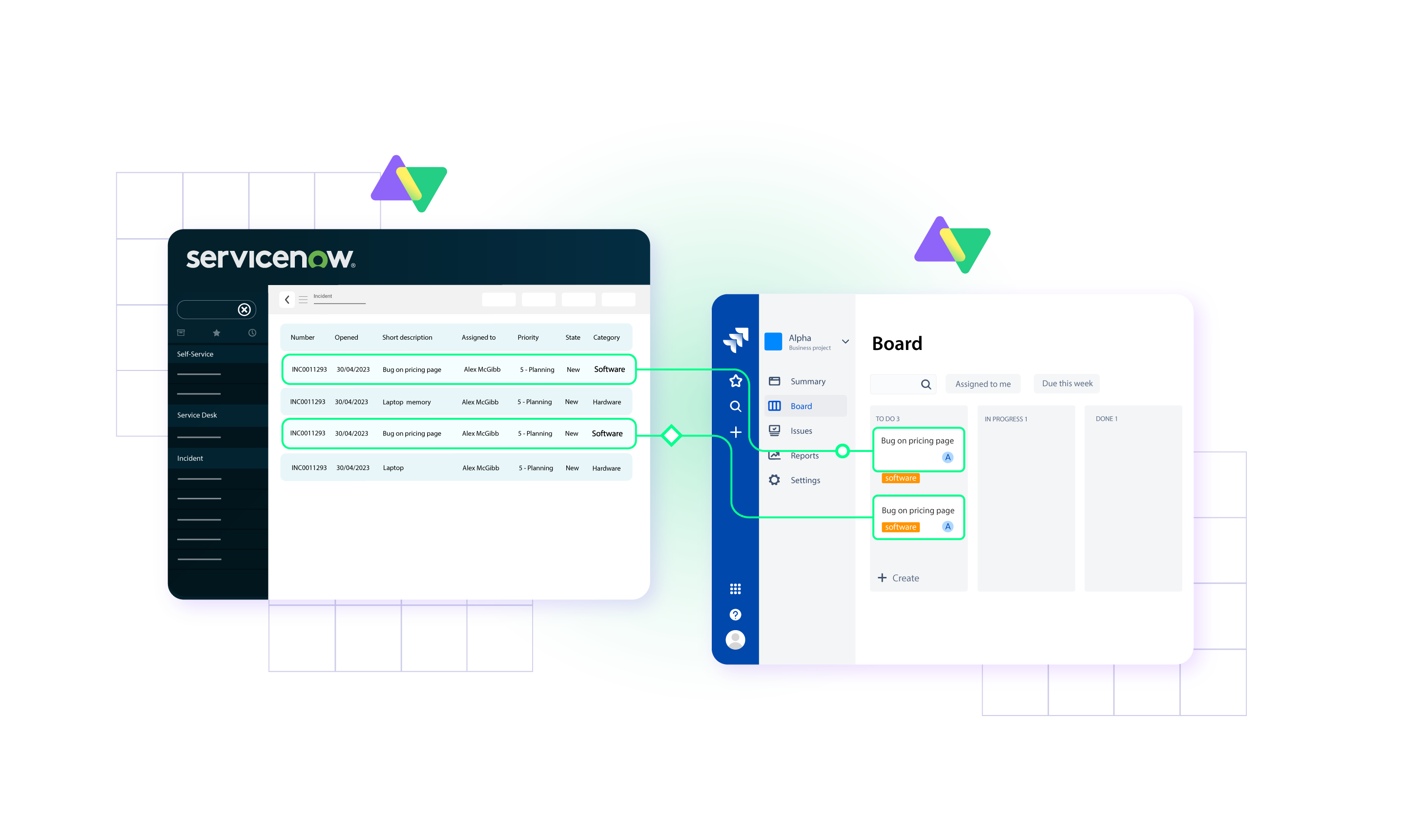
Sync any Zendesk ticket type, including Problems, Requests, Incidents, Incident Tasks and more. Connect multiple Zendesk instances to exchange data in real time or batches with platforms like Jira, ServiceNow, Azure DevOps, Salesforce, GitHub, and others.




Switching Between Tools is Now a Thing of the Past
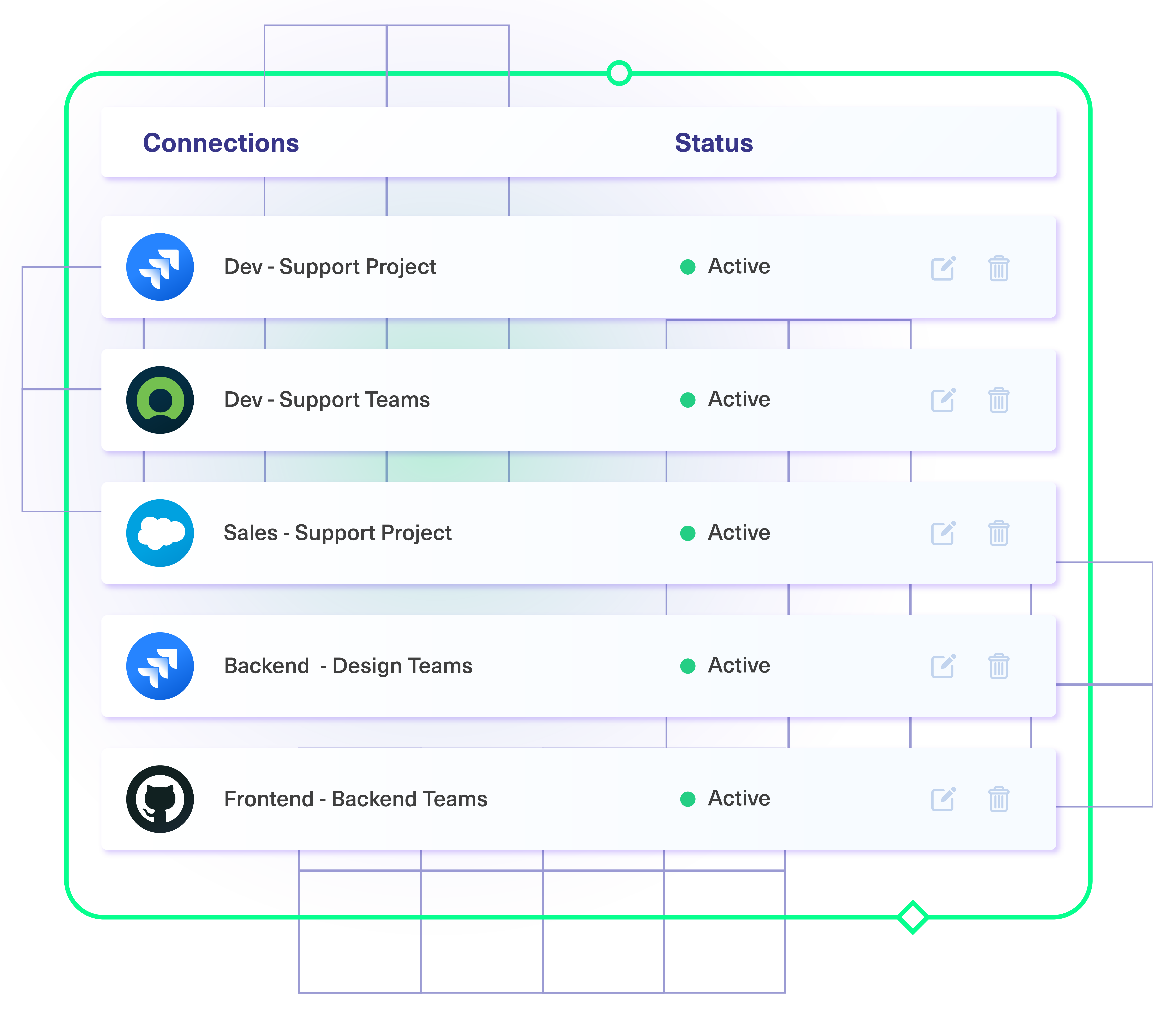
Have your teams collaborate across different systems, departments, and companies without thinking twice.
Keep service desk data private
Set configuration rules to ensure only public information is shared with other teams.
Make data exchange more accurate
Remove human error and increase the accuracy of data exchanged between systems.
Get ahead with automation
Use automation to set up conditions for independent, real-time status updates.
Save time with less context-switching
Reduce the time spent moving between platforms to obtain the necessary data.
Sync Any Data Type between Zendesk and Other Tools
Connect with the Zendesk integration API to fetch data from endpoints. The most common entities and fields are listed below.
Tickets
- Attachment
- Comment
- Id
- Subject
- Type
- Description
- Priority
- Requester
- Submitter
- Tags
- State
- Organization
- Problem


Sync Other Platforms With Our Zendesk Integration Solution
- Real-time field and status updates.
- One-way or two-way information sync
- Error-free data transfers
- Automatic sync restarts after failures
- Customizable triggers for smooth, uninterrupted syncs
- Autonomous trigger configuration
- Platform-native trigger customization for automated information flow
- Query-based filtering using Zendesk search syntax
- Trigger-based multi-object and multi-field sync
- Sync reliability because of automated connections
- Custom scripting to control multiple connections
- Increased speed and productivity from batch syncing
- Extensive customization options with a Groovy scripting engine
- Customized configurations for incidents, change requests, problems, etc.
- Platform-specific sync rules for Zendesk CRM integration with other systems
- Granular data mapping for both outgoing and incoming exchanges
“
We can now handle around 500 customer incidents per week, thanks to Exalate, which is a very good result regarding the number of products we’re dealing with. It synchronizes 45x faster than our previous solution.
Christof Cuyper |












“
We can now handle around 500 customer incidents per week, thanks to Exalate, which is a very good result regarding the number of products we’re dealing with. It synchronizes 45x faster than our previous solution.
Christof Cuyper |
Granular Control Over Synced Data

- Admins on both sides get granular control and autonomy over connections.
- Use Groovy scripts to write rules and expressions for complex connection scenarios.
- Establish conditions and event-specific triggers for automated synchronization.
Decentralized Zendesk CRM integration
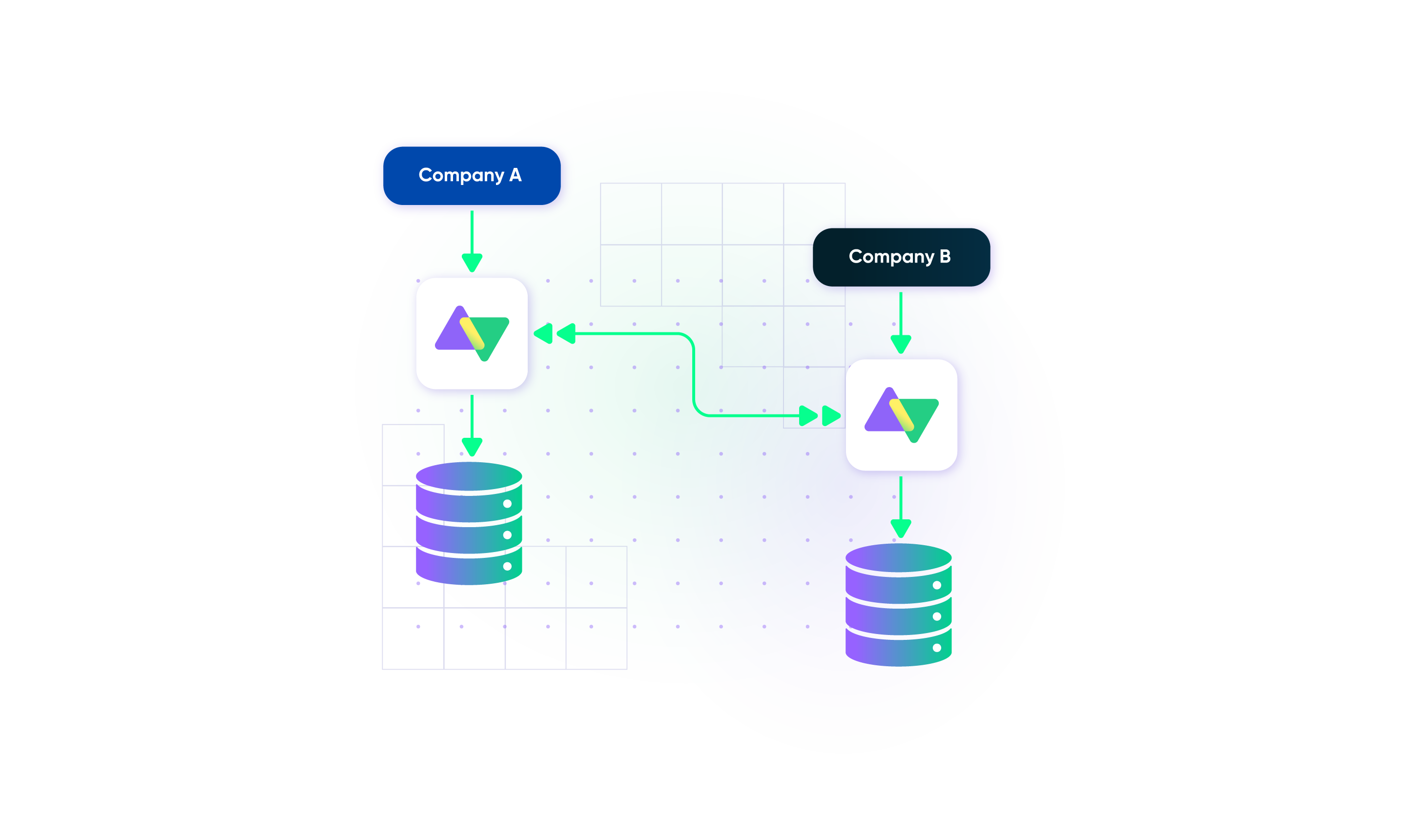
- Each side enjoys autonomy in determining which field or entity gets shared or not.
- Changes and updates on one side can only appear on the other side with express permission.
- Sensitive business data, like user information, will stay within your organization.
Completely Secure Zendesk Integration
- Safeguard your data under the single-tenant cloud infrastructure and distributed architecture.
- Maintain consistent scalability and flexibility with loosely coupled systems.
- Stay protected with airtight security features and infrastructure backed by ISO 27001 certification.
“
The advantage of Exalate’s decentralized architecture is that it’s not like a new learning curve for the customers to get into a new platform and figure out how they need to operate. They can just operate as they normally do, and that makes a huge impact on the overall outcome of security incidents.
Alexander Sinno |

Set up Your Zendesk Integration in 5 Simple Steps
01
install
Install Exalate on Zendesk and the other side(s).
02
connect
Connect Zendesk to your other systems.
03
customize
Map default and custom fields as you like.
04
automate
Set up triggers to automate data integration in Zendesk.
05
sync
Your tools are connected. Happy syncing!
FAQ
Answers to the most frequent questions.
Didn't find what you were looking for? Ask Aida
Companies need Zendesk integrations to eliminate manual data entry, reduce response times, and break down silos between teams. When a customer reports a bug, support shouldn’t have to email developers or copy ticket details into Jira manually. Integrations automate this handoff, ensure both teams see the same information, and let agents update customers faster when issues are resolved. For enterprises managing multiple tools, integrations prevent data gaps that lead to missed SLAs and frustrated customers.
Exalate is a bidirectional integration platform that syncs Zendesk tickets with Jira, ServiceNow, Azure DevOps, Salesforce, GitHub, and other platforms in real time. The unified console lets you manage all your connections from one place, where you see network visualization, monitor sync queues, and configure rules for both sides of any connection. Unlike template-based tools, Exalate’s scripting engine handles any custom workflow, and Aida (our AI assistant) helps you write scripts and troubleshoot errors without deep Groovy expertise.
Zendesk’s native Jira integration has several constraints: field sync is limited to one direction per field (no true bidirectional sync), custom ticket statuses cannot be mapped, bulk operations aren’t supported, and much more. These limitations make native tools suitable for basic linking but inadequate for complex workflows requiring full data synchronization and autonomous control on both sides.
Exalate provides real-time synchronization, meaning changes typically appear on the other side within seconds. The unified console gives you complete sync queue visibility to monitor incoming and outgoing messages, track sync status for individual tickets, and troubleshoot any issues. This speed is essential for support escalations where customers expect quick responses.
Yes, Exalate syncs both default and custom Zendesk fields, including dropdowns, multi-select, text, dates, and lookups. Using the scripting engine, you can transform field values during sync, for example, mapping Zendesk priorities to different Jira values or combining multiple fields. Aida can help you write these transformation scripts from plain-language descriptions, making custom field mapping accessible even without Groovy expertise.
Yes, Exalate uses triggers written in Zendesk’s native search syntax to automatically sync tickets matching your criteria. Common examples include syncing tickets with specific tags, priority levels, or assignee groups. Once a ticket matches your trigger conditions, it syncs automatically, no manual action required. For historical data, bulk operations let you sync existing tickets that match your criteria.
Exalate combines flexibility with operational control in ways other tools cannot. Template-based integrations (like Unito or Getint) limit you to predefined field mappings, so if your workflow doesn’t fit their templates, you’re stuck. iPaaS platforms (like Workato or MuleSoft) require significant development effort and budget. Exalate’s scripting engine handles any custom workflow, Aida makes scripting accessible to non-technical users, and the unified console provides visibility across all your connections without sacrificing the flexibility enterprise workflows demand.
Yes, Exalate’s architecture gives each side independent control over incoming and outgoing data. Your partners configure what they send and receive without accessing your Zendesk instance. This autonomous control is essential for MSPs managing multiple clients, vendors collaborating on shared tickets, or any cross-company integration requiring data governance on both sides.
Yes, Exalate supports multi-instance configurations ideal for MSPs and enterprises. You can sync multiple Zendesk instances to a single Jira project, or connect one Zendesk instance to multiple Jira, ServiceNow, Azure DevOps, Salesforce, or GitHub instances. Each connection maintains independent sync rules. The unified console’s network visualization shows how all your instances are interconnected.
Yes, Exalate is ISO 27001:2022 certified and uses enterprise-grade security, including JWT access tokens, TLS 1.2/1.3 encryption, role-based access controls, and multi-factor authentication. Data flows through single-tenant infrastructure, meaning your Zendesk sync data is isolated from other customers. You control exactly which fields and tickets sync through your scripting rules, keeping sensitive customer information private. Visit our Trust Center for full details.
Exalate uses outcome-based pricing where you pay based on active items in sync (tickets currently being synchronized), not user counts or API calls. Each integration (e.g., Zendesk ↔ Jira) requires its own plan. A 30-day free trial is available to test your Zendesk integration before committing.
Check out the pricing model or estimate your costs here.