
flexible two-way sync
Freshdesk Salesforce Integration
Sync data from help desks with sales info bidirectionally to keep both platforms in real-time sync.
Map Salesforce objects with Freshdesk tickets in order to speed up resolution times and improve the quality of end-to-end customer service delivery.
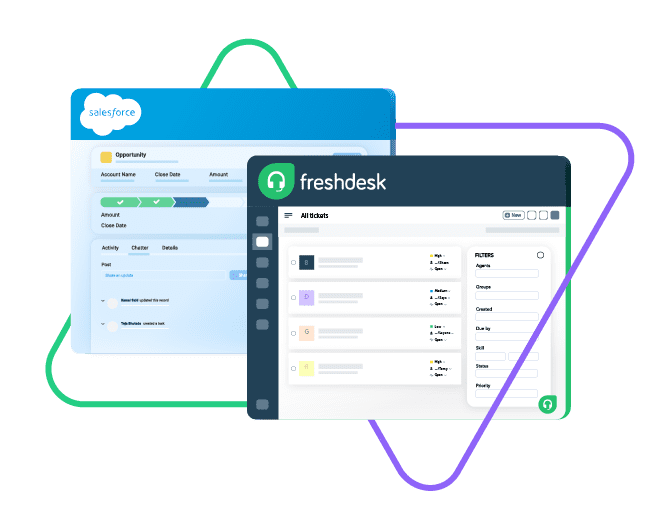
Sync opportunity, case, task, account...
sync product, owner, status, number, priotity...
sync contact details, internal comments...
Sync summary, description, labels...
Sync status, priority, attachments,
Sync phone, notes, custom fields, custom keys...








Stop Context-Switching With Freshdesk Salesforce Integration
Keep customer support and sales enablement in perfect alignment. Automate integrations between Freshdesk and Salesforce. Guarantee a higher revenue and customer satisfaction rate.
Map customer cases from Salesforce to Freshdesk tickets.
Get rid of manual handovers and data transfers between teams.
Categorize tickets on Freshdesk with the correct customer information from Salesforce.
Link multiple related Salesforce objects to the corresponding Freshdesk ticket.
Improve the accuracy of key metrics by expanding data sources.
Establish a single source of truth by providing a 360-degree view of customer data.
Sync Anything and Everything From Salesforce to Freshdesk
Explore uni-directional or bi-directional synchronization between Freshdesk tickets and Salesforce objects.
Exert complete control over the sync with the help of custom mappings and automated event triggers.

Freshdesk
Freshdesk
9 fields are supported:
- Custom fields
- Summary
- Status
- Description
- Type
- Priority
- Labels
- Comment
- Attachment

Salesforce
Case
All fields are supported, including:
- Custom fields
- Account Name
- Asset
- Business Hours
- Case Owner
- Contact Email
- Escalated
- Priority
- Product
- SLA Violantion
- Type
Problems
All fields are supported, including:
- Close Date
- Contract
- Delivery/Installation Status
- Description
- Lead Source
- Order Number
- Opportunity Score
- Price Book
- Probability
- Tracking Number
Change Requests
All fields are supported, incuding:
- Account Owner
- Annual Revenue
- Billing Address
- Customer Priority
- Parent Account
- SIC Code
- Tradestyle
- Upsell
- Year Started
Sync any Salesforce entity
Exalate for Salesforce allows syncing all the available objects and their fields within the Script connection. This page only shows the most popular and widely used objects and their fields.
Check the full list of supported fields for Salesforce and Freshdesk
Get the Most Out of Your Integration
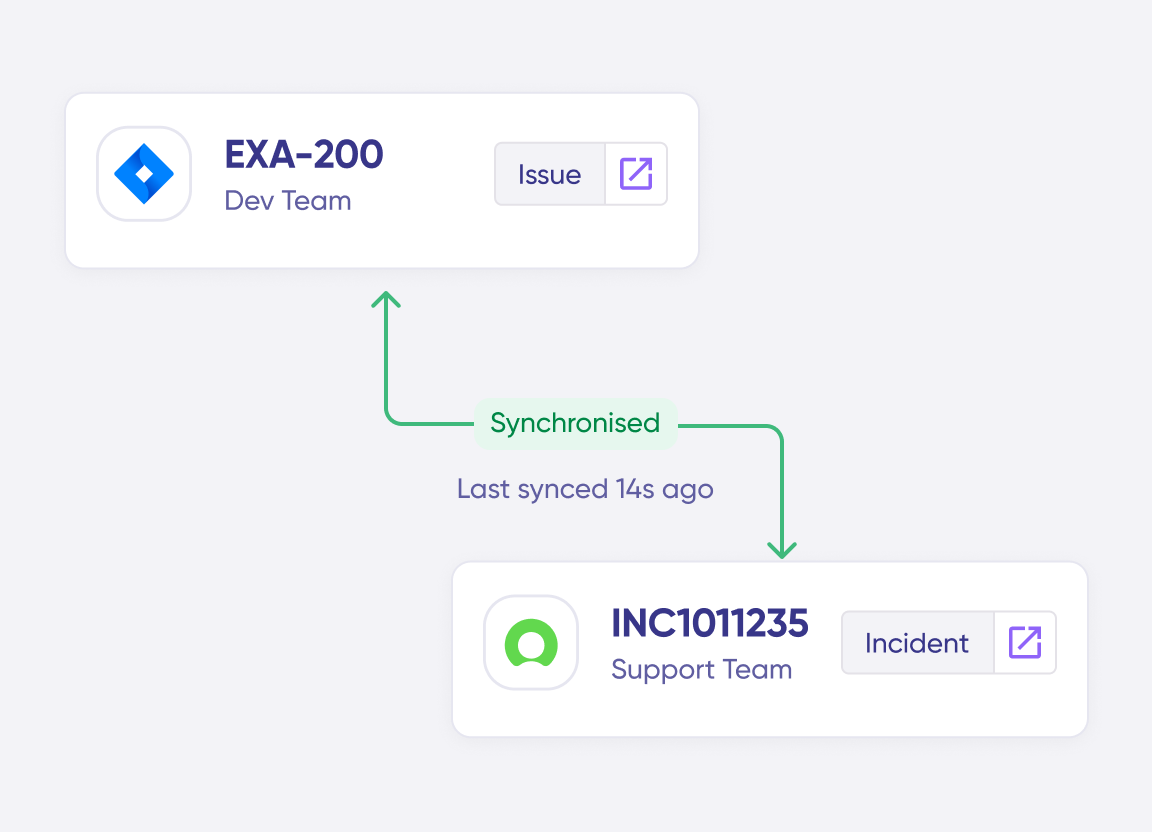
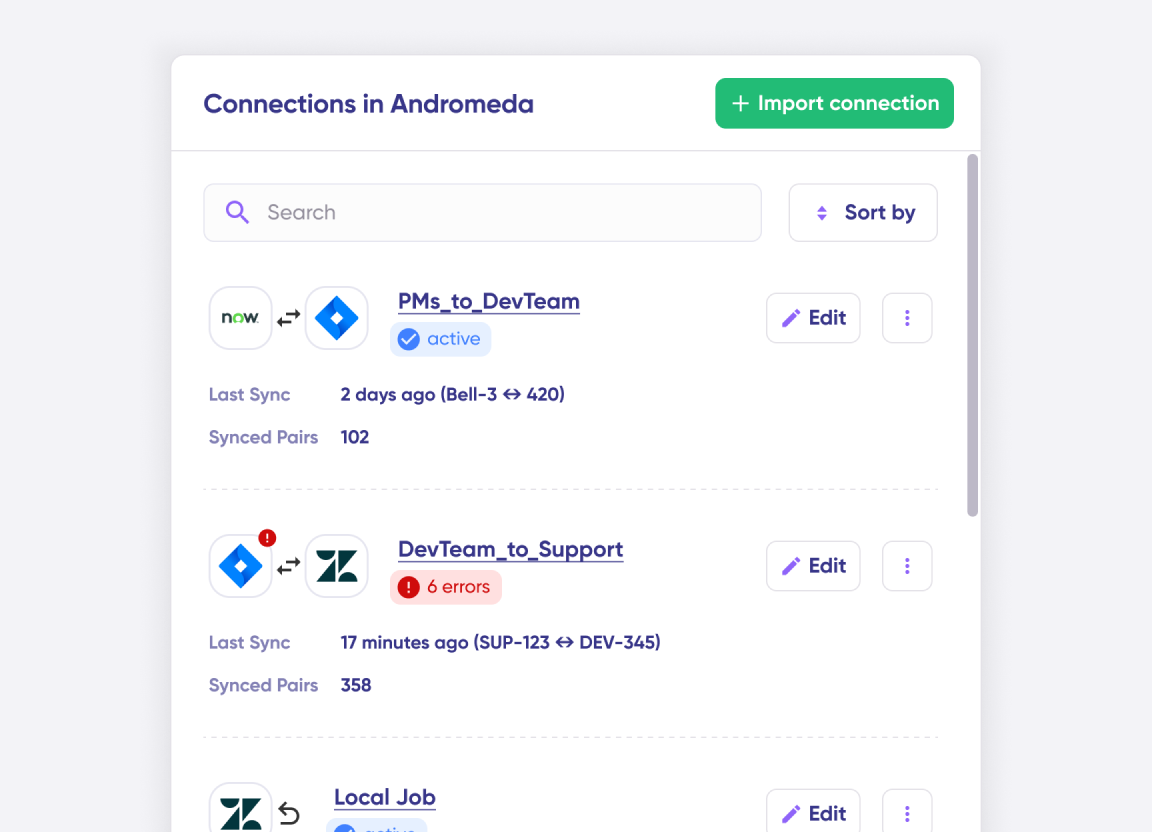
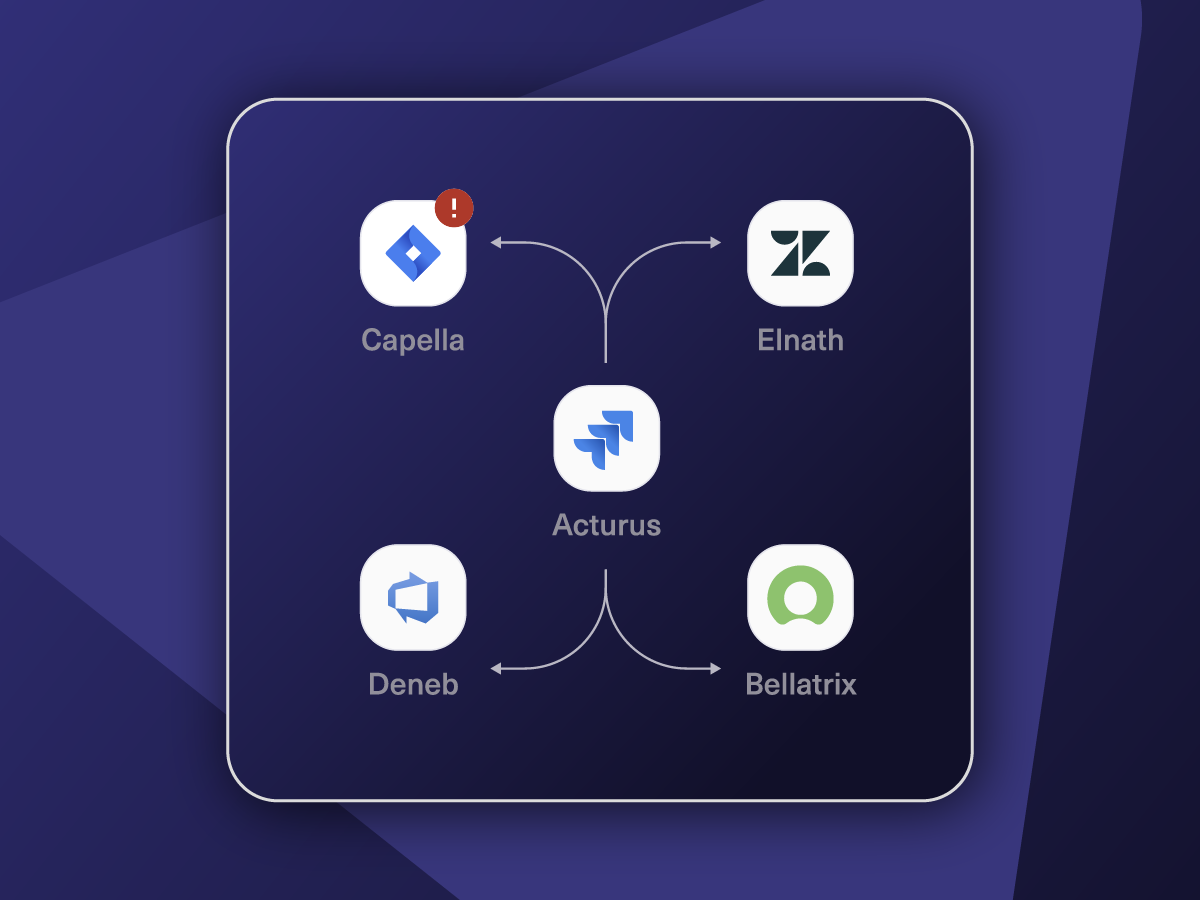
Connect multiple projects, instances, and platforms. Use different rules for each connection.
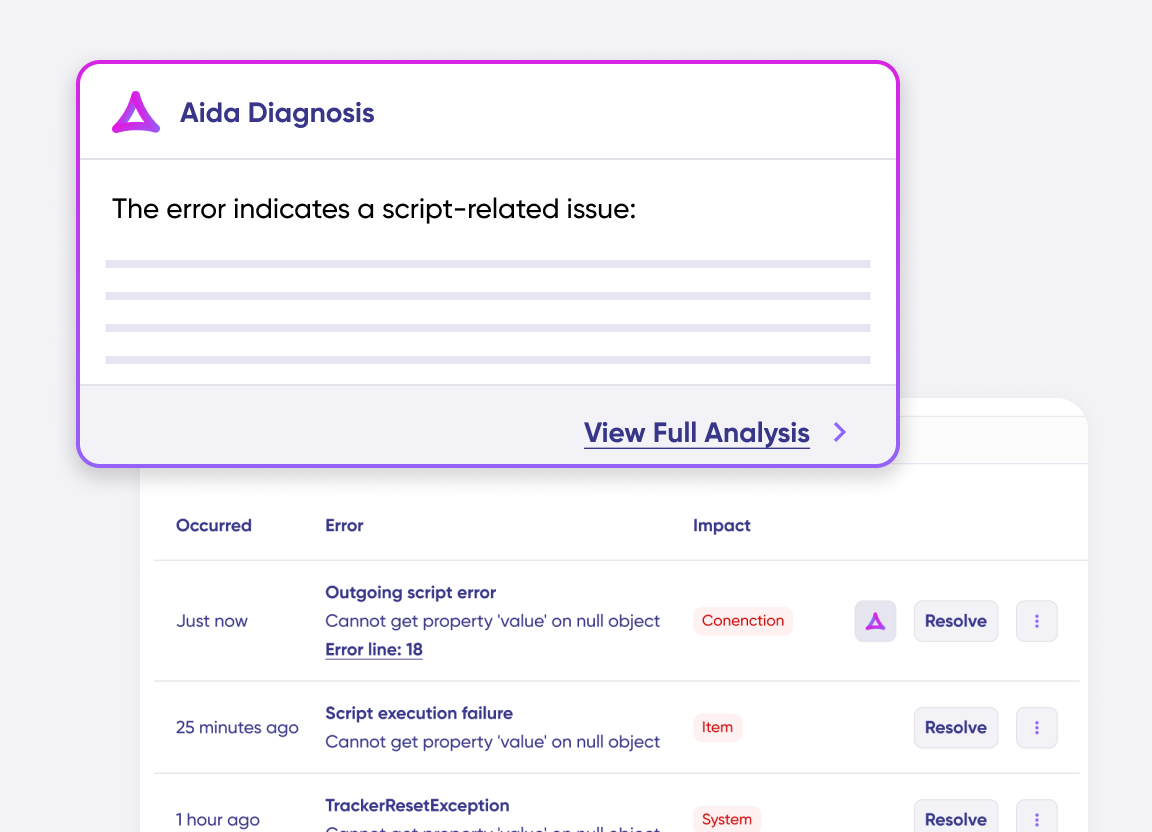
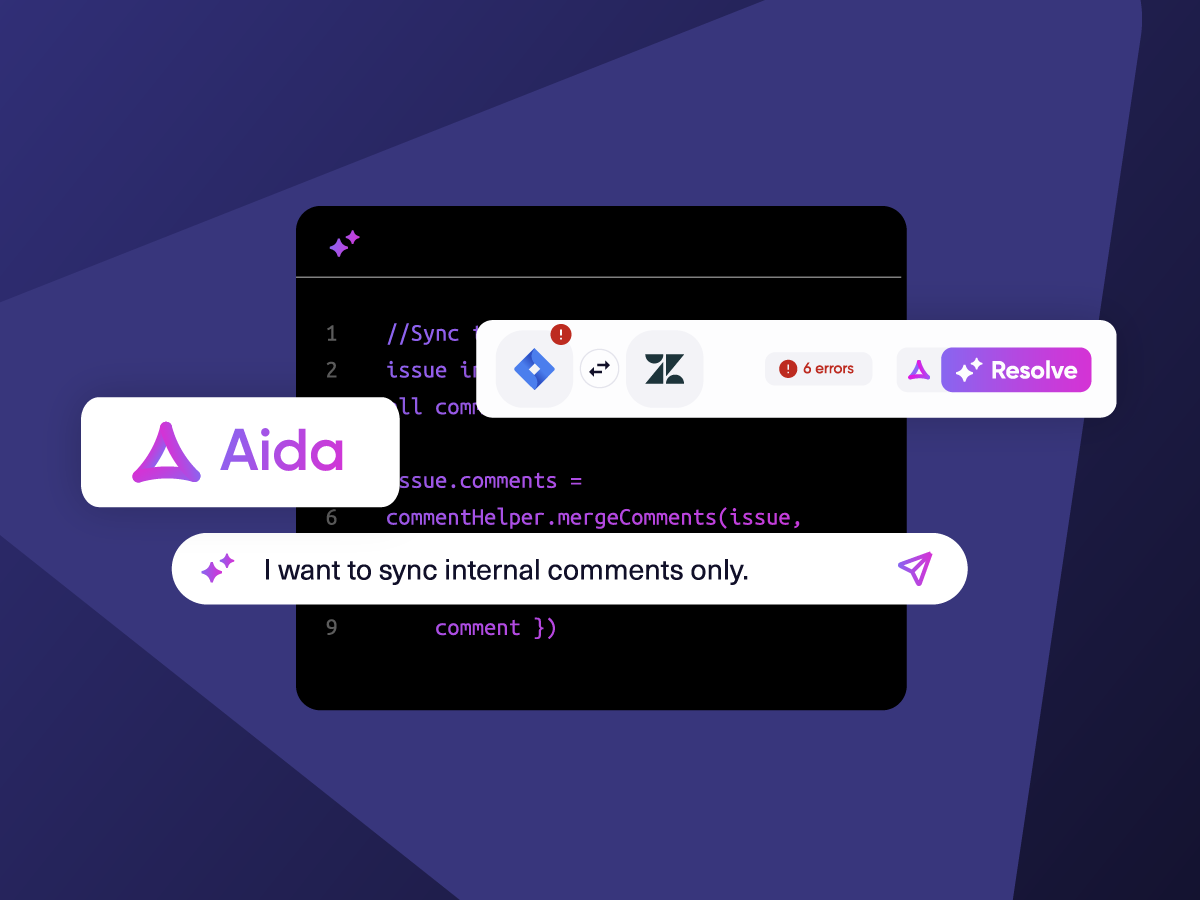
Get AI-powered recommendations for resolving the issue, including possible fixes and next steps.
“
Exalate is stable, flexible, customizable, and pretty easy to set up and use.
ALEXANDER SINNO

How it Works
Connect
Easily connect multiple projects, instances, and platforms. With local, or external partners.
Customize
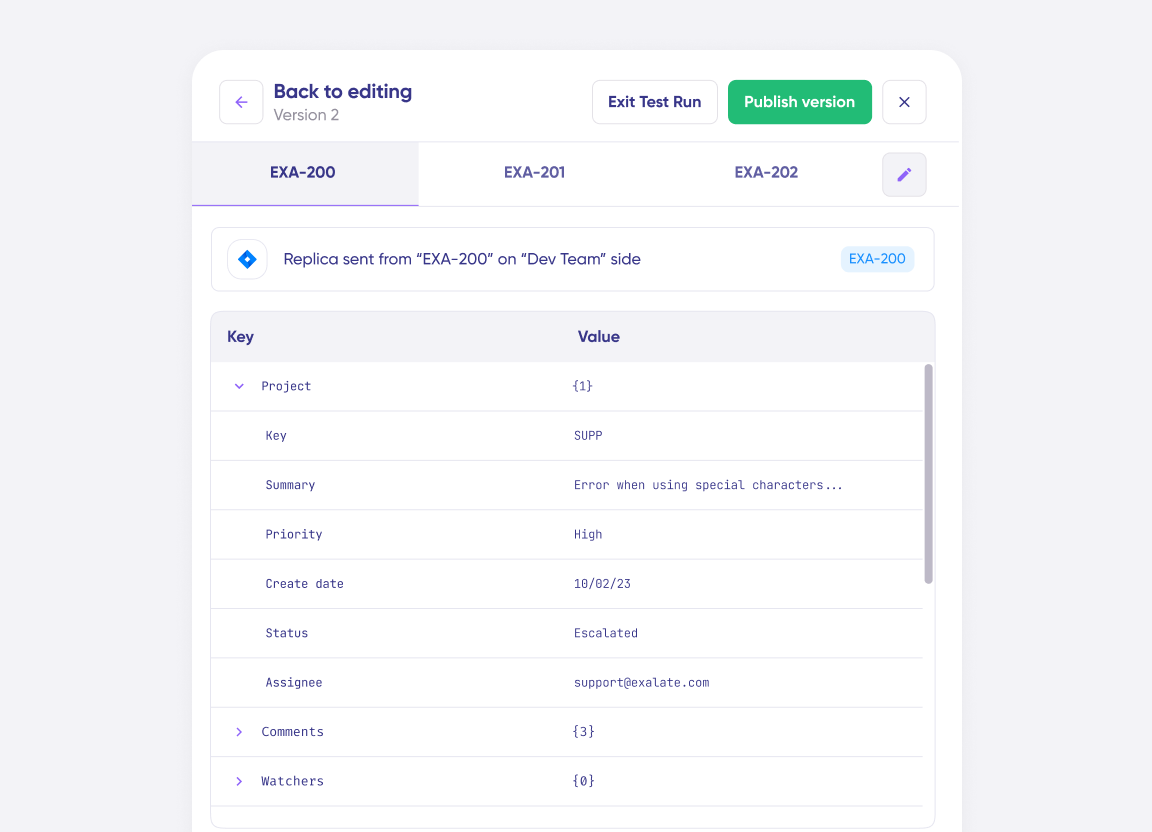
Set your sync rules to make sure the right data is shared.
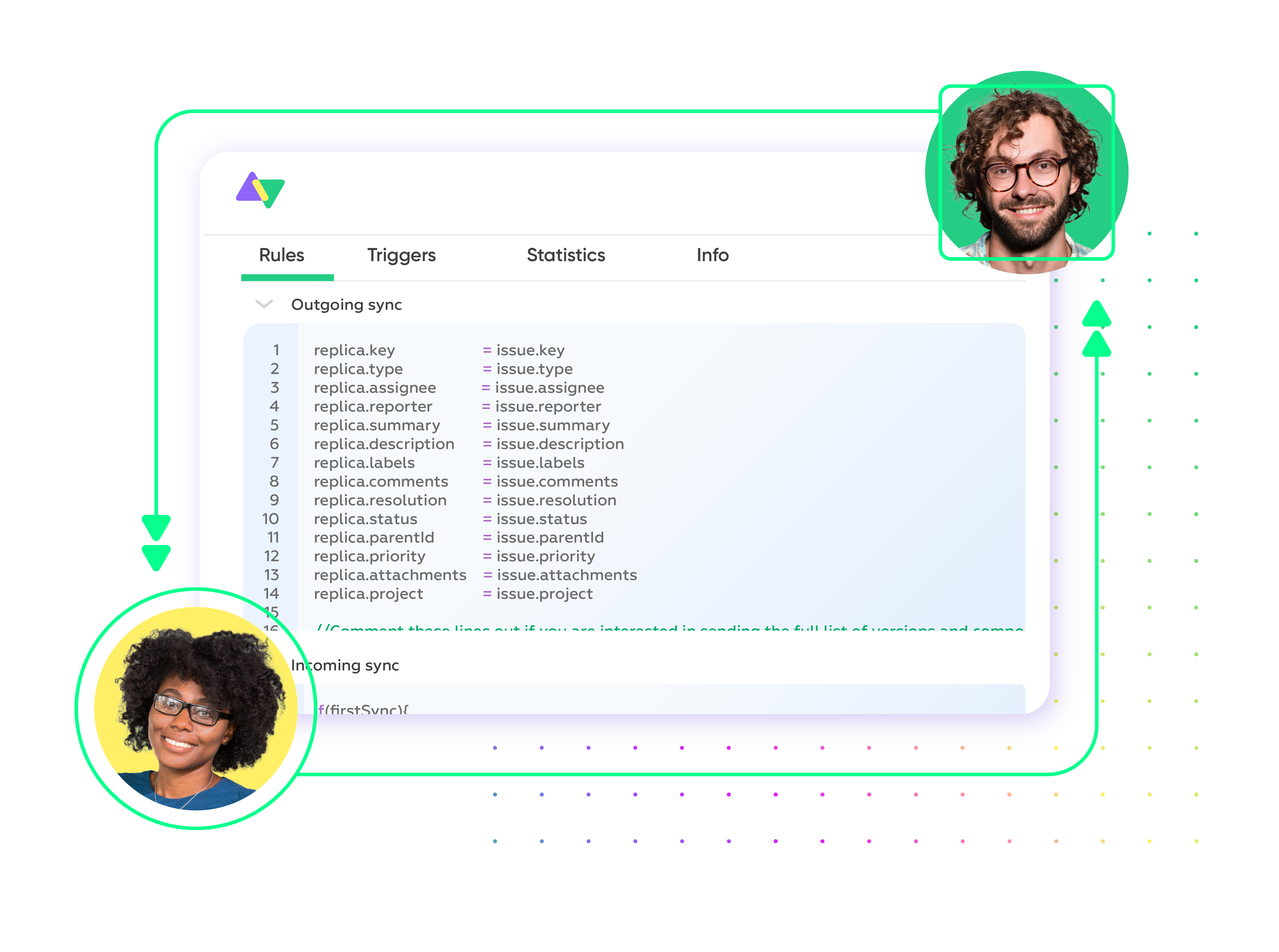
Prompt Exalate’s AI to generate rules, or fine-tune with Groovy-based custom mappings and logic for complete control.
Automate
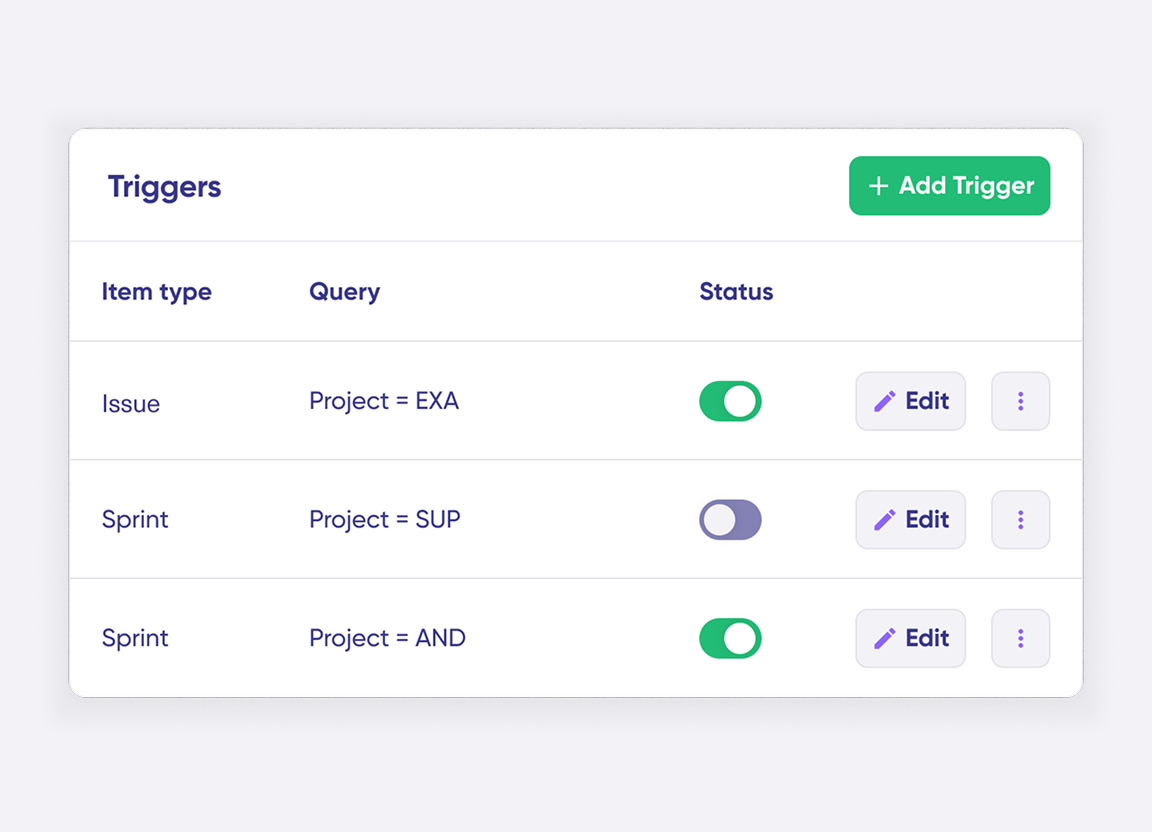
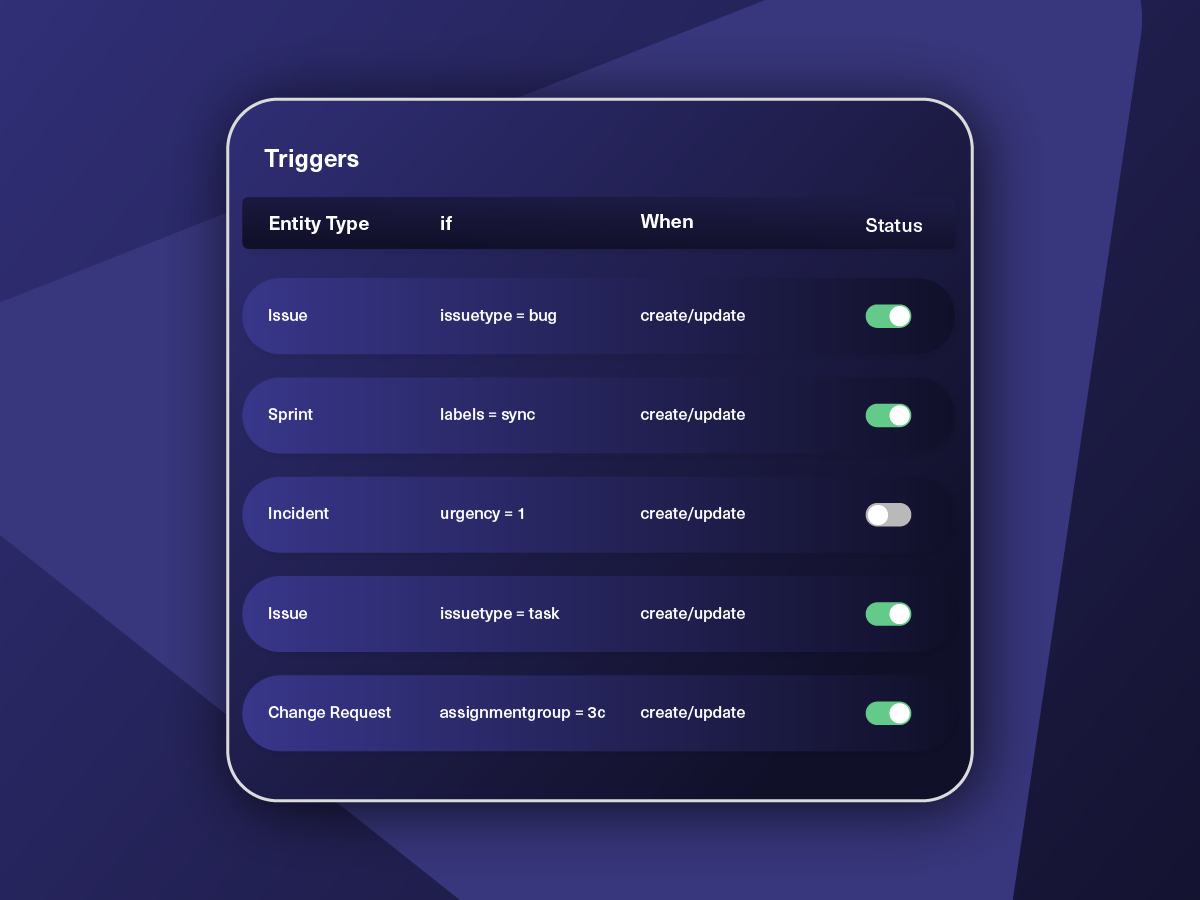
Set triggers to automate your sync based on specific conditions.
Synchronize
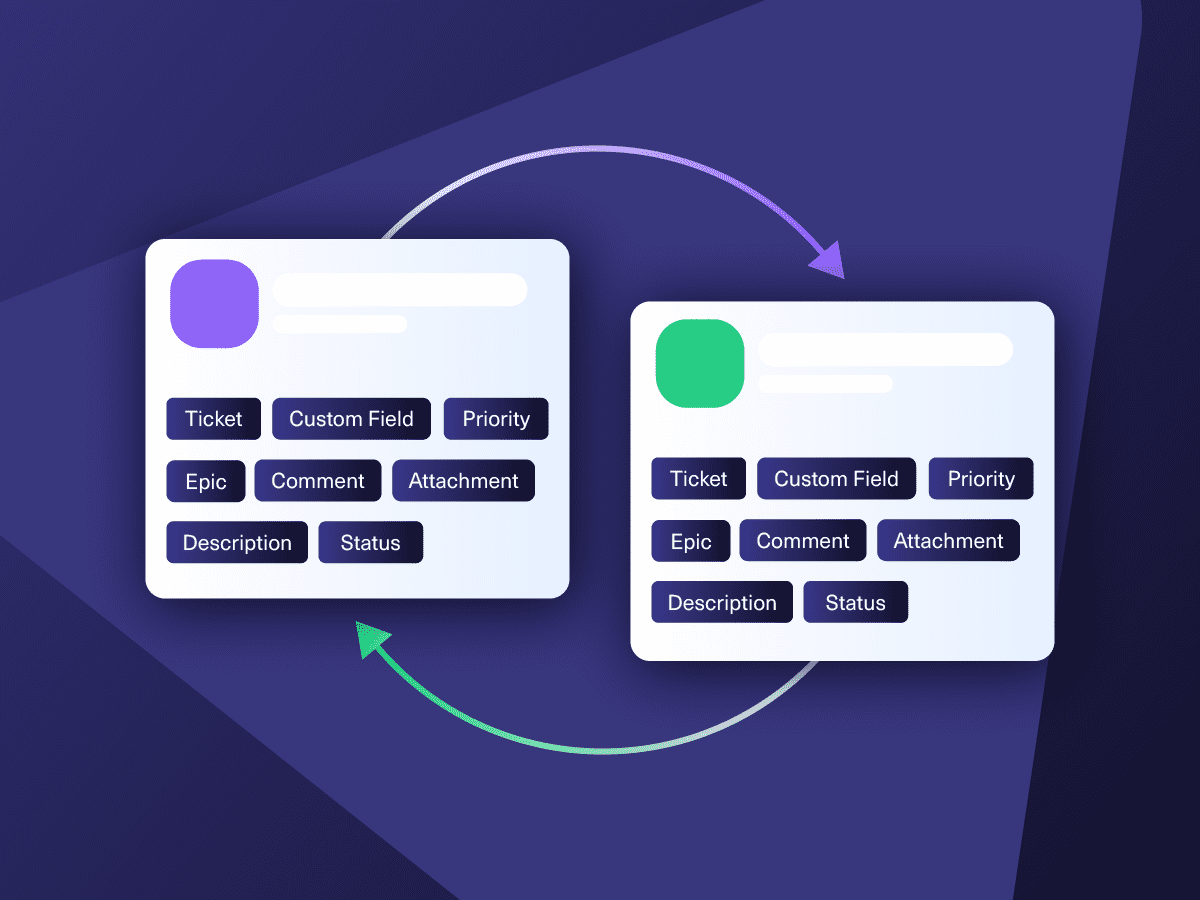
Now your connected instances will exchange information automatically. Happy syncing!
“
We can now handle around 500 customer incidents per week, thanks to Exalate, which is a very good result regarding the number of products we’re dealing with. It synchronizes 45x faster than our previous solution.
Christof Cuyper |

Start Simple, Advance with Confidence
Start the integration journey between Freshdesk and Salesforce with the help of predefined templates. Explore more complex sync opportunities over time.
Sync Any Data, Your Way
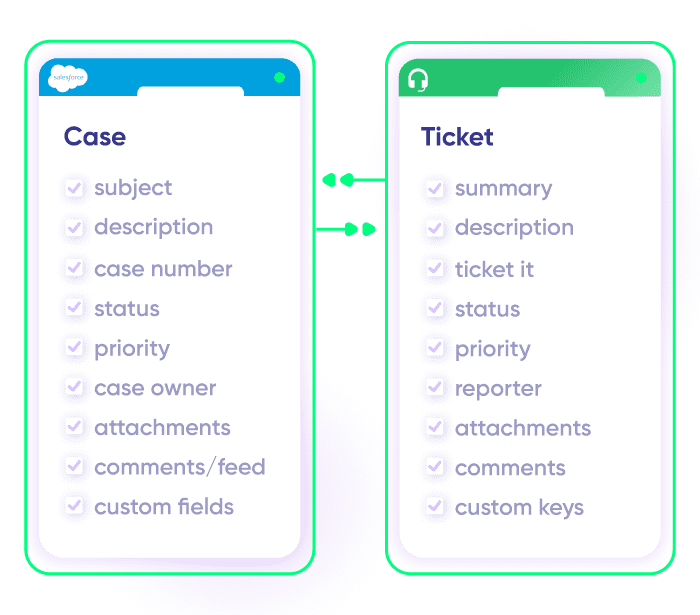
Sync new or existing Freshdesk tickets with Salesforce entities. Gain full control over the data flow with one-way or two-way syncs. Sync statuses, priorities, attachments, labels, notes, and more.
Escalate a Salesforce Case as a Freshdesk Ticket
When a Salesforce Case is created, all relevant content should be forwarded to the Freshdesk ticket. Any updates to the ticket should automatically reflect in the Salesforce Case.
Align Sales with Customer Support
Tag a Freshdesk ticket as an opportunity and sync the relevant customer details in Salesforce to create a new lead. Keep this alignment between support and sales/CS teams to improve customer experience, customer retention, and upsell opportunities.
Streamline Cross-Team Collaboration
Keep support and sales teams aligned by updating both platforms whenever critical events occur, such as a closed deal or a resolved ticket.
Map Multiple Related Freshdesk Tickets to a Single Salesforce Case
When multiple Freshdesk tickets come in for the same issue, across different channels, link them back to a single case in Salesforce. Keep the sales or account team informed without flooding them with noise.
Make Customer Engagement Pro-Active
Stay updated about all customer interactions and pressing concerns. Notify sales reps when high-value customers raise support issues, enabling timely follow-ups to strengthen relationships and prevent churn.
Automate Feedback Loops
Use integration automation to give teams the upper hand. Send customer feedback and satisfaction scores from Freshdesk to Salesforce to help sales teams refine their strategies and identify areas for improvement.
“
The team was very hands-on and very responsive. If we encountered an issue, they were able to resolve it quite fast.
Maarteen Cautreels

Always at Your Service
Get timely assistance from the best support technicians in the business. Relax as we help you solve every sync-related issue and more.
FAQ
Answers to the most frequent questions.
Didn't find what you were looking for? Ask Aida
Exalate is a flexible two-way sync platform that connects Freshdesk and Salesforce bidirectionally. It allows support and sales teams to share tickets, cases, contacts, and custom fields in real time while each team stays in their preferred tool. Unlike template-based solutions, Exalate uses a Groovy-based scripting engine that handles complex workflows such as conditional mappings, field transformations, and cross-company collaborations. You can start a 30-day free trial to test the integration with your specific use case.
You can sync Freshdesk ticket fields, including summary, description, status, priority, attachments, labels, notes, custom fields, and custom keys. On the Salesforce side, you can sync any object and its fields, such as Cases, Accounts, Opportunities, Contacts, Products, and Tasks. Custom objects and fields are also supported. If you need to sync entities not listed here, contact our team to discuss your requirements.
Setting up the integration involves four main steps. First, register your account at exalate.app. Second, connect your Freshdesk and Salesforce instances by entering each system’s URL. Third, configure your sync rules to define which fields to share and in which direction. Fourth, set up triggers using native query languages to automate when syncing occurs. Aida, the AI assistant, can help generate scripts based on plain language descriptions of what you want to sync. The entire setup typically takes 15 to 30 minutes for standard configurations.
Yes, Exalate provides real-time bidirectional synchronization. When a ticket is created or updated in Freshdesk, the corresponding Salesforce record reflects those changes within seconds. The same applies in reverse. Exalate uses transactional queues that track sync events in order, ensuring data consistency even during temporary network issues. If a connection drops, the system automatically resumes from the point of interruption once connectivity is restored.
Exalate uses outcome-based pricing, where you pay based on active items currently in sync rather than user counts or total transactions. Plans include Starter, Scale, Pro, and Enterprise tiers, each designed for different complexity levels and sync volumes. You can estimate costs using the pricing calculator or view detailed plan information on the pricing page. All paid plans include a 30-day free trial with full functionality.
Freshdesk’s native connector primarily displays Salesforce data within Freshdesk and offers limited sync capabilities for contacts and accounts. Exalate provides full bidirectional synchronization of tickets, cases, and any Salesforce object with custom field mappings. It supports advanced use cases like cross-company integrations where each organization controls its own sync rules. Native connectors work for basic visibility, but Exalate handles complex scenarios such as conditional logic, status mapping between incompatible values, and multi-platform setups.
Yes, Exalate supports multi-instance and multi-platform configurations. You can connect multiple Freshdesk accounts to multiple Salesforce orgs, or extend your integration network to include other tools like Jira, Azure DevOps, Zendesk, ServiceNow, and GitHub. Each connection can have its own sync rules, triggers, and field mappings. This makes Exalate suitable for MSP environments and organizations collaborating with external partners. Visit the integrations page for the full list of supported platforms.
Yes, Exalate is built with enterprise-grade security. It uses single-tenant cloud infrastructure where your data is isolated from other customers. Security features include JWT-based authentication, TLS 1.2 and 1.3 encryption, role-based access controls, and OAuth/PAT authentication options. Exalate is ISO 27001:2022 certified and maintains detailed audit trails for compliance. You can review our security documentation and certifications at the Trust Center.
Exalate’s scripting engine handles field transformations automatically. For example, Freshdesk ticket statuses like “Open” and “Pending” can be mapped to corresponding Salesforce Case statuses like “New” and “Working.” You write simple mapping rules in the sync scripts, or ask Aida to generate them for you. Custom fields, picklist values, and even calculated fields can be transformed during sync to match each system’s requirements.
Common use cases include escalating Salesforce cases to Freshdesk tickets for support handling, syncing customer context from Salesforce to help agents provide informed support, creating sales opportunities from support tickets tagged as upsell candidates, and consolidating multiple Freshdesk tickets into a single Salesforce case for account management. Organizations also use the integration to automate feedback loops by sending customer satisfaction scores from Freshdesk to Salesforce for sales strategy refinement.