
flexible two-way sync
Freshservice Freshdesk Integration
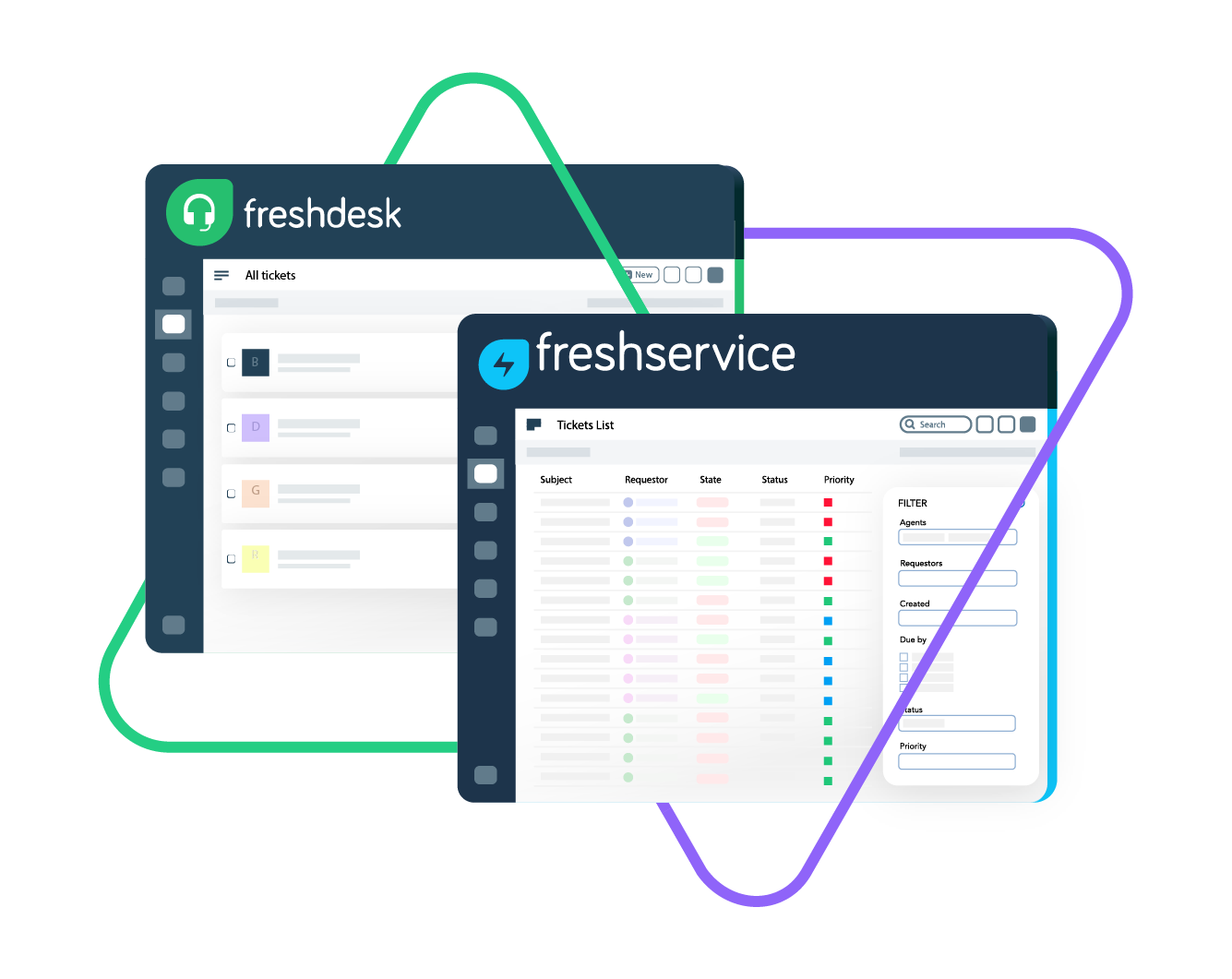
Sync Freshservice and Freshdesk to connect teams for seamless collaborations and real-time updates. Improve communication and ticket escalation between IT and customer service teams.
Map Freshdesk and Freshservice tickets (incidents and requests) for top-notch service delivery and customer satisfaction.
Sync summary, description, status, priority...
sync label, attachments, notes...
sync custom fields, custom keys....
Sync summary, description, labels...
Sync status, priority, attachments,
Sync phone, notes, custom fields, custom keys...










Freshservice Freshdesk Sync
Streamlined Service Workflows
Give both sides all the context and information they need in their own system. Align ITSM and customer support between teams and companies with a customizable and real-time Freshservice to Freshdesk integration.
Sync ticket updates across support and IT service teams to keep teams aligned.
Automate the syncing process to save time and reduce manual effort.
Eliminate data silos and gain a comprehensive view of incidents and service requests across both platforms.
Link multiple Freshservice incidents to a single Freshdesk support ticket.
Instantly convert Freshdesk support tickets to Freshservice incidents for faster resolution.
Choose between real-time one-way or two-way syncing to keep both platforms updated.
Freshdesk to Freshservice: Confident Customer Service
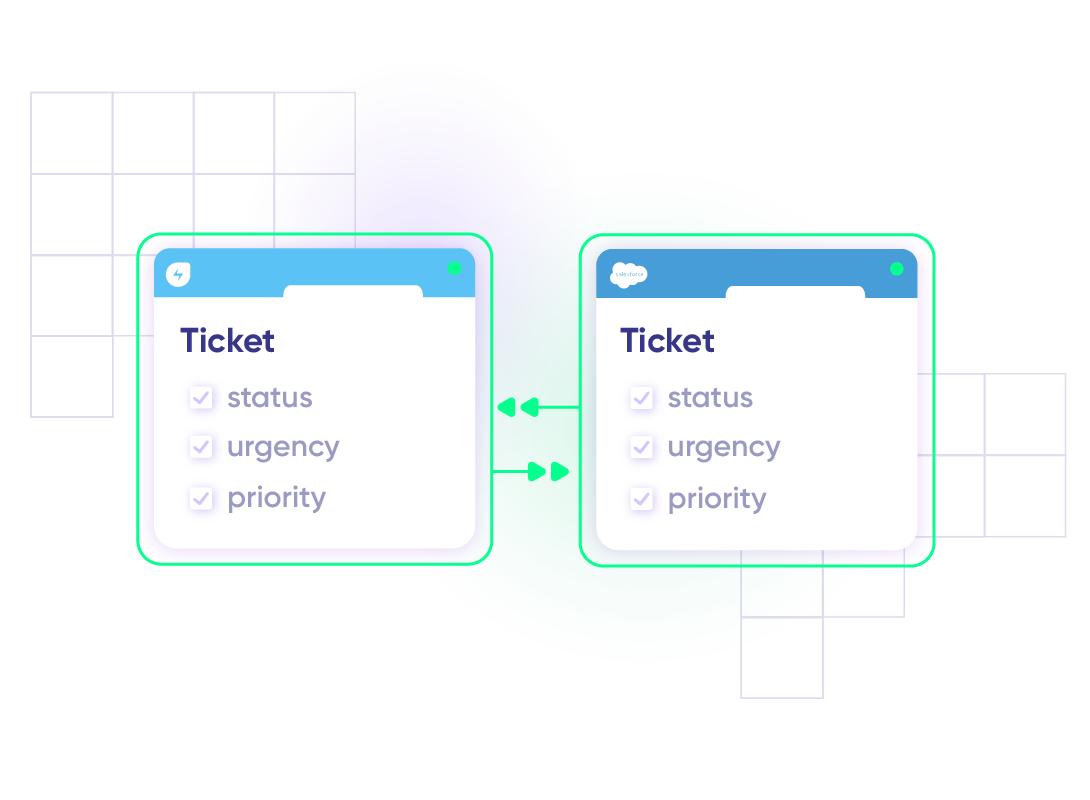
Map default and custom ticket fields for added context. Control what gets shared between Freshdesk and Freshservice. Keep your data protected at rest and in transit between both platforms.

Freshdesk
Freshdesk
9 fields are supported:
- Custom fields
- Summary
- Status
- Description
- Type
- Priority
- Labels
- Comment
- Attachment

Freshservice
Tickets
All fields are supported, including:
- Custom fields
- Custom keys
- Summary
- Description
- Status
- Attachment
- Label
- Priority
- Notes
Check the full list of supported fields for Freshdesk and Freshservice
“
We can now handle around 500 customer incidents per week, thanks to Exalate, which is a very good result regarding the number of products we’re dealing with. It synchronizes 45x faster than our previous solution.
Christof Cuyper |

Get the Most Out of Your Integration
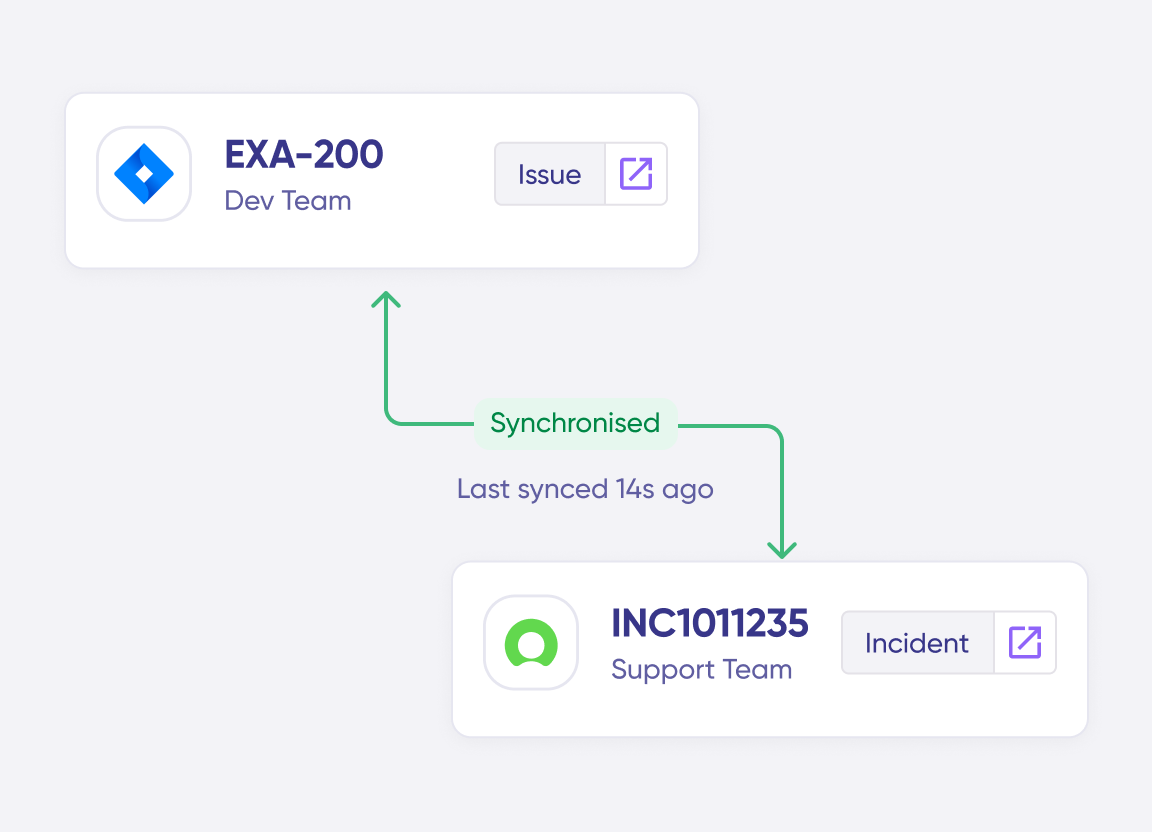
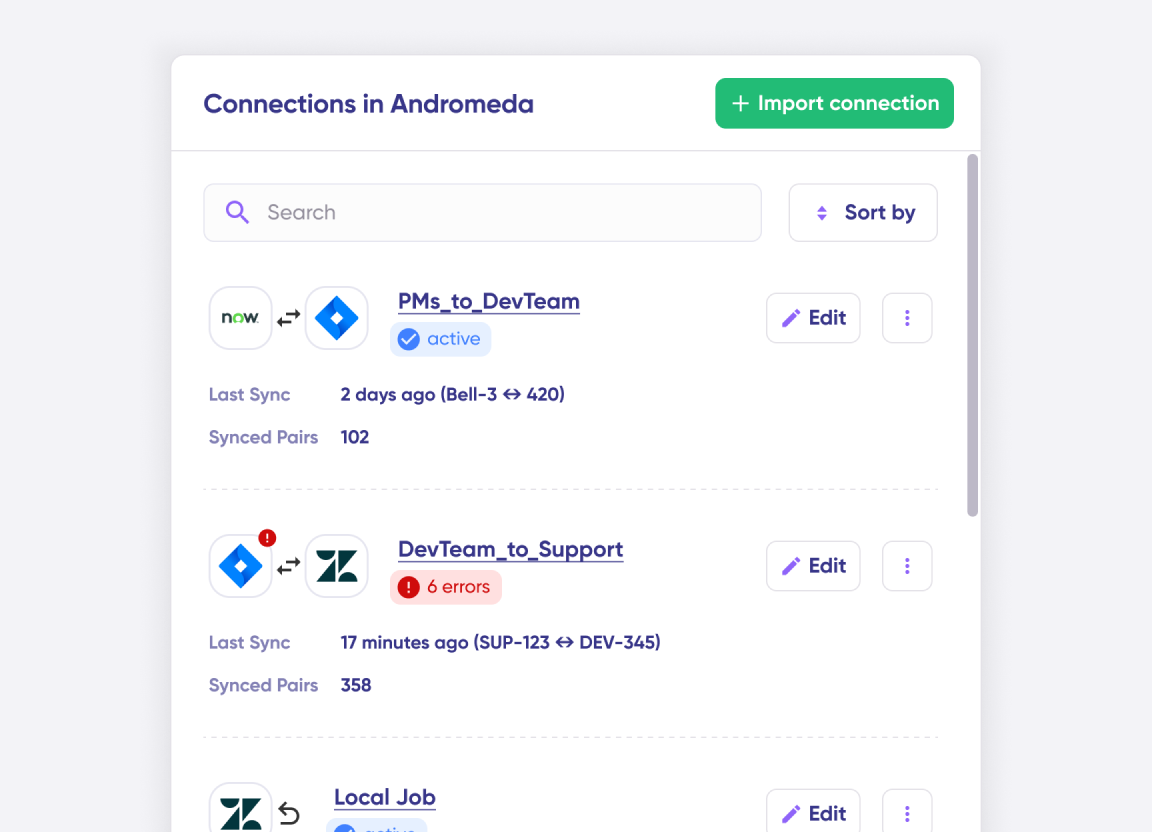
Connect multiple projects, instances, and platforms. Use different rules for each connection.
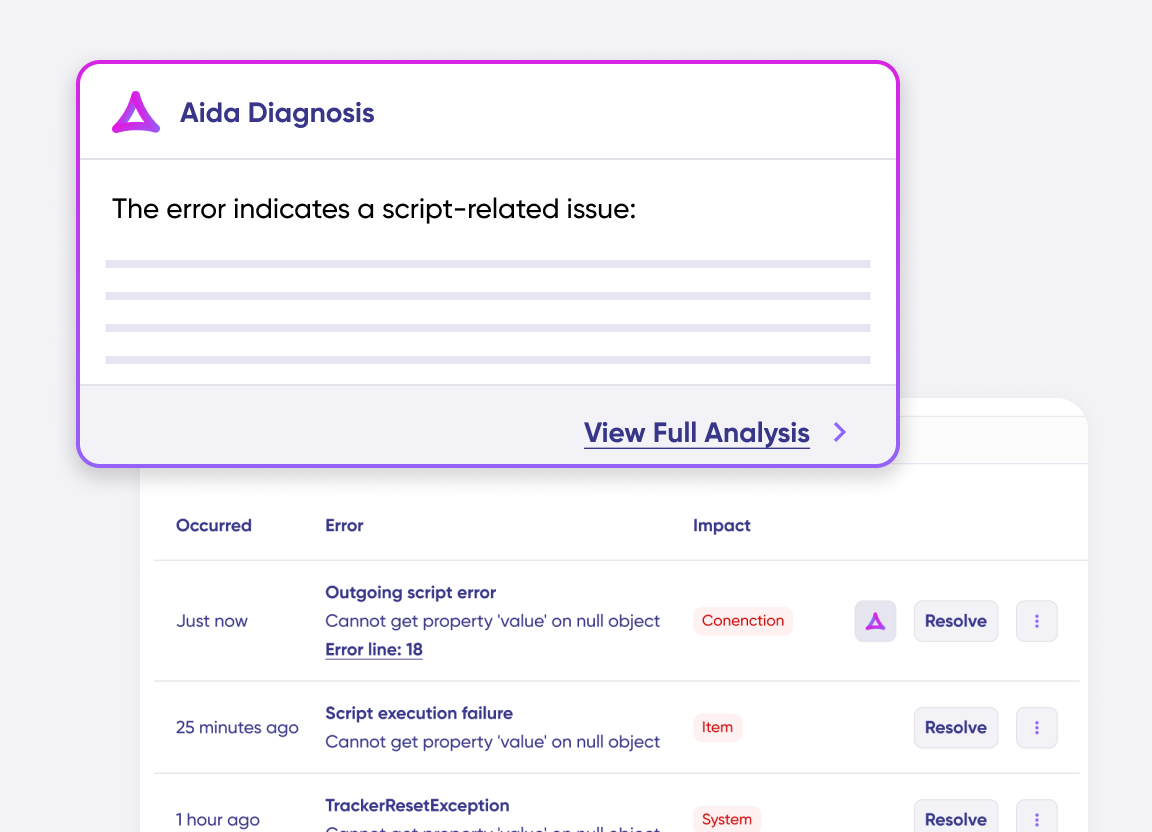
Get AI-powered recommendations for resolving the issue, including possible fixes and next steps.
Simple to Advanced Freshservice Freshdesk Integration Use Cases
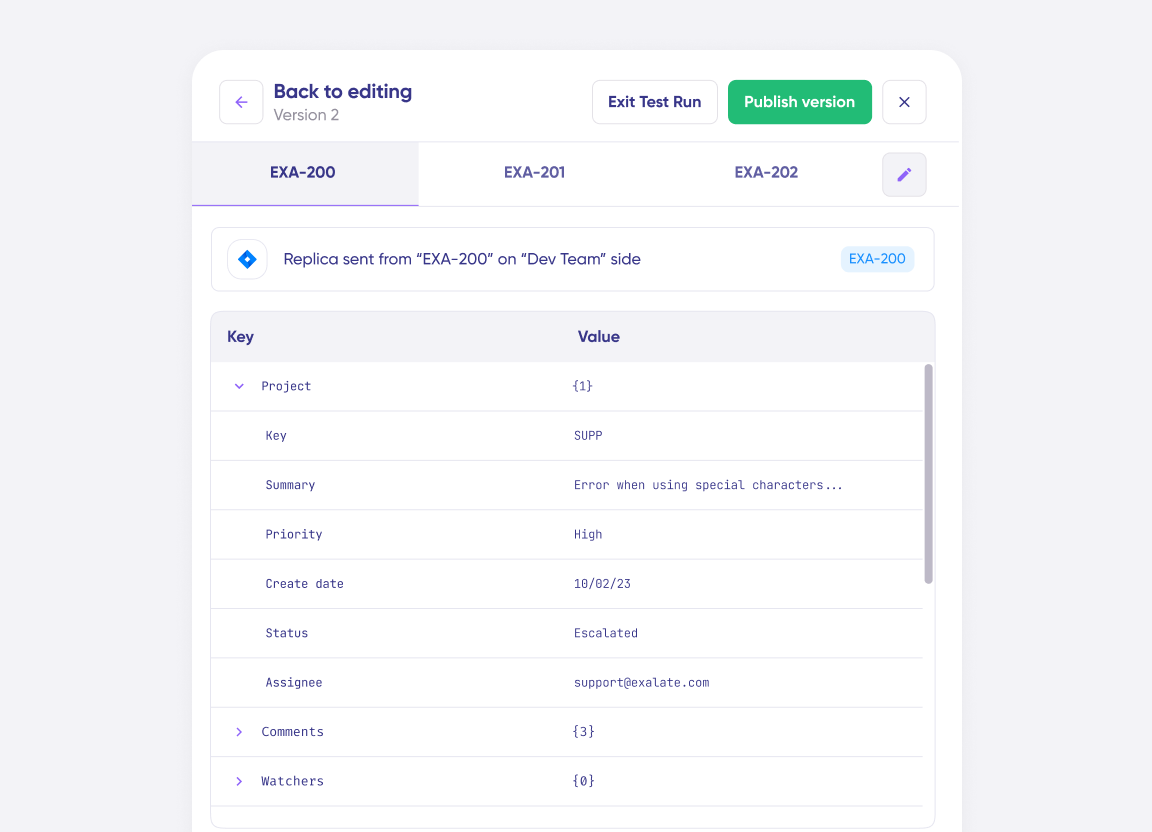
Start the integration with simple field mappings. Scale effortlessly with AI-powered scripting for advanced and complex use cases.
Escalate Freshdesk Tickets as Freshservice Incidents
Automatically escalate Freshdesk tickets to Freshservice to create a pipeline for sharing information between customer-facing teams and IT service teams. Sync all relevant data (description, title, type, etc) as well as attachments, inline images, and other key fields. The IT team gets the relevant context from the support interaction and can prioritize the issue accordingly.
Improve Ticket Resolution Times
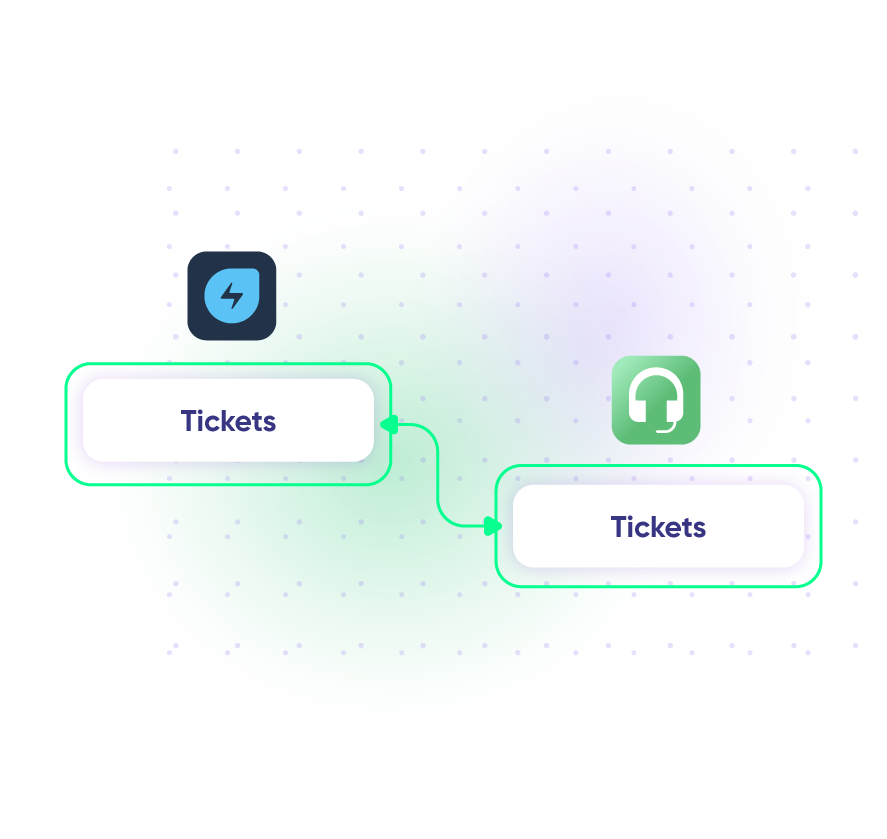
When a new ticket is created in Freshdesk, an alert is created in Freshservice automatically. Status updates flow back and forth in real-time, allowing teams to decide what gets prioritized for resolution and what stays in the pipeline. Both the IT team and the support team can collaborate in real time, keeping the customer informed of progress and ensuring quicker resolution.
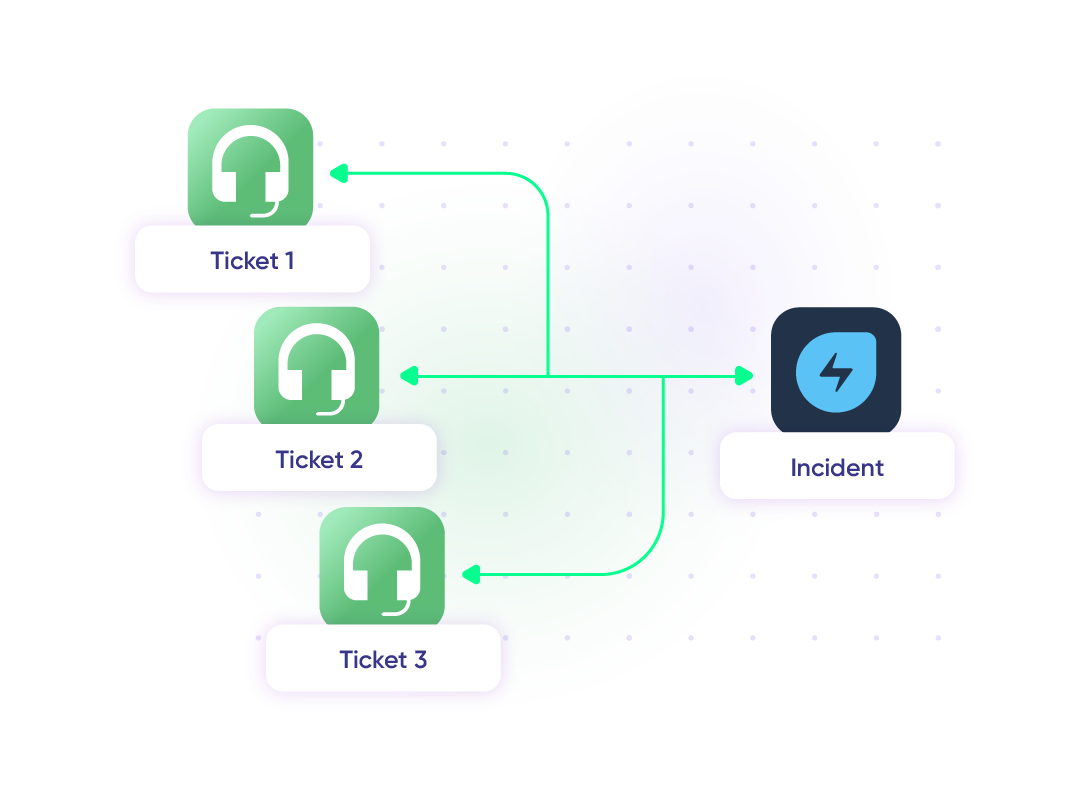
Map Multiple Related Freshdesk Tickets to a Single Freshservice Incident
Map and escalate multiple related Freshdesk tickets from customers to a single Freshservice incident to unify all related concerns in one place. Make post-release and post-launch incident resolution a breeze for IT staff by giving them complete visibility of failure rates and customer mood.
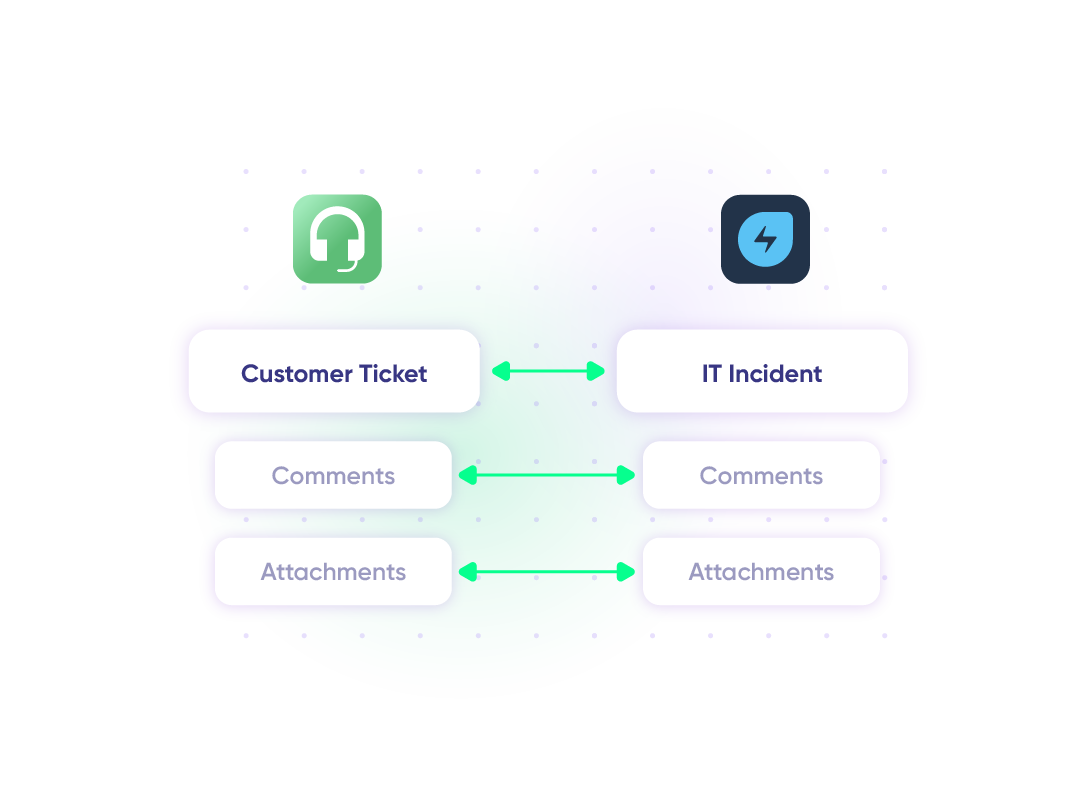
Sync Customer Issues for a 360° View
When a customer submits a ticket through Freshdesk regarding a technical issue, the support team notices it’s tied to an existing IT incident in Freshservice. Linking both the support team and IT team provides visibility into the full scope of the incident or request for an efficient resolution. This ensures no tickets fall through the cracks between departments.
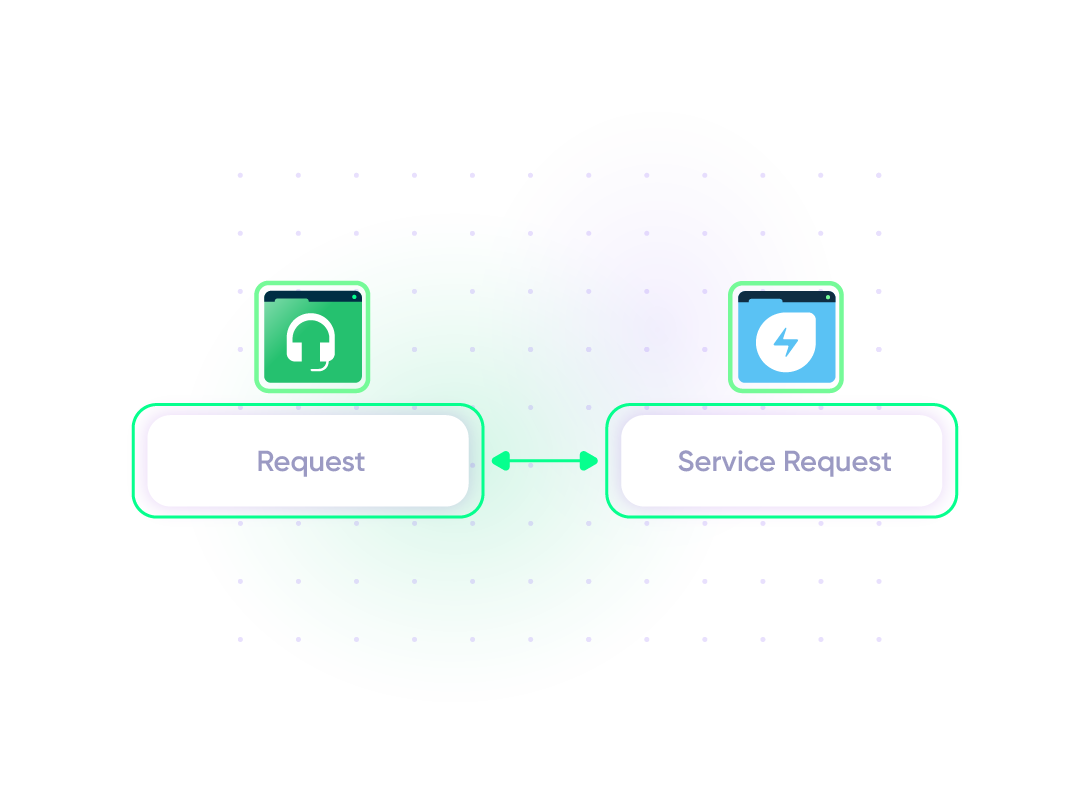
Sync Service Requests with IT Teams
All customer-facing requests that require IT attention are synced with Freshservice service requests. This allows the company to identify patterns in technical problems that need to be addressed at a higher level.
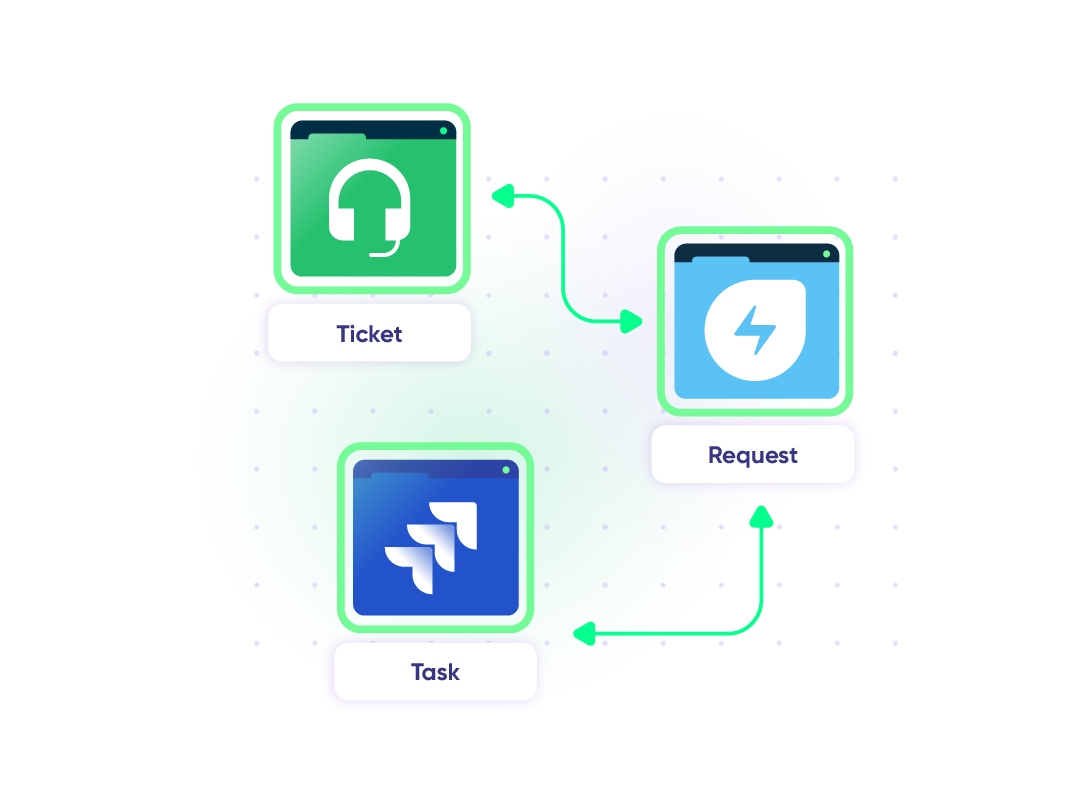
Sync ITSM Workflows Across Multiple Tools
Sync tickets between Freshservice and Freshdesk to streamline cross-team ITSM workflows between internal IT, support, and development teams. Escalate customer issues from Freshdesk to Freshservice for internal IT handling and involve developers working in Jira where necessary. Keep all teams and customers informed throughout the process.
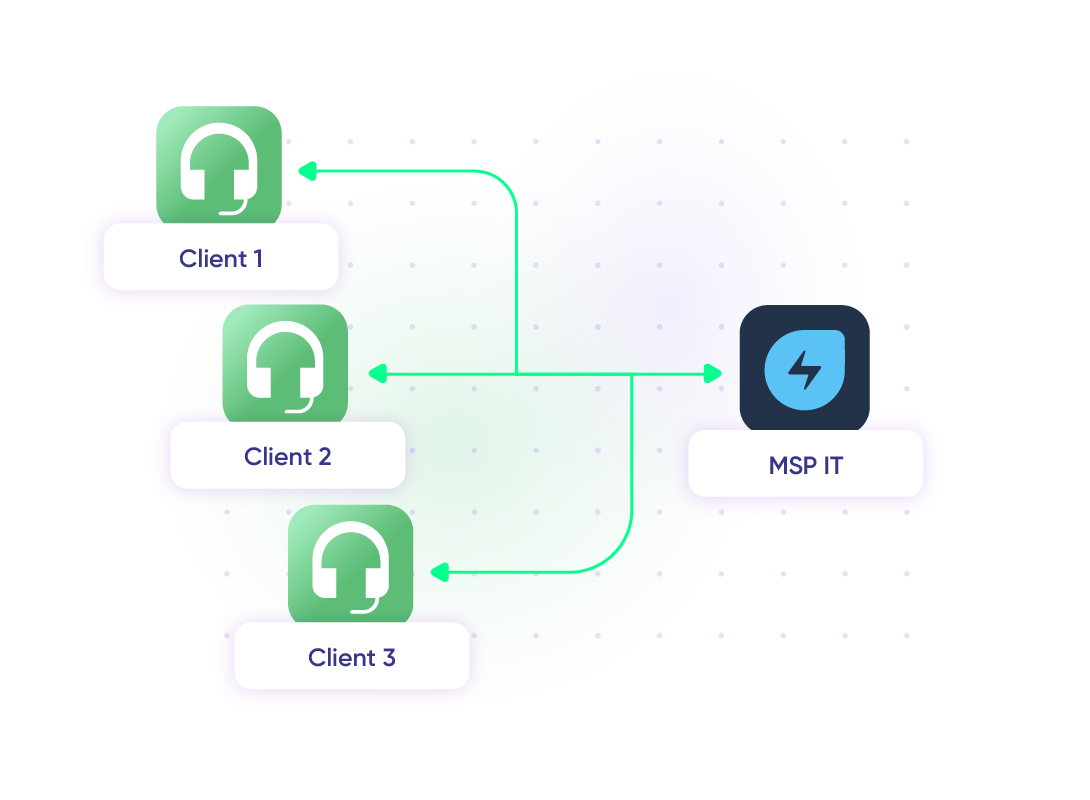
Facilitate MSP Incident Management
When customers or partners report security incidents through Freshdesk, the ticket is escalated to Freshservice for the MSP’s internal IT team to investigate. This ensures coordinated action between the MSP, their partners, and vendors to resolve the breach and provide transparent updates throughout the process.
“
Exalate is stable, flexible, customizable, and pretty easy to set up and use.
ALEXANDER SINNO

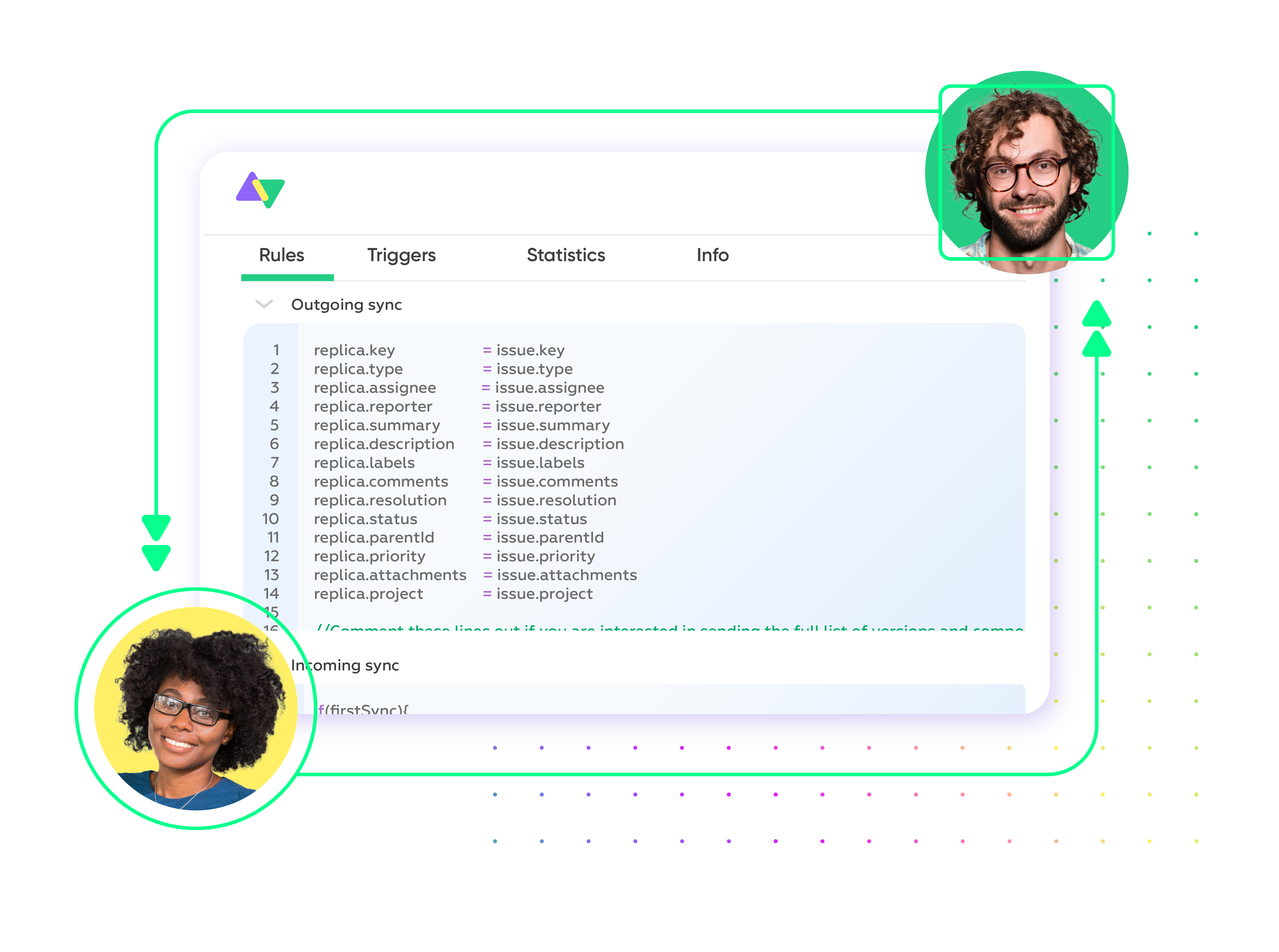
Set up, Customize, Sync!
01
connect
Connect the tools you want to integrate. Just add the instance’s URL.
02
customize
Configure your sync rules to make sure the right data is shared. Prompt the sync rules with Aida AI, or write your scripts from scratch.
03
automate
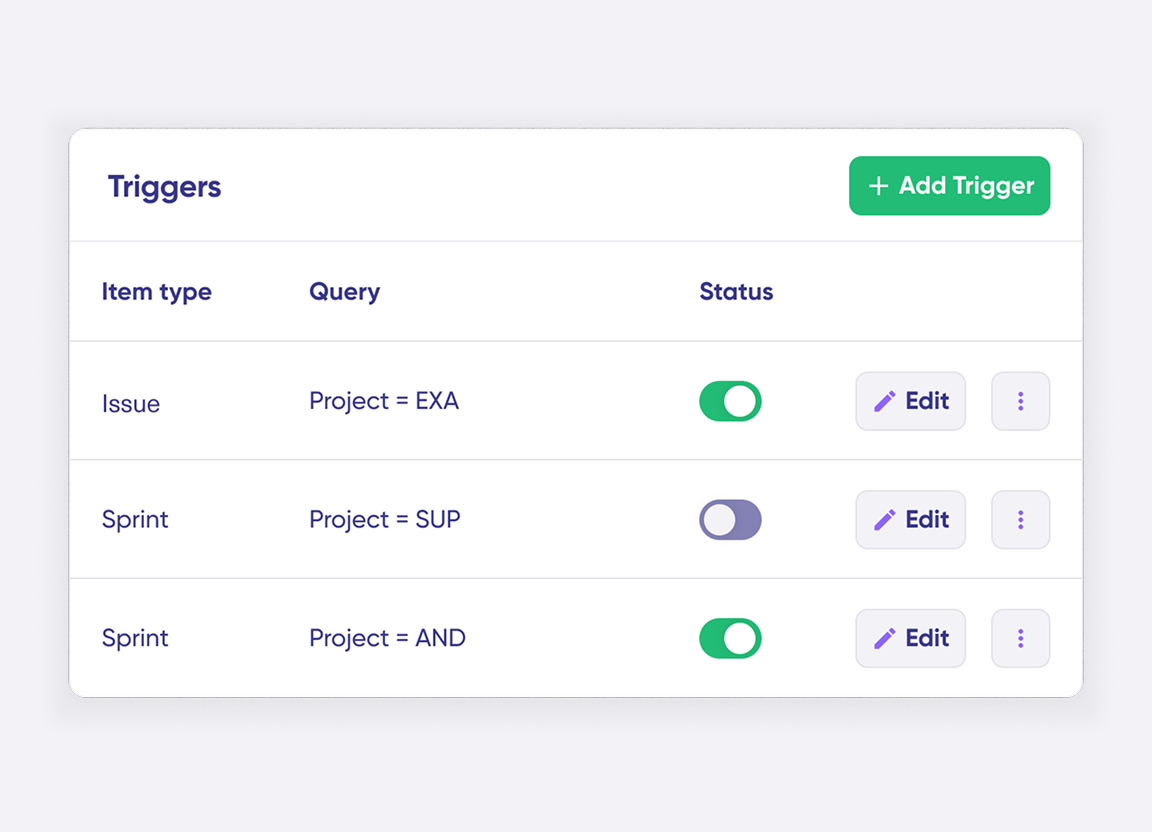
Set conditions with triggers, for an automatic synchronization.
04
synchronize
Now your instances are connected and will automatically exchange information instantly. Happy syncing!
See it in action
Always at Your Service
Get timely assistance from the best support technicians in the business. Relax as we help you solve every sync-related issue and more.
FAQ
Answers to the most frequent questions.
Didn't find what you were looking for? Ask Aida
Exalate syncs all default and custom fields between Freshdesk and Freshservice, including summary, description, status, priority, urgency, attachments, notes, labels, and comments. You can also sync any field accessible through REST APIs, giving you complete flexibility. The most common ticket types are incidents, service requests, and feature requests. If you need specific field mappings or custom entities, our engineers can configure them for you through managed services.
The integration connects your IT service management and customer support teams for faster issue resolution. Real-time sync ensures both teams see ticket updates instantly, eliminating manual data entry and reducing resolution times. IT teams gain full customer context automatically, while support agents track progress without switching systems. This improves customer satisfaction through faster technical issue resolution and better cross-team collaboration.
Register your account at exalate.app, then connect both Freshservice and Freshdesk. Configure your sync rules using Aida (AI assistant) to generate scripts based on your requirements, or write custom rules manually. Set up triggers to automate when and how tickets sync. Your integration will then automatically sync data between both platforms in real time.
Yes, Exalate supports real-time one-way, two-way, and multi-directional synchronization between Freshservice and Freshdesk. You configure the sync direction based on your workflow requirements. One-way sync sends data in a single direction, while two-way sync keeps both systems updated automatically. You can also set up migration workflows to transfer historical data. All syncs happen in real time with complete control over which fields and tickets sync.
Yes, Exalate links multiple Freshdesk tickets to a single Freshservice incident, which is ideal for MSP environments managing multiple clients. Each organization maintains independent control over their sync rules, field mappings, and data privacy. This is particularly valuable for IT teams identifying patterns across customer reports while keeping client data isolated. MSPs and partner organizations use this for consolidated incident tracking with granular access controls.
Exalate uses enterprise-grade security, including JWT access tokens, role-based access controls, HTTPS with TLS 1.2 and 1.3, and multi-factor authentication. Data is encrypted both in transit and at rest. Exalate is ISO 27001:2022 certified and maintains a single-tenant architecture, meaning your data never mixes with other organizations. For detailed security documentation and compliance certifications, visit our Trust Center.
The native Freshdesk-Freshservice integration works well for basic one-way ticket creation from Freshdesk to Freshservice. However, it has several limitations: it only works within the same data center, doesn’t support true bidirectional sync where changes flow both ways automatically, can’t link multiple Freshdesk tickets to one Freshservice incident, and lacks support for complex conditional logic or custom field transformations. For MSP environments managing multiple client instances or advanced customization needs, third-party integration tools like Exalate provide more flexibility and control.
Yes, Exalate supports complete custom field mapping between Freshdesk and Freshservice. You can map any custom field available through the REST APIs, including dropdown menus, text fields, checkboxes, and date fields. Aida (AI assistant) helps configure field transformations automatically, or you can write custom scripts for complex mappings. This includes handling different field types, data transformations, and conditional mappings based on ticket properties.
Exalate uses outcome-based pricing, where you pay for active sync pairs (items currently being synced) rather than per transaction or user. Plans include Starter, Pro, and Enterprise tiers based on the number of active items in sync. Each integration (like Freshdesk to Freshservice) requires its own plan. You can estimate costs using our pricing calculator. Start with a 30-day free trial to test the integration before committing. For detailed pricing information, visit our pricing page.
Freshdesk is a customer support platform for external-facing teams handling customer inquiries through email, chat, phone, and social media. Freshservice is an IT service management (ITSM) platform for internal teams managing IT infrastructure, incidents, service requests, assets, and changes. Freshdesk focuses on customer experience and multichannel support, while Freshservice follows ITIL best practices for internal service delivery. Integrating both platforms connects customer-facing support with IT operations for faster issue resolution when customer problems require technical investigation.
Yes, Exalate is designed for MSP environments and supports multi-tenant architectures. You can connect multiple Freshdesk instances (representing different clients) to separate Freshservice accounts or manage everything within Freshservice MSP mode. Each client maintains data isolation while central teams gain unified visibility. This setup is ideal for managed service providers synchronizing customer support tickets with IT service management across multiple client organizations while preserving data privacy and independent sync configurations.
Yes, Exalate supports advanced conditional logic for selective synchronization. You can create rules like “only sync tickets with priority ‘High’ or ‘Urgent'” or “sync to Freshservice only when status changes to ‘Escalated.'” Use triggers to control when syncs start, field mappings based on conditions, and custom workflows for specific scenarios. This gives you precise control over what data syncs and when, preventing unnecessary data flow and focusing on business-critical information.