
flexible two-way sync
Freshservice Zendesk Integration
Bridge the gap between service desk tickets and customer inquiries. Automatically sync Freshservice incidents and service requests with related Zendesk support tickets.
Eliminate silos between IT operations and customer support teams. Sync Freshservice and Zendesk to maintain context and ensure critical incidents don’t fall through the cracks.
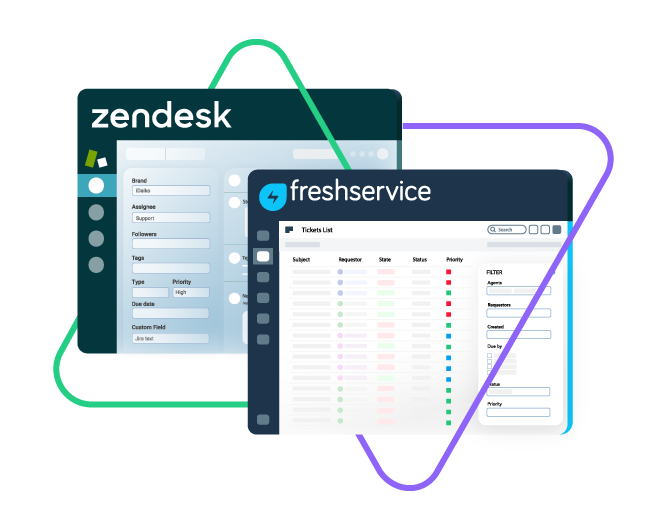
Sync id, subject, description, type...
sync assignee, submitter, requester...
sync attachments, custom fields...
sync tags, priority, due sate, status...
Sync summary, description, labels...
Sync status, priority, attachments,
Sync phone, notes, custom fields, custom keys...








Freshservice Zendesk Sync
Bridge IT and Customer Support
Align IT service management and customer support operations with a fully customizable Freshservice to Zendesk integration that keeps critical information synchronized across both systems. Give both teams complete context without switching platforms.
Break down information barriers and achieve complete oversight of incidents and service requests.
Streamline workflows through automated syncing, reducing manual tasks and saving valuable time.
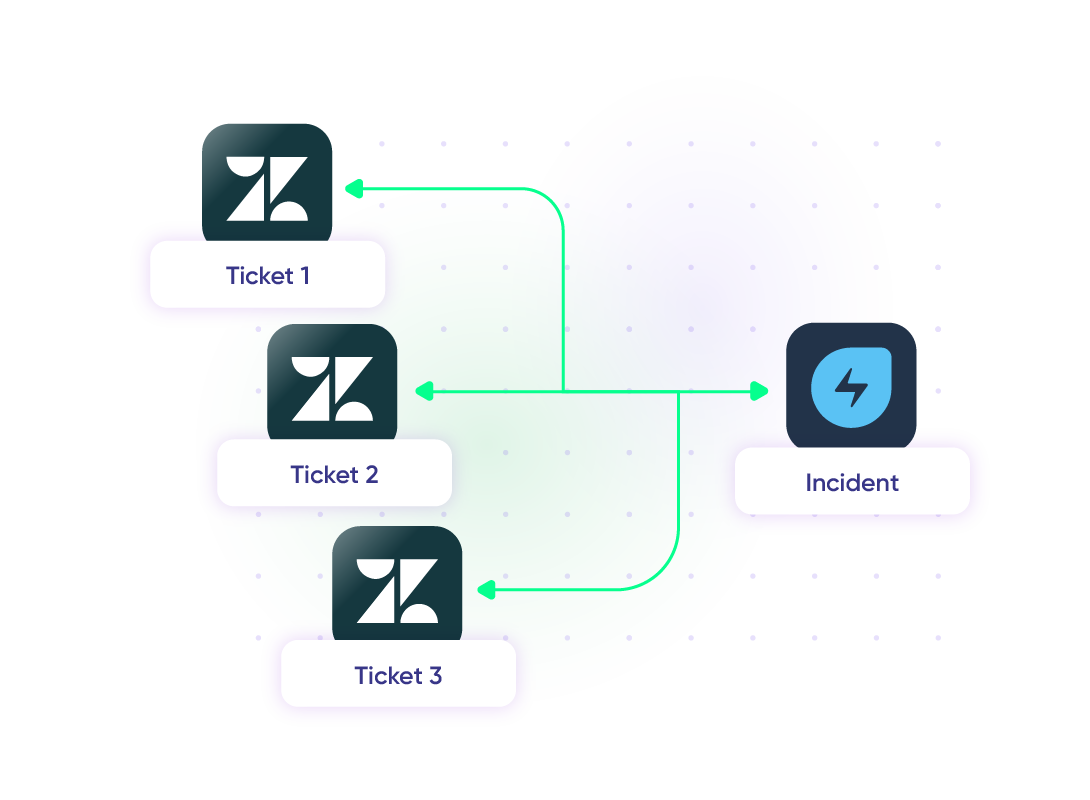
Connect multiple Zendesk support cases to one Freshservice incident for unified issue tracking.
Connect multiple Freshservice incidents to a single Zendesk support ticket to avoid duplication.
Automate ticket status updates across support and IT service departments.
Transform Zendesk support tickets into Freshservice incidents for instant IT intervention.
Sync Anything between Zendesk and Freshservice
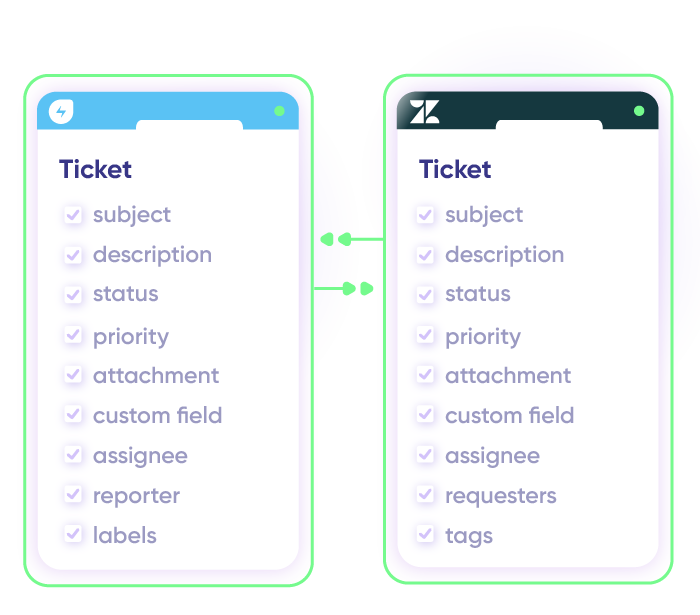
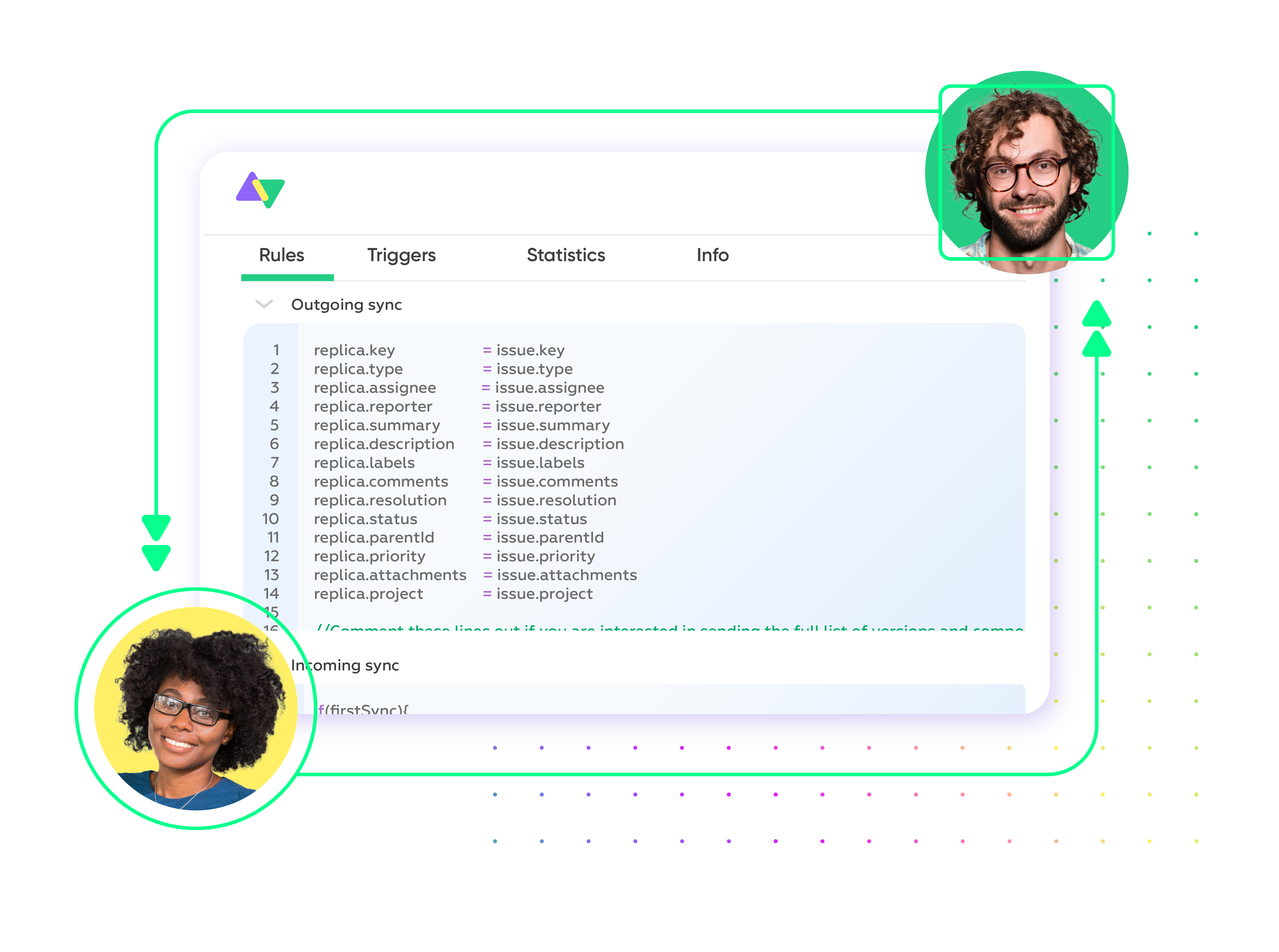
Map and sync default or custom fields between Freshservice and Zendesk with complete control over your side of the connection. Customize what data flows between platforms while keeping sensitive information secure.

Freshservice
Tickets
All fields are supported, including:
- Custom fields
- Custom keys
- Summary
- Description
- Status
- Attachment
- Label
- Priority
- Notes

Zendesk
Tickets
+10 fields are supported, including:
- Custom fields
- Attachment
- Description
- Assignee
- Comment
- Priority
- State
- Request
- Problem
- Type
Check the full list of supported fields for Freshservice and Zendesk
“
Exalate is stable, flexible, customizable, and pretty easy to set up and use.
ALEXANDER SINNO

Get the Most Out of Your Integration
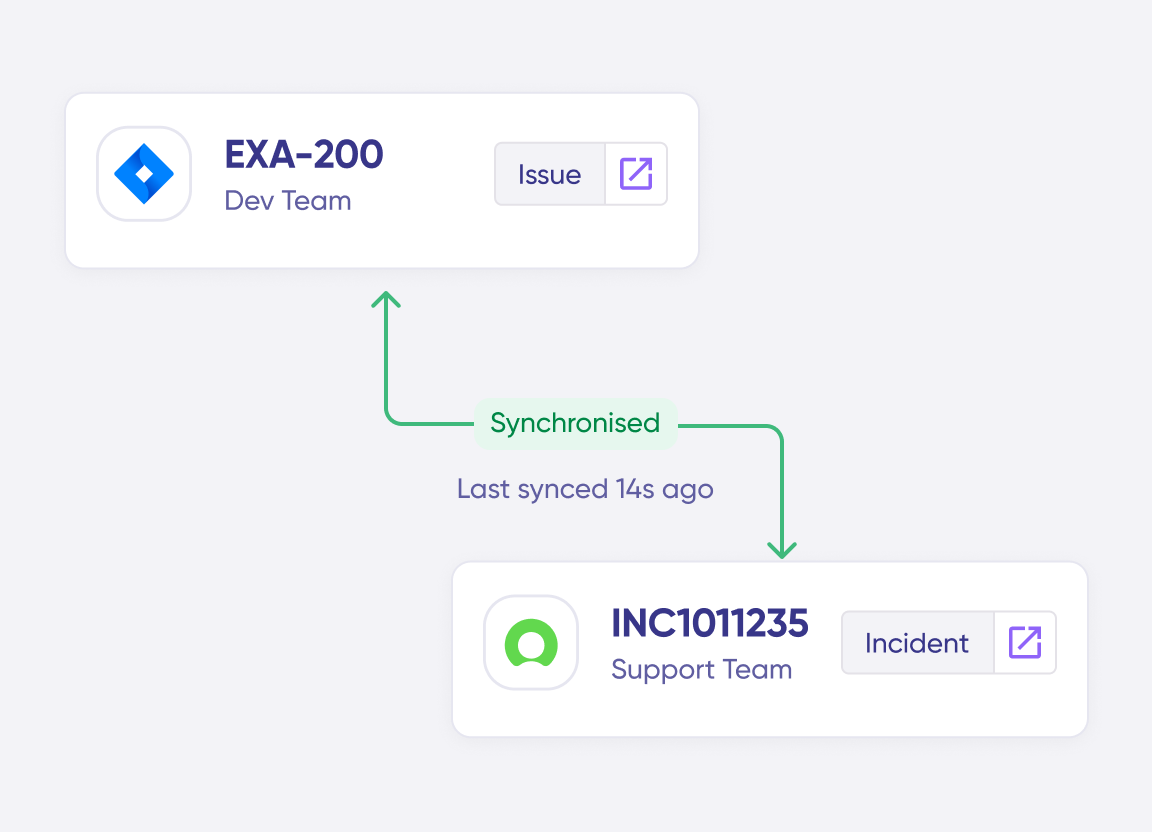
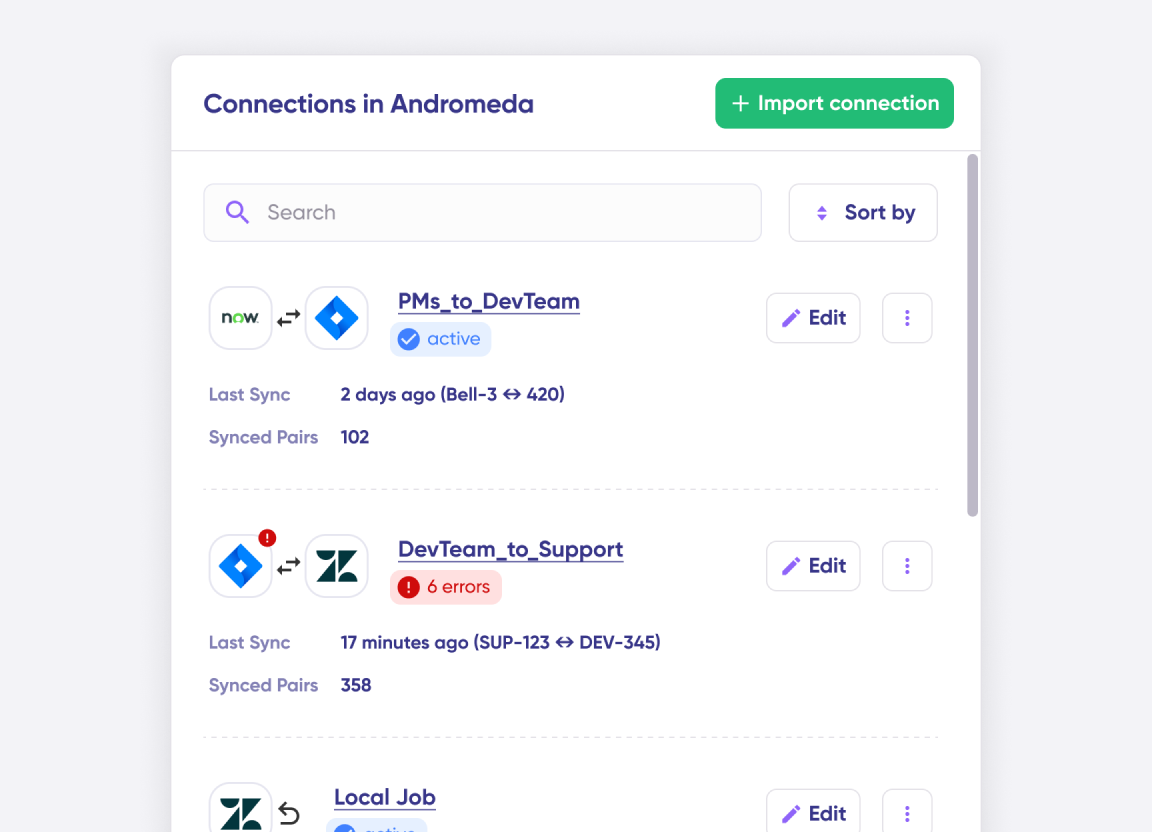
Connect multiple projects, instances, and platforms. Use different rules for each connection.
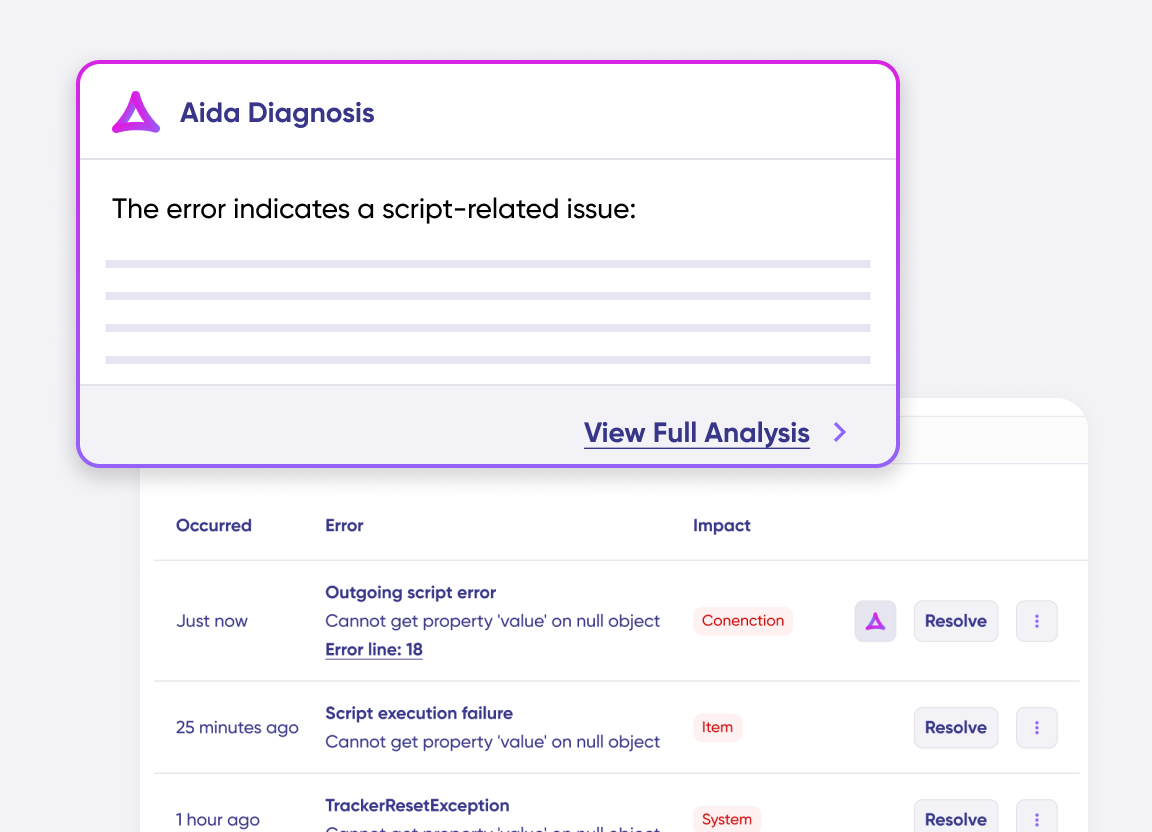
Get AI-powered recommendations for resolving the issue, including possible fixes and next steps.
Simple to Advanced Freshservice Zendesk Integration Use Cases
Work with simple integration templates. Or, completely customize your sync.
Escalate Zendesk Tickets as Freshservice Incidents and Requests
Automatically convert Zendesk tickets into Freshservice incidents and service requests when IT involvement is needed. Sync descriptions, attachments, images, and key fields so IT teams have full context to prioritize issues based on customer impact.
Sync Zendesk Service Requests with IT Teams in Freshservice
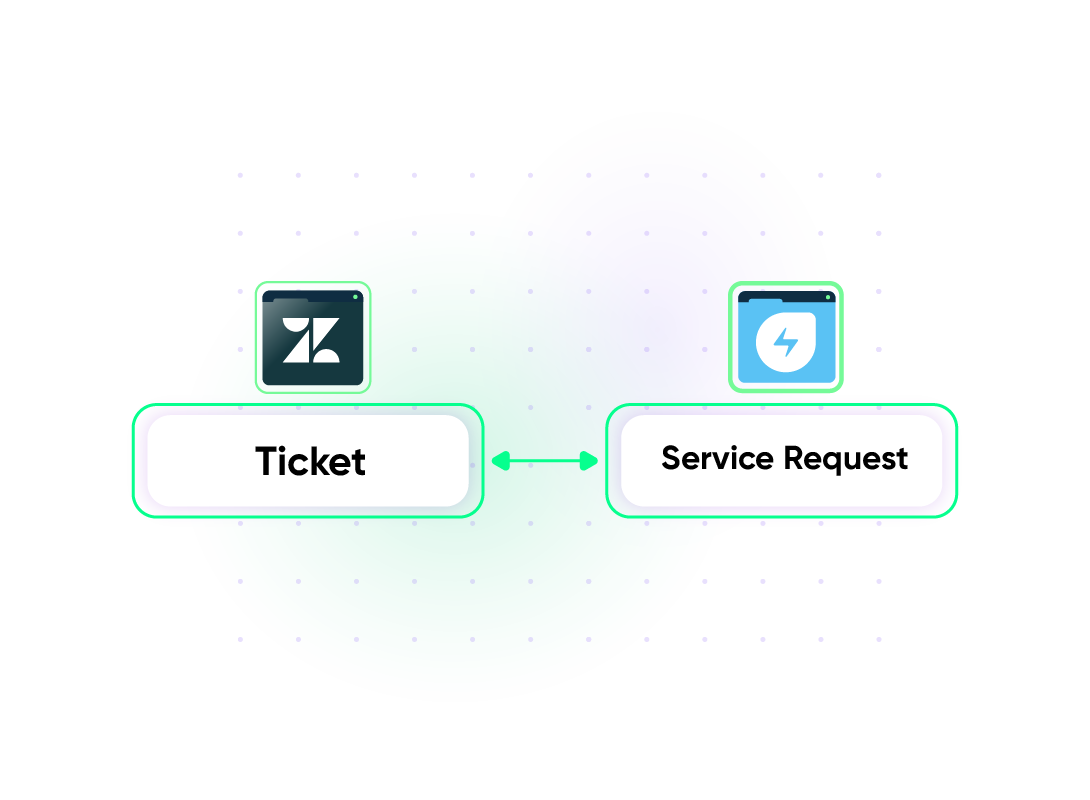
Customer tickets requiring IT involvement automatically sync with Freshservice service requests. This enables organizations to identify recurring technical issues and address underlying infrastructure problems proactively.
Map Multiple Related Zendesk Tickets to a Single Freshservice Incident
Link multiple related Zendesk customer tickets to one Freshservice incident, consolidating connected issues for streamlined management. Simplify post-release incident handling by providing IT teams with comprehensive visibility into failure patterns and customer sentiment data.
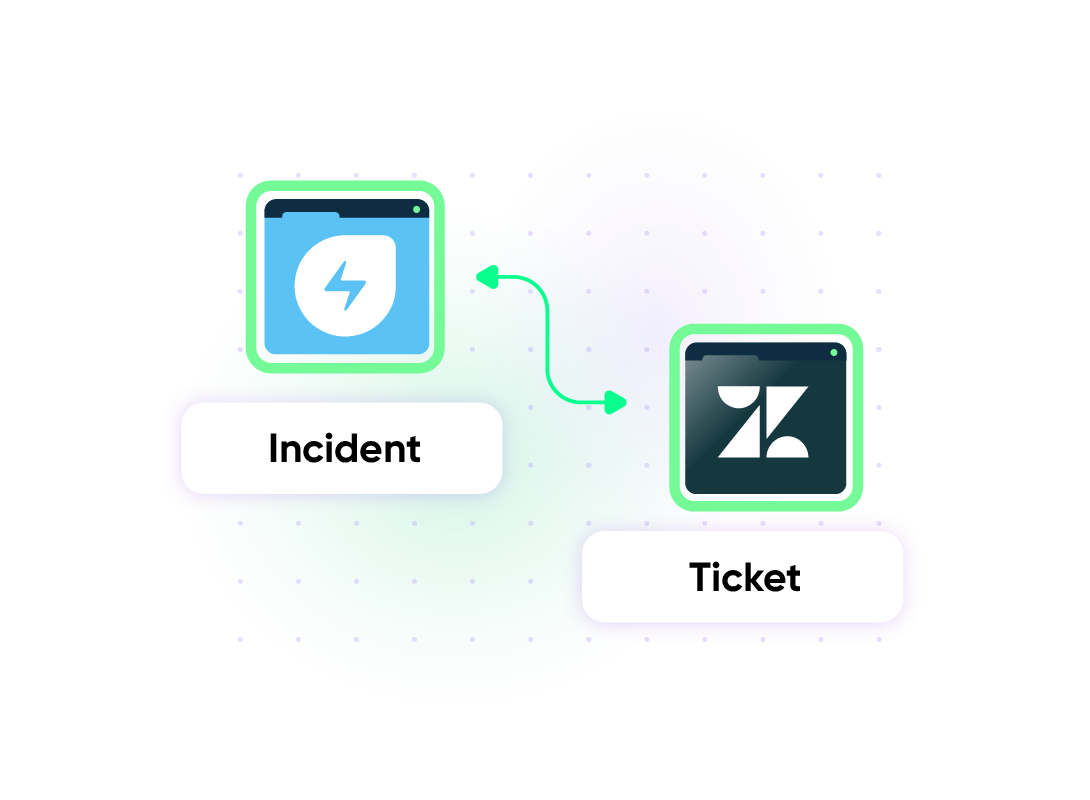
Automate Service Workflows to Resolve Support Tickets Faster
When a new ticket is created in Zendesk, an alert is automatically generated in Freshservice. Status updates sync in real-time between platforms, enabling teams to prioritize critical issues while tracking pipeline progress. IT and support teams collaborate seamlessly, keeping customers informed and accelerating resolution times.
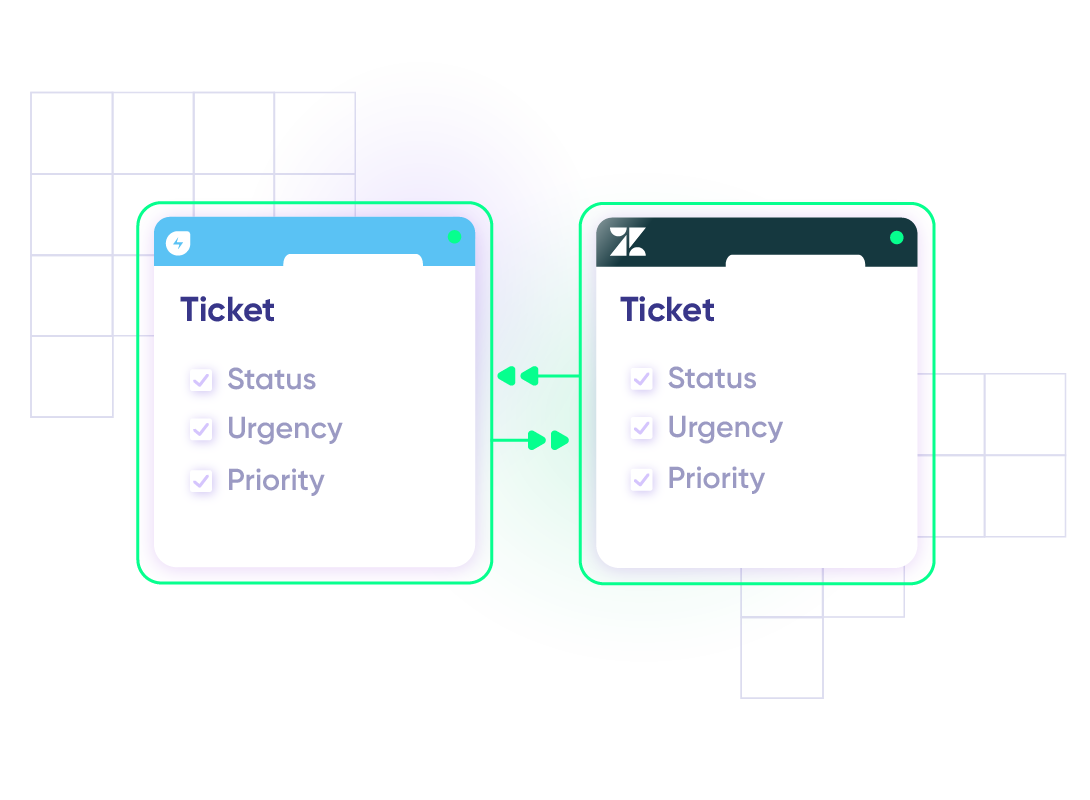
ITSM Workflows For Incident Resolution
When a feature or server goes down, the IT team logs incidents in Freshservice. As customers report issues in Zendesk, links are created to the tickets automatically. IT sees customer impact in real-time, customers get status updates, and support agents can ensure faster resolution.
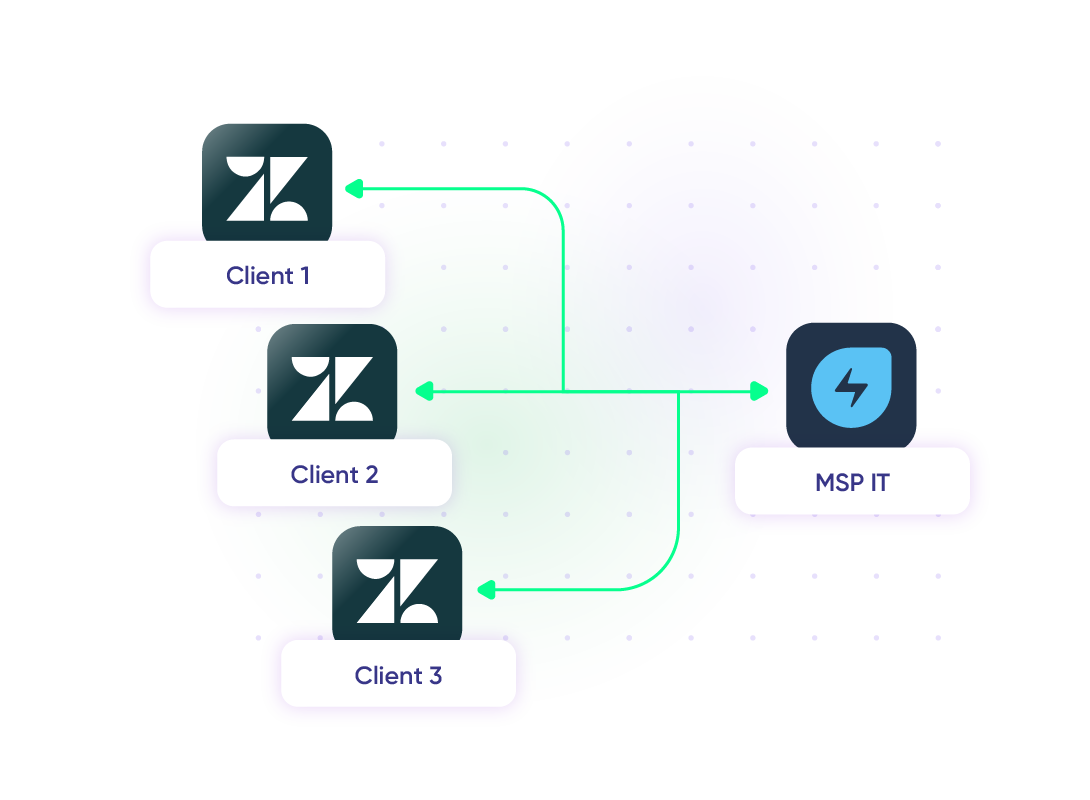
Facilitate MSP Multi-Client Management
An MSP manages IT infrastructure for multiple clients, each using their own Zendesk for customer support. When an issue affects customers, the MSP creates a Freshservice incident. All relevant details will then be sent to the client's Zendesk without exposing other clients' data or requiring shared admin access.
“
We can now handle around 500 customer incidents per week, thanks to Exalate, which is a very good result regarding the number of products we’re dealing with. It synchronizes 45x faster than our previous solution.
Christof Cuyper |

Set up, Customize, Sync!
01
connect
Connect the tools you want to integrate. Just add the instance’s URL.
02
customize
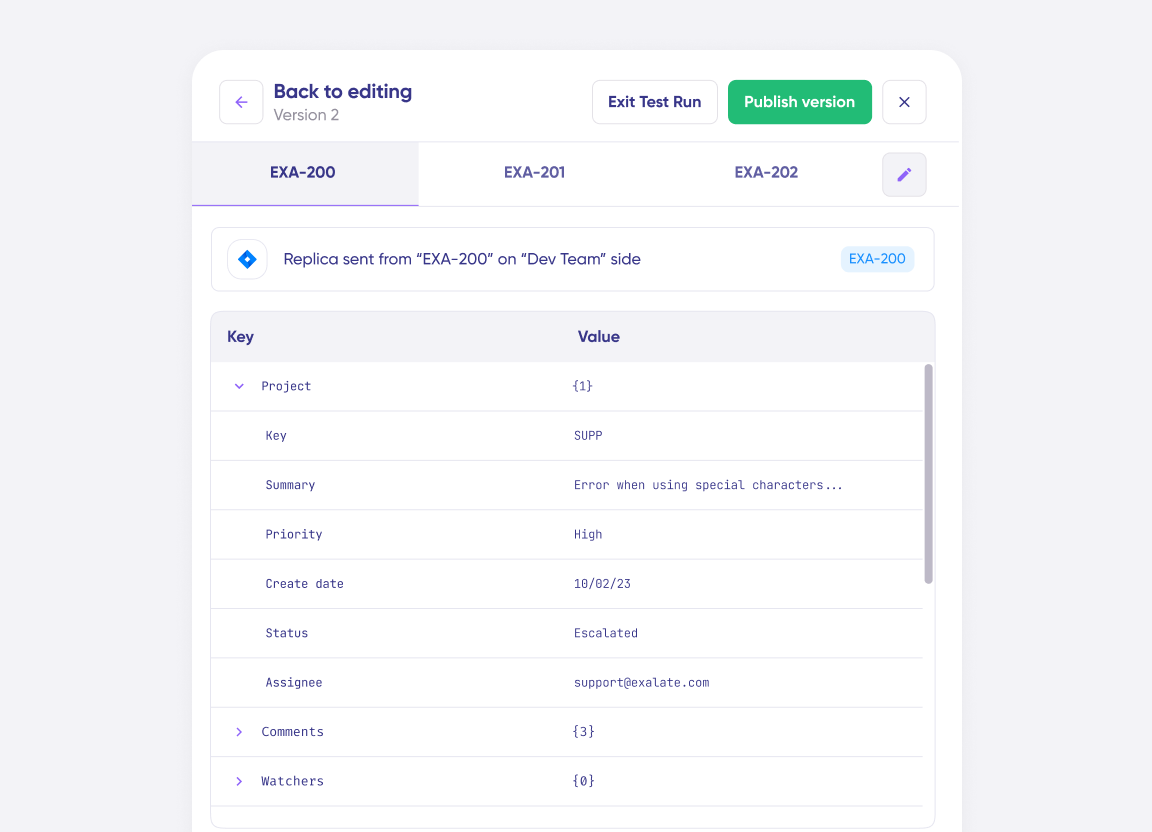
Configure your sync rules to make sure the right data is shared. Prompt the sync rules with Aida AI, or write your scripts from scratch.
03
automate
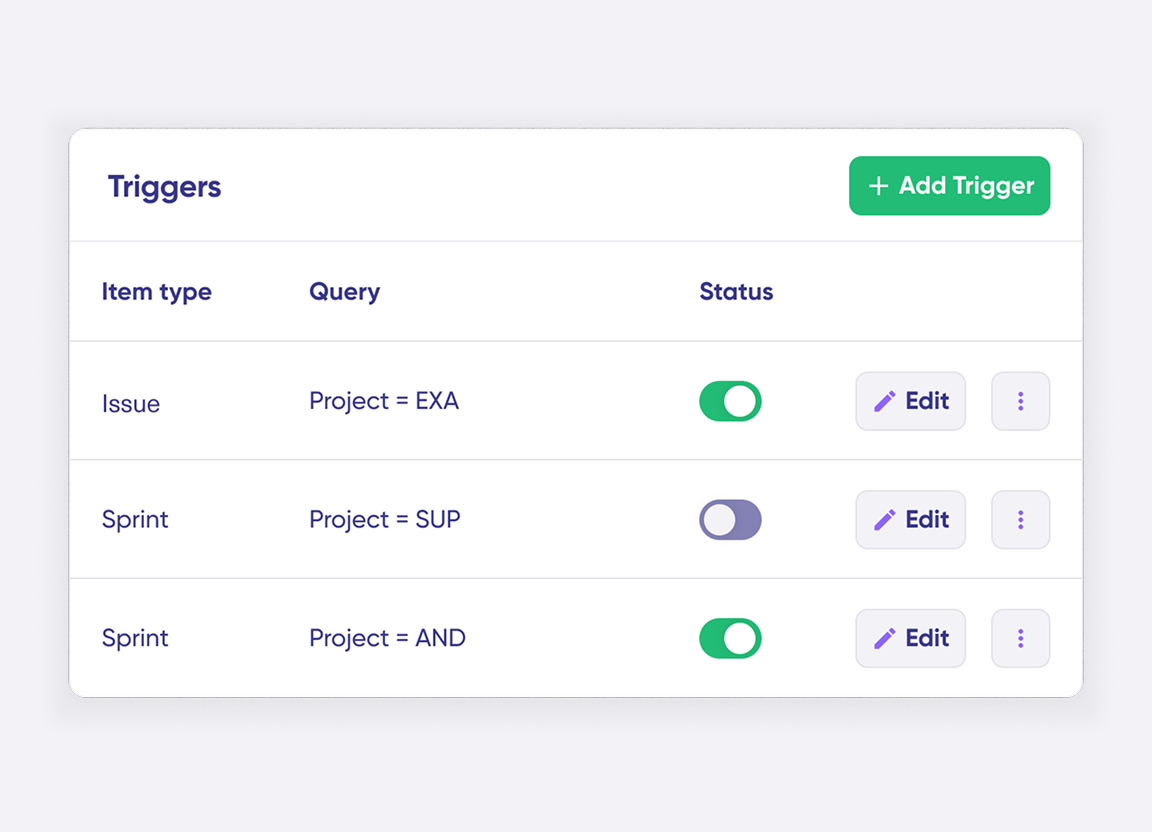
Set conditions with triggers, for an automatic synchronization.
04
synchronize
Now your instances are connected and will automatically exchange information instantly. Happy syncing!
See it in action
Always at Your Service
Get timely assistance from the best support technicians in the business. Relax as we help you solve every sync-related issue and more.
FAQ
Answers to the most frequent questions.
Didn't find what you were looking for? Ask Aida
Exalate is an integration platform that creates a real-time, bidirectional sync between Freshservice and Zendesk. It automatically synchronizes tickets, incidents, service requests, and custom fields between your IT service desk and customer support platform while keeping each team working in their preferred tool. The integration uses a script-based engine that handles complex business logic, conditional mappings, and multi-directional data flows. You can customize exactly what data syncs, when it syncs, and how fields map between platforms.
Exalate enables users to sync fields from Freshservice tickets (incidents and service requests), including summary, description, status, priority, urgency, attachments, notes, custom fields, custom keys, and more. Users can also sync private/internal notes both ways using the Script mode.
For Zendesk, you can sync default and custom fields, plus any other field available via REST APIs. If you don’t see the fields or entities that you need to sync, book a call with our engineers to discuss your use case.
Use Exalate when you need advanced customization beyond basic ticket syncing. Native integrations and iPaaS tools like Zapier work for simple field mapping and trigger-action workflows, but Exalate provides flexibility for complex scenarios. Choose Exalate when you require: conditional logic and data transformation, bidirectional real-time sync (not just trigger-action), multi-system integrations across partners or MSPs, granular control over which tickets sync, cross-company collaboration with independent data governance, or specific security and compliance requirements.
Yes, Exalate allows you to restrict synchronization using various criteria, including brand, group, tags, requester details, and ticket forms. You can create custom conditions using platform-native queries to control precisely which tickets trigger sync between Freshservice and Zendesk. This granular control ensures only relevant tickets flow between platforms while keeping sensitive or unrelated data separate.
Yes, Exalate can link multiple Zendesk tickets to a single Freshservice incident. This is ideal for MSP environments managing multiple clients or when several customers report the same underlying issue. Each organization maintains independent control over data mappings, sync conditions, and privacy settings within its own environment. The reverse also works: you can link multiple Freshservice incidents to a single Zendesk ticket to consolidate related issues.
Setting up a Freshservice Zendesk integration takes four steps:
- Register your account at exalate.app
- Connect the two systems by creating a connection in the Exalate console
- Configure the sync rules to define which fields map between platforms and how data transforms
- Set up triggers using platform-native queries to control which tickets sync automatically
Aida, the AI assistant, helps with scripting by converting your plain-language prompts into working sync rules. Start a 30-day free trial at https://exalate.app/ to test the integration.
Yes, Exalate supports real-time, one-way, two-way, and multi-directional syncs between Freshservice and Zendesk. Data flows within seconds of changes occurring. You configure the sync direction based on your workflow needs, whether that is simple one-way updates, bidirectional sync, or complex multi-platform workflows connecting several tools.
Exalate protects data flowing through your Freshservice to Zendesk integration with enterprise-grade security. Features include JWT access tokens, role-based access controls, HTTPS with TLS 1.2 and 1.3, and multi-factor authentication. Exalate is ISO 27001:2022 certified. Each side of the integration maintains complete control over its own data mappings and sync conditions. Learn more at the Trust Center: https://trust.exalate.com/
Yes, Exalate is built for MSP environments. The architecture allows MSPs to maintain separate client environments on Freshservice while coordinating IT services across multiple organizations using Zendesk. Each client’s data stays isolated with independent sync rules and privacy settings. MSPs can route tickets based on client identifier, priority, or ticket type without exposing one client’s data to another.
Exalate uses outcome-based pricing, meaning you pay for active items currently in sync rather than user counts or transaction volumes. Plans include Trial (free for 30 days), Starter, Scale, Pro, and Enterprise tiers. Each integration between two platforms requires its own plan. Use the pricing calculator to estimate costs for your specific sync volume: https://exalate.com/pricing-calculator/. View detailed plan features at https://exalate.com/pricing-licensing/
Basic integrations can be configured in under an hour. Register at exalate.app, connect both systems, and use Aida to help write sync rules from plain-language descriptions. Complex integrations with custom field mappings, conditional logic, and multi-party connections may take longer to configure properly. For organizations that prefer expert assistance, Exalate offers managed services where integration engineers handle setup and ongoing optimization: https://exalate.com/managed-services/
Yes, Exalate offers multiple support options. All plans include access to documentation and community support. Scale and Pro plans include standard support. For organizations needing hands-on assistance, managed services provide dedicated integration engineers who handle field mapping, configuration, and ongoing optimization. Book a demo to discuss your specific use case with our team. Learn more at https://exalate.com/managed-services/