
Jira Azure DevOps Integration
Connect Jira and Azure DevOps using a reliable, flexible integration solution. Improve the productivity of your cross-team and cross-company collaborations.
Automate data transfer workflows and get rid of silos with a bidirectional Jira Azure DevOps integration tool.
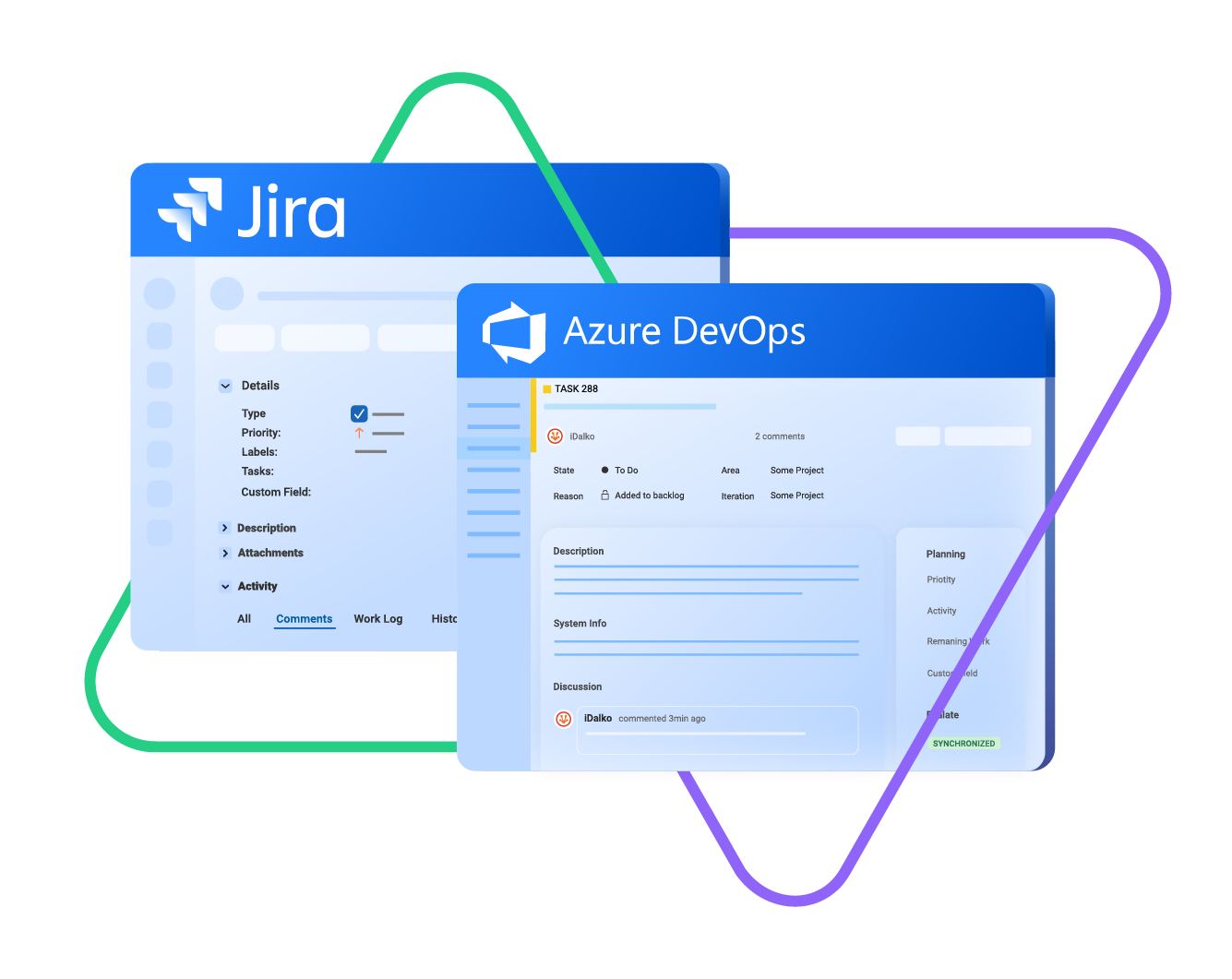
sync issue types, labels, priority, status...
sync any custom fields, attachments...
sync comments, worklogs, history...
Sync type, title, creator...
sync status, description, priority...
sync attachments, custom fields...
sync comments...
Seamless Azure DevOps Jira Sync For Smooth Collaboration
Automate your integration process between Jira and Azure DevOps to improve productivity.
Increase transparency by eliminating information silos between internal and external teams.
Automatic triggers to streamline synchronization
Real-time status updates on work items
Reliable one and two-way syncs from either side of the connection
Top-notch reporting for authorized stakeholders
Automatic restarts after downtimes
Unlimited sync capacity for Jira issues, sprints, etc.








Get Anything Synced Between Azure DevOps and Jira
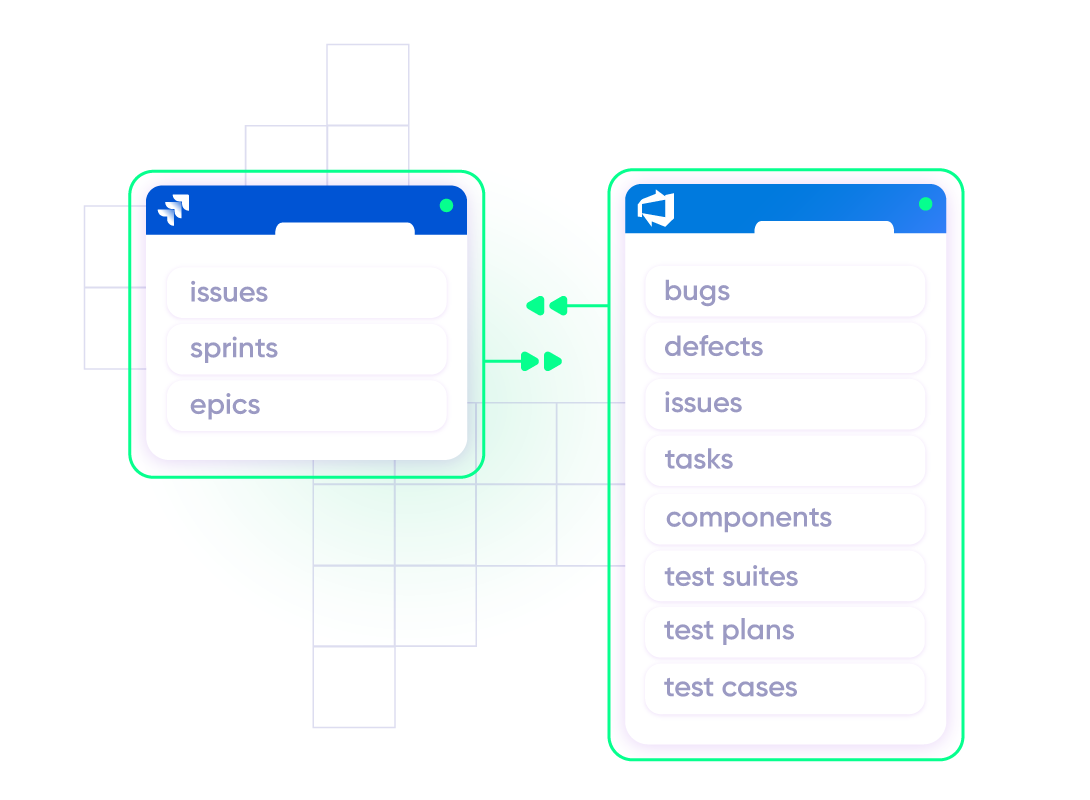
Use one or two-way mappings to configure fields to precision. Decide what gets synced and what doesn’t. Your sync, your rules.

Azure DevOps
Work Items
+20 fields are supported, including:
- Custom fields
- Attachment
- Comment
- Title
- Description
- Tags
- Priority
- State
- Created by

Jira
Jira Software (Cloud and Data Center)
Jira Service Management
Work Items (Issues)
(Bugs, Tasks, Stories…)
+40 fields are supported, including:
- Custom fields
- Summary
- Status
- Description
- Key
- Comment
- Attachment
- Priority
- Third-party plugin fields (e.g Insights)
Sprints
All fields are supported, incuding:
- Name
- State
- Start date
- End date
- Complete goal
- Origin board ID
- Goal
Check the full list of supported fields for Jira and for Azure DevOps
“
Its hard to talk about supported fields, because with Exalate you can support a lot. And it is impossible to capture on a single page. We have done cases with very weird things - certainly not limited to the ones listed on the documentation.
Majid Hassan | Exalate Support Engineer
discover if we cover your integration requirements
Book a demo to see Exalate in action
Get the Most Out of Your Integration
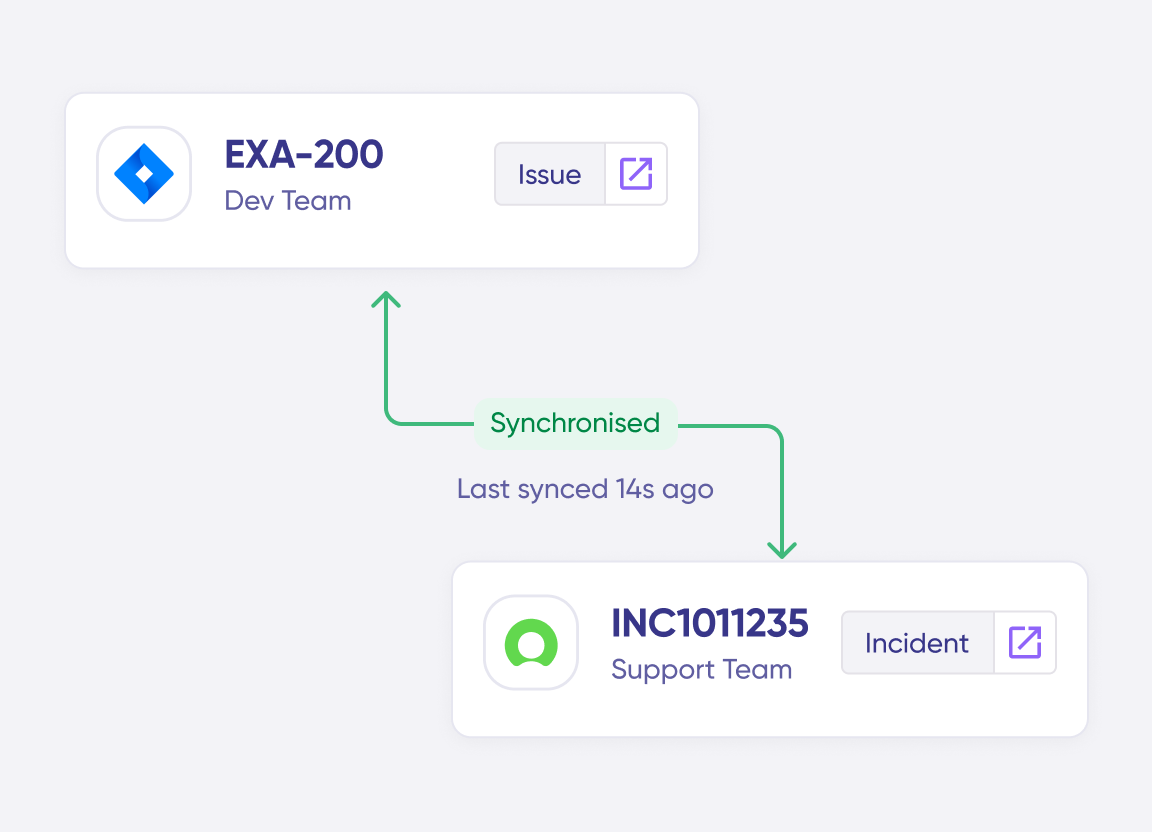
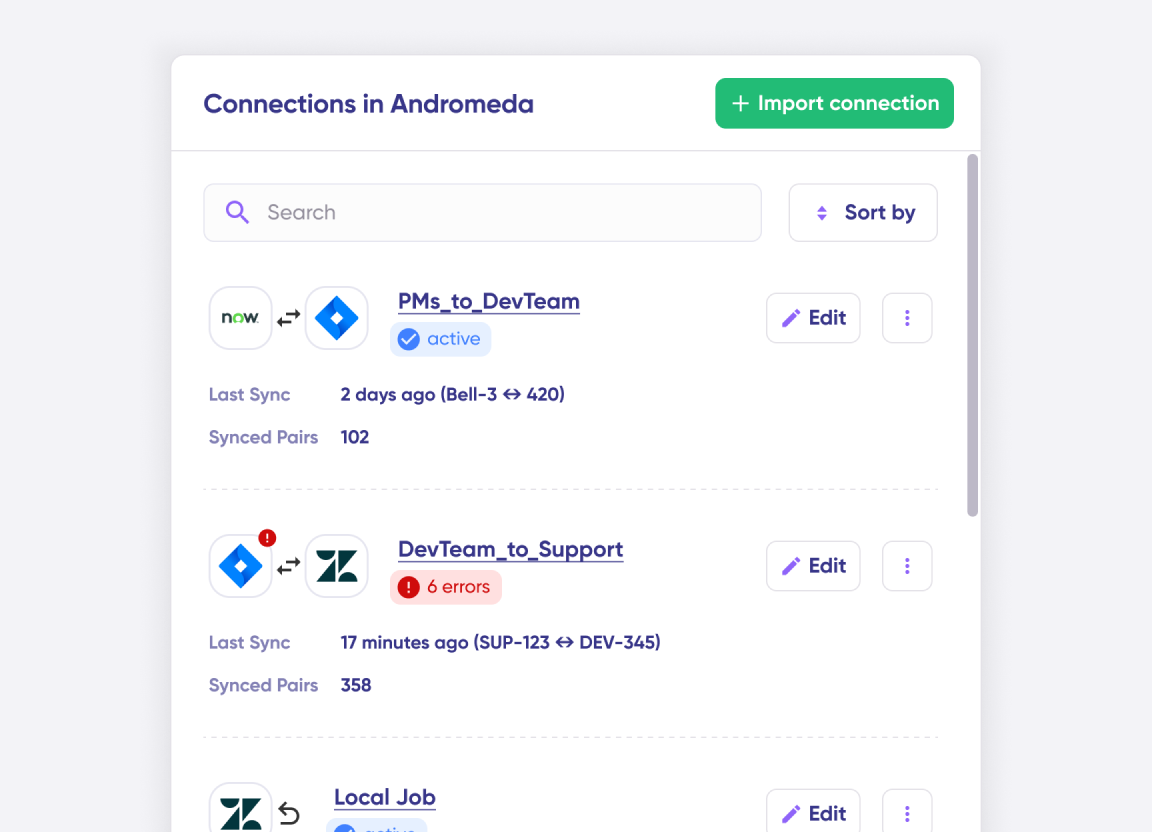
Connect multiple projects, instances, and platforms. Use different rules for each connection.
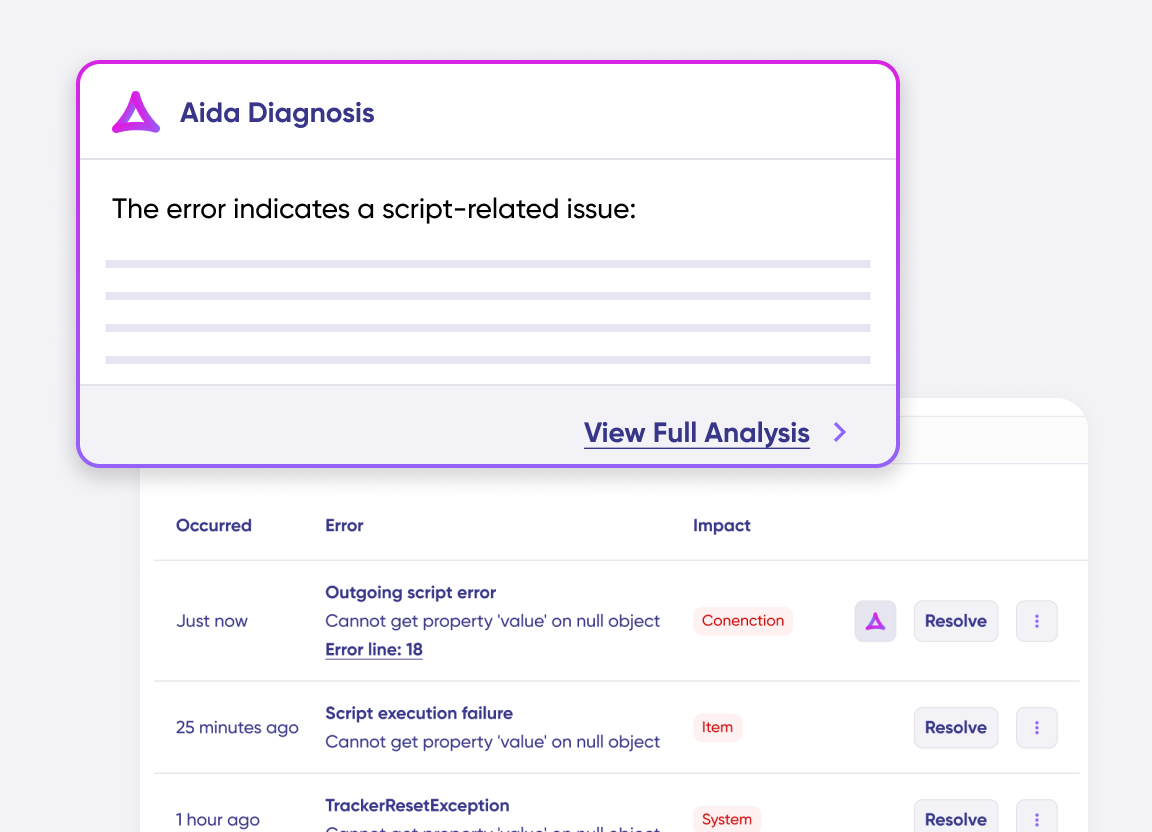
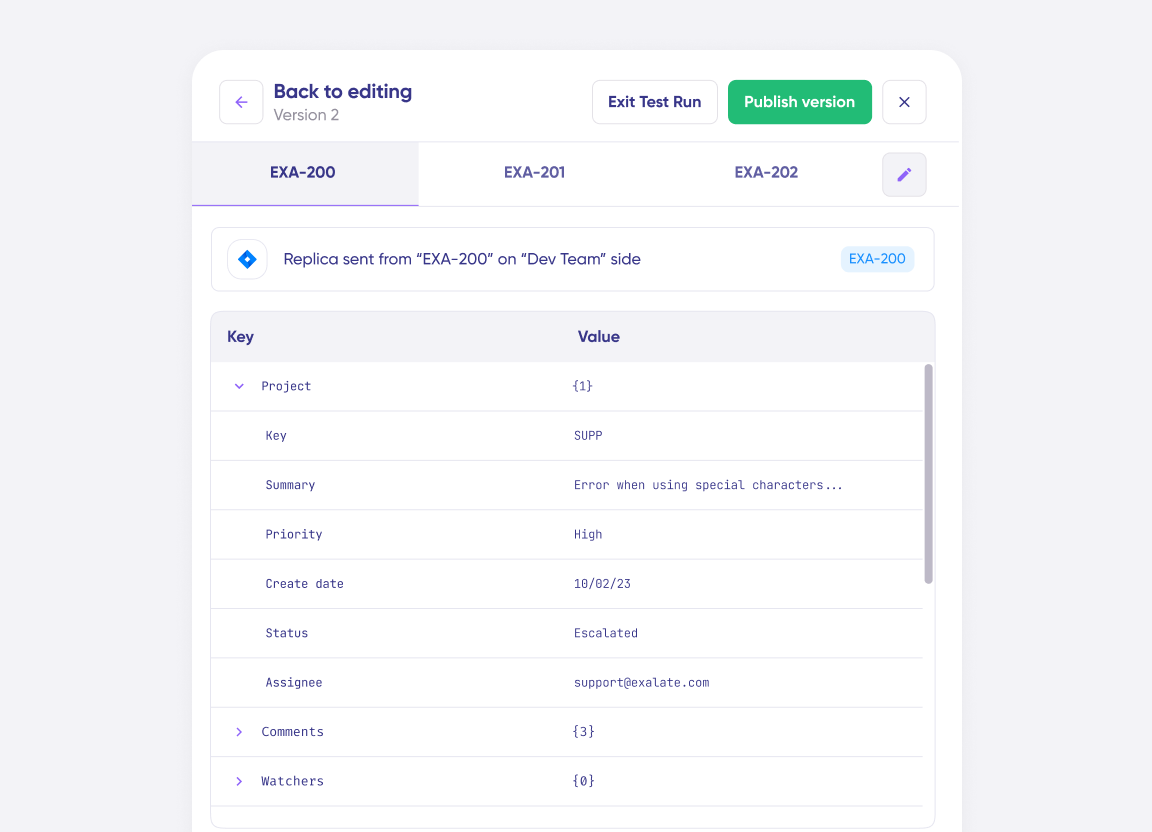
Get AI-powered recommendations for resolving the issue, including possible fixes and next steps.
“
The fact that Exalate is a very extensible and flexible product is quite an impressive feature for us. We can even build our own integration on top of it, and it actually shows that the developers and the engineers behind the product do really know what they are doing. Plus we have had an excellent customer experience.
Alexander Sinno |

Simple or Advanced, We Got you Covered
Work with simple integration templates. Or, completely customize your sync. Some common use cases:
Total Control Over What You Sync
Set up two-way syncs to link new and existing work items.
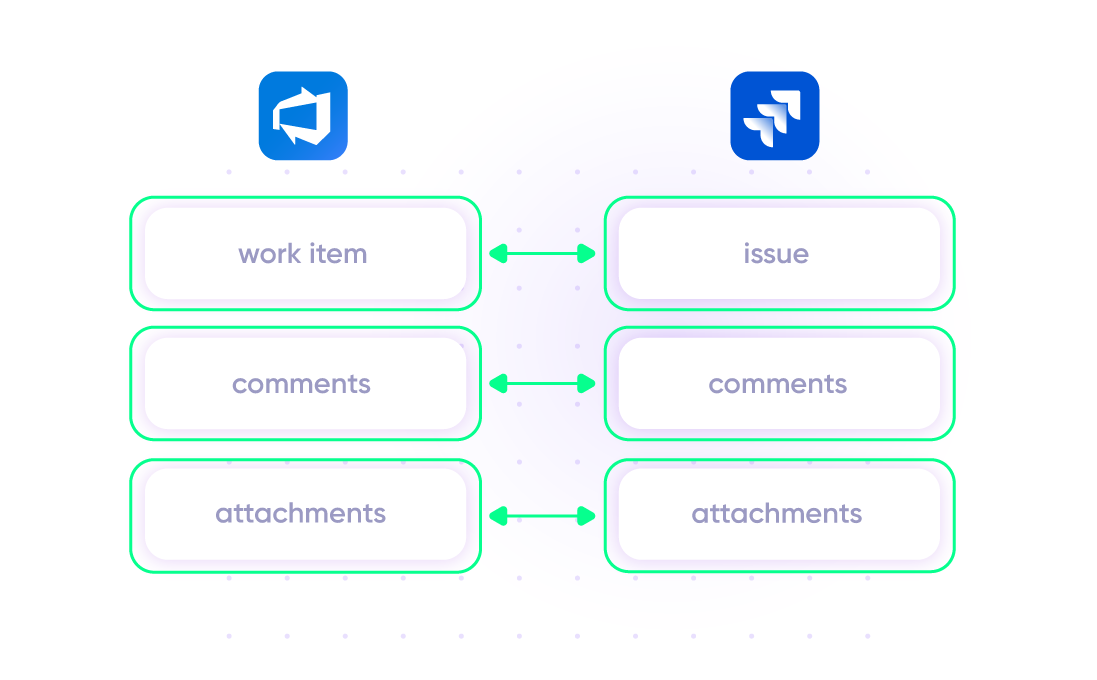
Share data between fields, including comments, descriptions, attachments, statuses, priorities, urgencies, work logs, custom fields, and much more.
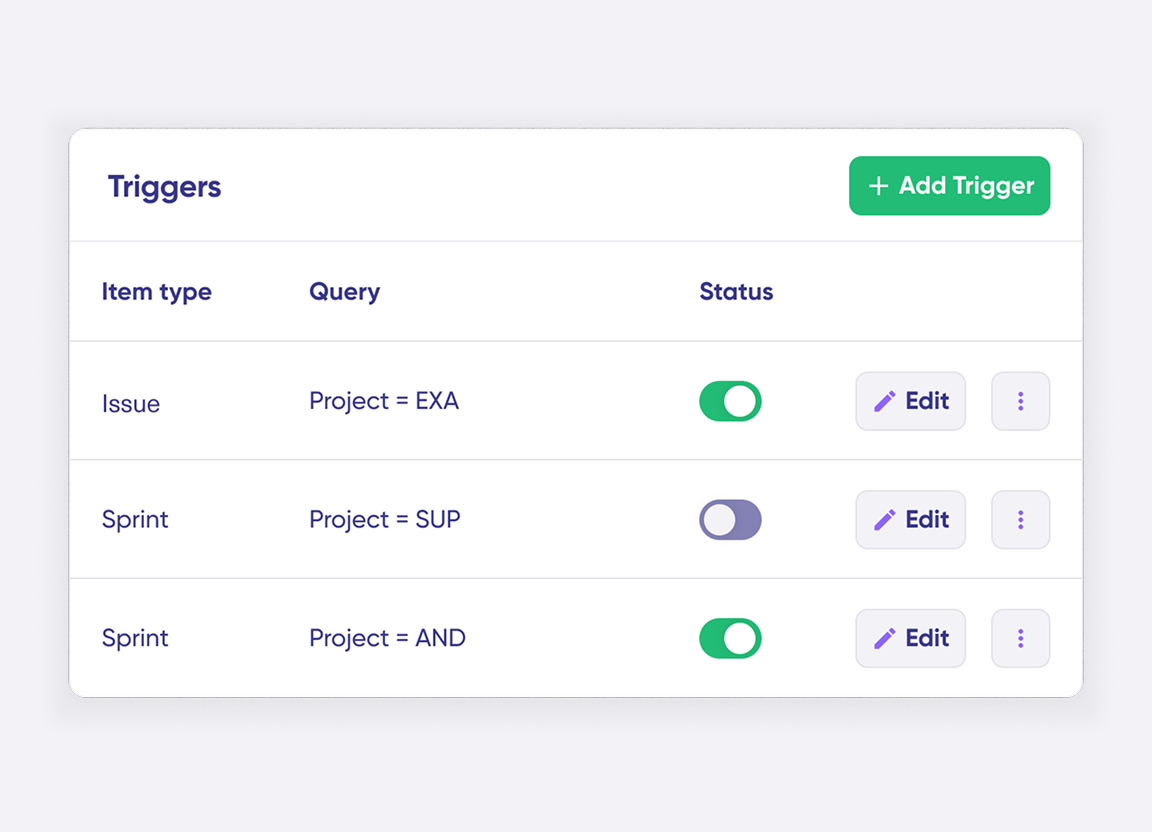
Add custom triggers to exert granular control over how your Jira Azure DevOps sync works.
Keep Synced Attachments Private
Add and share attachments to work items without having it reflect on the Jira issue. Filter the attachments you want to share with the other side of the integration.
In practice:

...Or simply write a few lines of code
if(firstSync){
issue.projectKey = “JSM”
issue.typeName = nodeHelper.getIssueType(replica.type?.name, issue.projectKey)?.name ?: “[System] Service request”
}
replica.addedAttachments.each { a ->
def comment = commentHelper.addComment(“!${a.filename}!”, [])[0]
comment.internal = true
comment.restrictSync = true
issue.comments += comment
}
issue.attachments = attachmentHelper.mergeAttachments(issue, replica)
replica.addedComments.each { it.executor = nodeHelper.getUserByEmail(it.author?.email) }
replica.changedComments.each { it.executor = nodeHelper.getUserByEmail(it.updateAuthor?.email) }
issue.comments = commentHelper.mergeComments(issue, replica, {it.internal = true; it})
Replicate Jira Issue Hierarchy on Azure DevOps
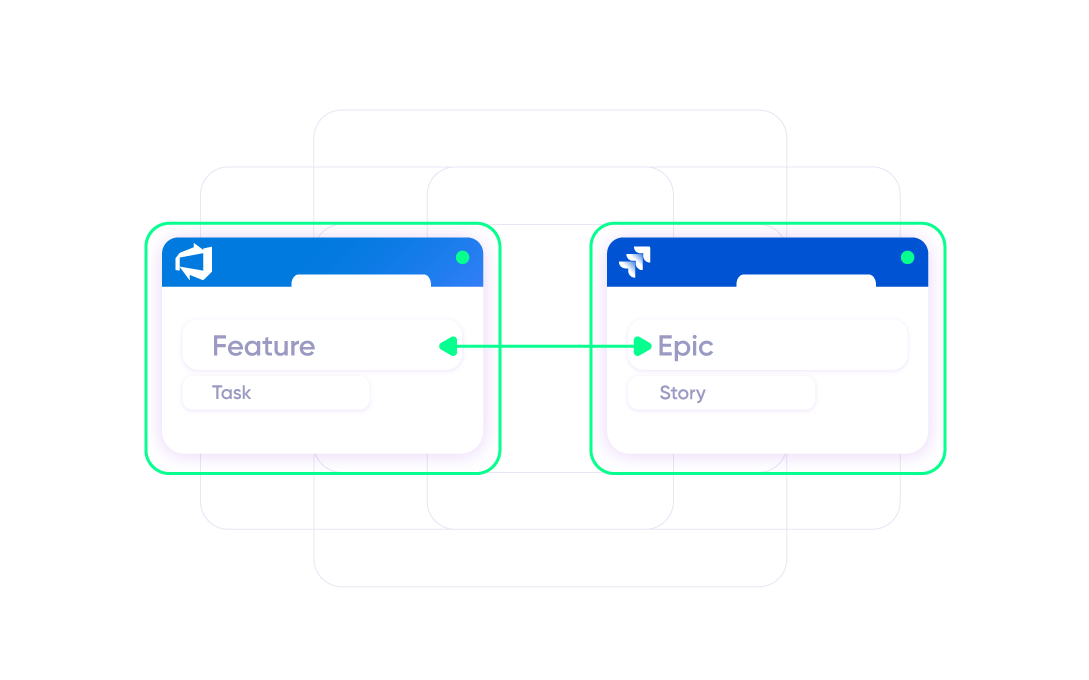
Map all features coming from Azure DevOps to appear under a Jira (Cloud) Epic. Retain the same hierarchy when sending data over to Jira.
In practice:
...Or simply write a few lines of code
if(firstSync){
workItem.projectKey = “Majids Development”
def typeMap = [
“Epic” : “Feature”,
“Story” : “Task”
]
workItem.typeName = nodeHelper.getIssueType(typeMap[replica.type?.name],workItem.projectKey)?.name ?: “Task”
workItem.summary = replica.summary
if(replica.issueType.name==”Epic”)
workItem.parentId = “9785”
store(issue)
}
. . .
Sync Inline Images Between Systems
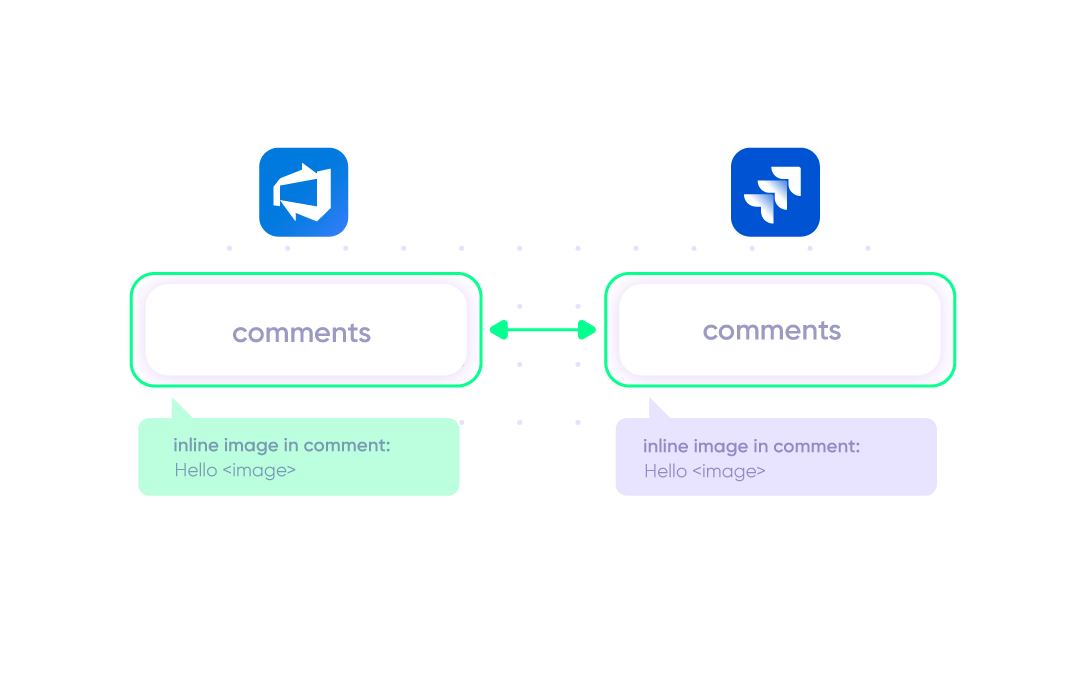
Configure your custom sync to enable the syncing of inlin e images between Azure DevOps and Jira On-Premise.
In practice:
...Or simply write a few lines of code
import com.atlassian.jira.component.ComponentAccessor
class WikiToHtml {
static String transform(String wikiFormat) {
if (!wikiFormat) {
return null
}
. . .
def fixImage = wikiFormat?.replaceAll(/\!(\S+)\|\S+\!/, ‘<!– inline image filename=#$1# –>’)
fixImage = fixImage.replaceAll(/\!\^(\S+)\|\S+\!/, ‘<!– inline image filename=#$1# –>’)
fixImage = fixImage.replaceAll(/\!\^(\S+)\!/, ‘<!– inline image filename=#$1# –>’)
fixImage = fixImage.replaceAll(/\!(\S+)\!/, ‘<!– inline image filename=#$1# –>’)
. . .
}
replica.description = WikiToHtml.transform(issue.description)
replica.labels = issue.labels
replica.comments = issue.comments.collect {
comment ->
comment.body = WikiToHtml.transform (comment.body)
comment
}
“
We can now handle around 500 customer incidents per week, thanks to Exalate, which is a very good result regarding the number of products we’re dealing with. It synchronizes 45x faster than our previous solution.
Christof Cuyper |

Set up, Customize, Sync!
01
connect
Connect the tools you want to integrate. Just add the instance’s URL.
02
customize
Configure your sync rules to make sure the right data is shared. Prompt the sync rules with Aida AI, or write your scripts from scratch.
03
automate
Set conditions with triggers, for an automatic synchronization.
04
synchronize
Now your instances are connected and will automatically exchange information instantly. Happy syncing!
See it in action
FAQ
Answers to the most frequent questions.
Didn't find what you were looking for? Ask Aida
Exalate is a bidirectional integration platform that synchronizes Jira issues (now work items) with Azure DevOps work items in real time. Unlike the native Azure DevOps for Jira app, which only shows development activity, Exalate provides true two-way sync of work items, custom fields, comments, and attachments. Both sides maintain independent control over sync rules, making it ideal for cross-company collaborations where each party needs autonomy over their data.
Basic integrations using default sync scripts can take a few hours. For complex setups involving area path mappings, iteration paths, hierarchy preservation (epics to features to stories), or cross-company connections, plan for a few hours. For deeper integrations consider 1-2 weeks.
Aida can generate sync scripts from plain-language prompts, significantly reducing configuration time.
On Azure DevOps, sync work item types (bugs, tasks, user stories, features, epics), title, description, priority, state, comments, attachments, custom fields, area path, iteration path, and tags. On Jira, sync summaries, descriptions, comments, attachments, assignees, reporters, labels, priority, due dates, work logs, custom fields, components, issue links, agile boards, versions, and sprints. Use scripts to sync virtually any field combination, including third-party plugin fields.
Yes, Exalate supports syncing Azure DevOps area paths and iteration paths. Since Jira doesn’t have direct equivalents, these values are mapped to custom text fields in Jira issues. Use Groovy scripts to extract the path data from Azure DevOps work items and store them in designated Jira custom fields. This gives Jira users visibility into Azure DevOps team structure and sprint assignments without manual data entry.
Yes, Exalate can sync sprint information between Jira and Azure DevOps. Azure DevOps iteration paths map to Jira sprints through custom scripting. When a sprint is created in Azure DevOps, it can automatically replicate on the Jira side with the same name, start date, and end date. Issues created in Jira can be channeled to the correct sprint using the iteration path value from Azure DevOps.
Yes, Exalate preserves parent-child relationships between Jira and Azure DevOps. Map Jira epics to Azure DevOps features, Jira stories to user stories, and Jira sub-tasks to Azure DevOps tasks. The hierarchy syncs bidirectionally, meaning when you create a story under an epic in Jira, the corresponding user story links to the correct feature in Azure DevOps. Issue links and relations are maintained automatically.
Yes, Exalate provides real-time bidirectional synchronization. When a work item updates in Azure DevOps or Jira, the corresponding entity updates within seconds. This includes status changes, priority updates, new comments, and attachment additions. The sync queue provides complete visibility into processing status.
Yes, Exalate connects multiple Jira and Azure DevOps instances in various configurations. Connect multiple Azure DevOps organizations to a single Jira instance, or link several Jira projects to one Azure DevOps organization. Each connection has independent sync rules, allowing different field mappings for different teams or projects. This supports enterprise scenarios with regional instances or MSPs managing multiple client environments.
The official Azure DevOps for Jira app provides one-way visibility: linking commits, branches, and pull requests to Jira work when you include work item keys in commit messages. It doesn’t sync work items bidirectionally. Exalate provides true two-way work item synchronization, custom field mapping, and independent control over sync rules on each side. For teams needing ongoing bidirectional collaboration (not just DevOps visibility), Exalate delivers capabilities the native app cannot.
Both tools provide bidirectional sync between Jira and Azure DevOps. Key differences: Exalate uses Groovy scripting for unlimited customization, while TFS4JIRA uses configuration profiles. Exalate connects to ServiceNow, Salesforce, Zendesk, and GitHub beyond just Jira/Azure DevOps.
Common use cases include: development handoffs (Jira backlog items automatically create Azure DevOps work items for developers), QA collaboration (testers in Azure DevOps sync bug reports to Jira for product managers), vendor collaboration (external developers work in Azure DevOps while your team tracks progress in Jira), and migration support (run both systems in parallel during platform transitions). Multi-instance setups support enterprises with distributed teams.
Jira uses Wiki markup while Azure DevOps uses HTML formatting. Exalate automatically converts between formats using built-in transformers. When syncing descriptions or comments, rich text formatting (bold, italics, code blocks), inline images, tables, and links convert correctly between platforms. Transformers support HTML to Wiki, Wiki to HTML, and Markdown to Wiki conversions. This ensures information displays correctly regardless of which platform created it.
Exalate uses outcome-based pricing, where you pay for active items currently in sync. Plans start at $100/month (Starter).
Check out Exalate pricing or estimate costs beforehand.
How useful was this content?
Click on a star to rate it!
Average rating 4.9 / 5. Vote count: 209
No votes so far! Be the first to rate this post.
We are sorry that this post was not useful for you!
Let us improve this post!
Tell us how we can improve this post?