
Let’s face it: getting your systems, tools, and data to play nicely together has never been easy, especially now that SaaS sprawl has become a reality.
Companies are trying to sync ITSM tools, CRMs, and project management platforms, or connect versatile workflows hidden behind different systems, all as part of their digital transformation journey.
But traditional ways of integrating these tools are often messy, time-consuming, rigid, or technically heavy.
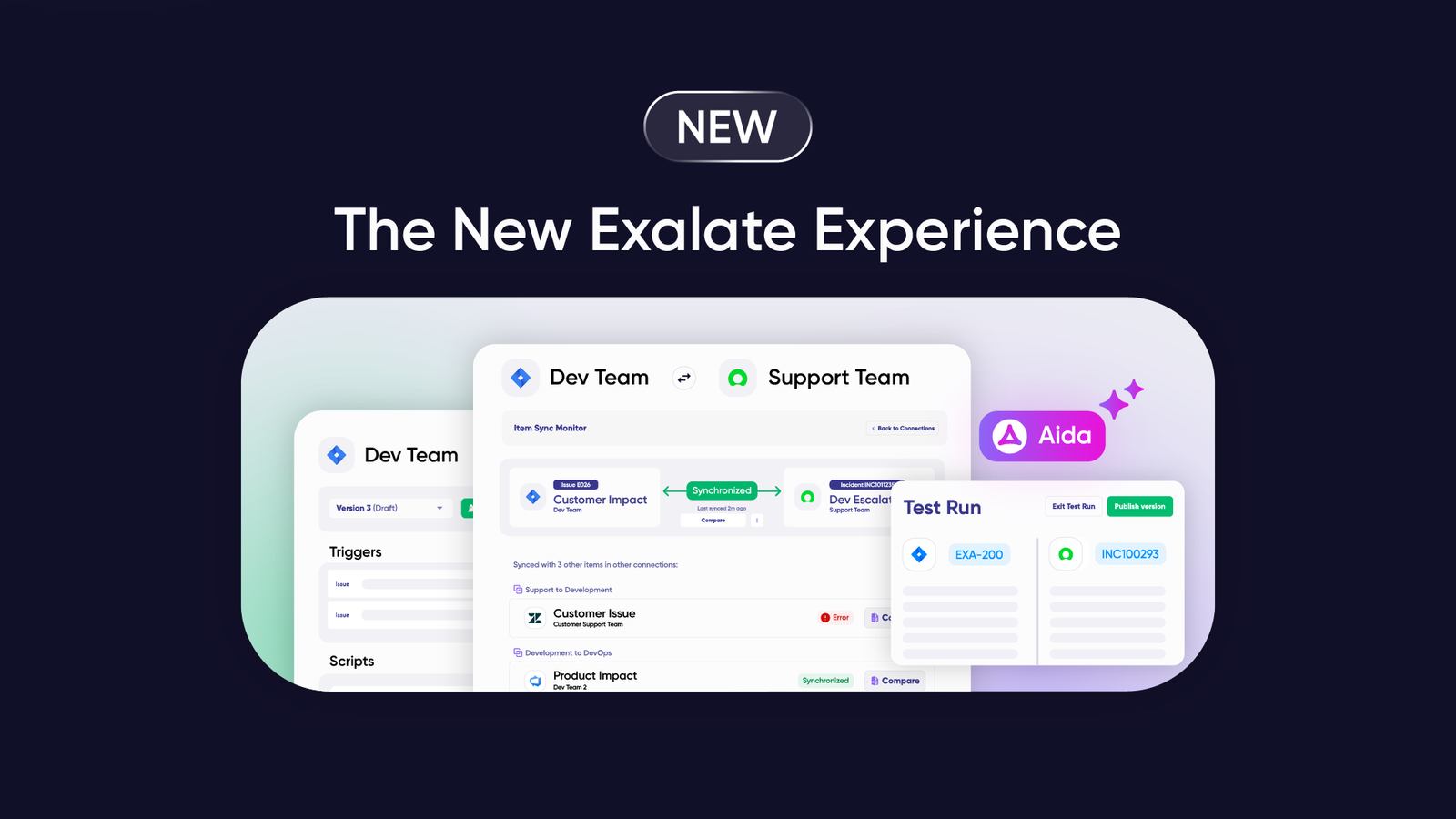
Exalate has been in the trenches of integrations long enough to acknowledge these challenges. We specialize in helping businesses integrate different systems, like Jira, ServiceNow, Salesforce, Azure DevOps, etc. It’s built over an AI-powered scripting engine that allows teams to create custom, scalable integrations that meet their specific needs.
A recent conversation with my colleagues at Exalate quickly turned into a deep dive into how AI is reshaping integration. This isn’t just theory; it’s something we’re actively building into our approach every day.
What if AI could take some of the heavy lifting off your plate?
That’s exactly where the world of integration is heading, and it’s changing everything, from how integrations are built to who gets to control them.
These shifts are too important to ignore, which is why we are sharing our collective take on where integration is heading and why it matters. And if you’re in the business of connecting systems, tools, or workflows, this is something you’ll want to keep a close eye on.
The Old Integration Way: Drag, Drop, and Hope
For years, integrations have been viewed as “easy” drag-and-drop interfaces or template-based solutions.
These tools promise simplicity, but they often feel like trying to squeeze a square peg into a round hole.
Sure, they work, but they’re not exactly flexible. As businesses grow and systems get more complex, these old-school methods start to show their age.
This is where script-based solutions like Exalate are promising. Instead of being limited by predefined templates, you get the flexibility to configure integrations that truly match your unique business workflows. You can create custom rules that handle the exact logic you need.
But this comes with certain challenges: having the right technical knowledge and the ability to handle ongoing maintenance of scripts.
So, how can integration vendors overcome these challenges while making sure they stay relevant for the user?
How AI is Changing the Way Integrations Work?
When integrations are combined with AI, they bring forth the most valuable asset for the user: context.
It’s this context, the deeper understanding of both systems at play, that’s often missing in the current integration setups.

Just like Usman Shani (AI Engineer at Exalate) puts it across: Imagine what AI can do if it knows the whole structure on both sides of the integration. Context is key!
When AI steps in, it’s not just helping systems talk to each other; it’s learning the language they speak, the workflows they follow, and the nuances of how data flows between them.
From building quick, low-code connectors to auto-generating tailored scripts for more complex use cases, AI is actively simplifying how integrations are built and scaled. It’s reducing the grunt work by making smarter decisions, matching data fields, mapping relationships, and catching potential errors before they happen.
The beauty of AI in integrations is that it can automatically suggest optimizations based on how your system is set up. Bruno Dauwe (Product manager at Exalate) says. It’s like having an assistant who already knows how everything is supposed to work.
For Exalate, this means using AI to automatically generate sync rules and making intelligent, context-aware synchronization. Imagine an integration that can auto-suggest mappings based on historical prompts and current configurations.
Let’s say you’re connecting two systems with different workflows, like Jira and ServiceNow.
Traditionally, this would involve lots of back-and-forths: comparing data formats and fields, mapping statuses and setting up detailed integration requirements, scripting the integration logic, and ensuring everything lines up.
But with AI, the system can learn your setup, ask more contextual questions, and suggest integration scripts and mappings based on language, not just rigid fields.
So, if Jira has a “Ready for Development” status while ServiceNow calls it “In Progress.” The AI will recognize that these are essentially the same statuses but use different terminology. It can then map those for you, without you having to figure it out manually.
But this is just the tip of the iceberg. Progressing in this journey for us means using AI to build integrations end-to-end, starting from the integration plan to troubleshooting, maintenance, and much more.
I see AI learning my system’s quirks and suggesting improvements. Bruno explains. Instead of asking me to input data, it takes a look at my workflow and knows exactly what to do.
How do Different Integration Tools Leverage AI?
Different integration tools use AI in unique ways to address specific business needs.
Here’s how AI is being used in modern integration tools:
AI as a Co-Pilot for Building Integrations
In this approach, AI works towards generating integrations by understanding plain language. Instead of writing sync scripts or code, you just describe what you want in simple terms, and the AI builds the workflows or scripts for you.
It can suggest the next steps, map data automatically, or even generate your integration plan. This makes creating complex integrations much faster and less dependent on technical skills.
AI as Part of a Workflow
Here, AI is used as part of the actual integration steps.
For example, a message could be translated automatically, customer feedback could be analyzed for sentiment, or meeting notes could be summarized. In other cases, AI generates social media posts, answers questions, or checks grammar as part of the process. Essentially, AI becomes one of the building blocks inside the flow, not just a helper for building it.
AI for Clean and Connected Data
Some tools focus less on “flashy” AI features and more on making sure the data flowing between systems is ready for AI, calling it data normalization for AI. They ensure that the information is clean, standardized, and synchronized in real time across tools. This way, when businesses feed the data into their AI models or agents, the results are more reliable.
AI Orchestrator For Multiple AI Models
Some tools have an AI orchestrator that manages the interaction between various AI models and business systems.
It acts as a coordination layer, using APIs and standard data formats to enable Natural Language Processing (NLP) models and predictive algorithms to collaborate.
Over time, the orchestrator learns which AI combinations yield the best results, continuously optimizing integration patterns.
Exalate’s AI Assist works as a copilot for generating sync scripts. It’s still early days, but our direction is clear: AI isn’t just a backend enhancement but will work as your assistant in designing, implementing, managing, and scaling integrations.
AI’s Impact on IT Teams: From Overworked to Overseeing
As AI tools get better at handling integrations, the role of the IT team is also shifting. Traditional integration methods often required IT teams or admins to be deeply involved in the day-to-day management of integrations, monitoring for errors, and tweaking workflows.
Now, AI is taking over most of that, leaving IT leaders with more strategic oversight responsibilities.
IT leaders will move from being implementers to strategists, says Francis Martens (CEO and CTO at Exalate). Instead of worrying about every little detail, they’ll be focused on making sure AI integrations stay aligned with business needs.
But, AI isn’t here to replace IT professionals entirely. It’s more about complementing their expertise.
Yes, AI can handle a lot of the grunt work, Gill Van de Water (IT Manager at Exalate), but someone still needs to make sure the system is secure and that the integration follows company policies. AI can automate, but we still need human oversight.
The Skills IT Leaders Need for AI-assisted Integration
Adapting to the AI-powered future is not just about being able to build an integration anymore; it’s about understanding AI, how it works, and how to validate its outputs.
One thing that came up a lot in our discussions? AI literacy. IT leaders don’t need to be AI experts, but they do need to know enough to keep things running smoothly.
Bruno sums it up perfectly: It’s like knowing how to Google something. You don’t need to be a computer scientist; you just need to know how to phrase the question.
In short, knowing how to prompt AI effectively and critically evaluate its answers will be key skills for future IT leaders.
Should IT Leaders “Give Up” Traditional Ways of Integration?
As AI becomes more advanced, many are asking: Should we ditch the traditional ways of integration in favor of AI-powered integrations? Some say yes, because AI is faster, smarter, and more efficient. But not everyone is ready to abandon traditional methods completely.
There are still areas where traditional integration tools make sense, Francis says. For highly regulated industries or complex setups, you still want that human touch. AI’s not ready to handle everything just yet.
Why Traditional Integration Still Matters
- Control and Predictability: Critical business processes still need strict rules, guaranteed delivery, and reliable results. Traditional ESB/iPaaS patterns make this predictable and easy to test.
- Compliance: Regulated industries (finance, healthcare, public sector) need full traceability, logs, and audit trails. AI’s “black box” decisions can make this complicated.
- Legacy systems: Many core systems (mainframes, old ERPs) still rely on connectors that AI can’t easily replace.
- Security: Sensitive data often requires on-prem setups with strict access rules.
- Cost control: AI costs can spike as usage grows. Traditional tools have more predictable pricing.
- Organizational maturity: Organizations already have skills, rules, and systems built around traditional methods. Switching too fast adds risk.
Why AI-Powered Integration is Attractive
- Speed to value: AI can auto-map fields, infer schemas, and build connectors in hours instead of weeks.
- Handling messy, unstructured integration needs: Emails, PDFs, images, and free text are easier for AI to handle.
- Self-healing: AI can detect issues, suggest fixes, and auto-recover from common errors.
- Accessibility: Natural-language prompts make integration easier for non-experts.
That said, hybrid approaches, where AI is used alongside traditional tools, are emerging as a middle ground. This way, businesses can get the best of both worlds: the flexibility and ease of AI, combined with the reliability and control of traditional methods.
The Future of AI in Integration
So, what does the future hold for AI-powered integrations? For many, it’s about business agility and innovation.
As AI simplifies integration tasks, more people, especially business users, will be able to take charge of the process. The result? Faster, more innovative business functions.
But this shift also means changes in company culture. IT teams will no longer be the gatekeepers of integration; business users, also called citizen integrators, will have a much bigger role in setting up integrations with better control, and AI guiding the way.
It’s an exciting, yet challenging transition, one that requires training and upskilling to ensure smooth adoption.
Looking Ahead
AI is changing the way we think about integration, giving business users more control over the process.
But as with any major shift, there are challenges. IT leaders will need to balance the power of AI with the need for oversight and security. And as AI continues to evolve, new skills will be needed to keep up. Still, one thing is clear: the future of integration is AI-driven, and it’s happening faster than we think.
Acknowledgments
This article was shaped by insights from:
- Francis Martens, our CEO and CTO, who leads the strategic shift at Exalate as AI reshapes integrations.
- Bruno Dauwe, our Product Manager, who leads Exalate towards an AI-powered future.
- Gill Van de Water, our IT Manager, who emphasizes the changing role of IT admins in the current context of AI-powered integrations.
- Usman Shani, our AI Engineer, who has brought to life all AI efforts at Exalate.